
Key Takeaways
- First insight: A character sheet is a production document, not a pretty picture. It locks identity details like hair shape, face proportions, and outfit colors so AI tools stop drifting between renders.
- Craft highlight: The best prompt structure separates “who” from “looks” from “wardrobe.” Describe age, gender, job, then hairstyle, then clothing colors, in that order, for the most stable results.
- Industry context: Turnarounds, expression sheets, and pose sheets are the industry standard from animation and game art. AI tools now replicate this workflow, but the underlying discipline is decades old.
- Bottom line: Stop prompting for consistency. Build a reference sheet once, then reuse it. That single step saves hours of regeneration and keeps your protagonist recognizable across every scene.
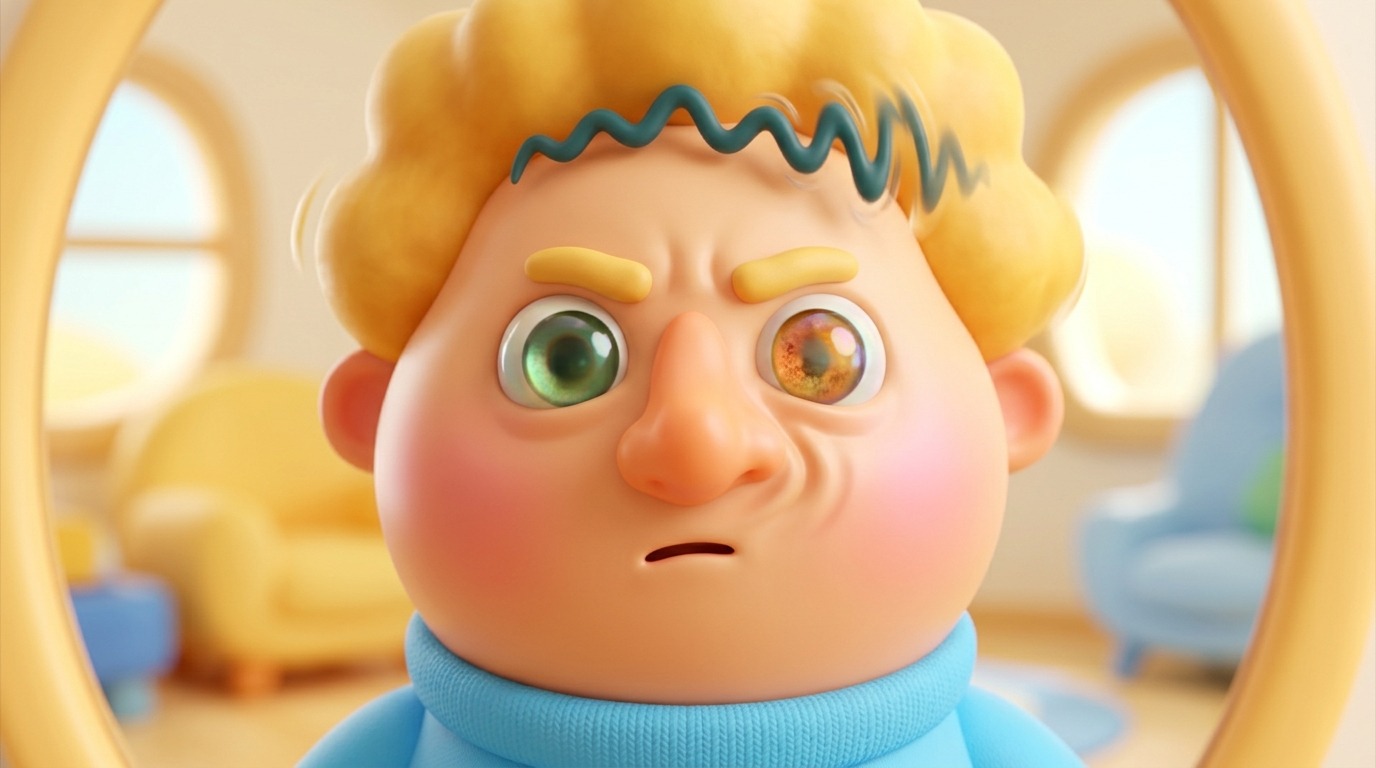
AI character sheet prompts are the fastest way to stop your protagonist changing face every third frame. A character sheet comes straight from animation and game production, where a turnaround shows a character from front, side, and back so every artist draws the same person. AI image generators now support the same discipline, but only if your prompt is structured the right way. Below you get the master prompt structure, the turnaround and expression workflows, and the fixes for when a face drifts.
Need a Director for Your Next Project?
From commercials to branded campaigns—Olivier brings creative vision and technical expertise.
→ View ProjectsThis guide breaks down the exact prompts and workflows that produce consistent, realistic character sheets in tools like Leonardo AI and Recraft Studio.
Why Your Characters Keep Changing Faces

The most common complaint in AI art communities is character inconsistency. Generate a portrait, then generate the same character in a new scene, and the nose changes, the eye color shifts, the hairline moves. The cause is almost always the same: you are prompting for a description instead of a reference.
A text prompt like “a woman with brown hair and blue eyes” leaves too much room for interpretation. The model has seen thousands of brown-haired women with blue eyes, and it will happily blend them into a new face each time. You are not giving the model a fixed identity. You are giving it a genre.
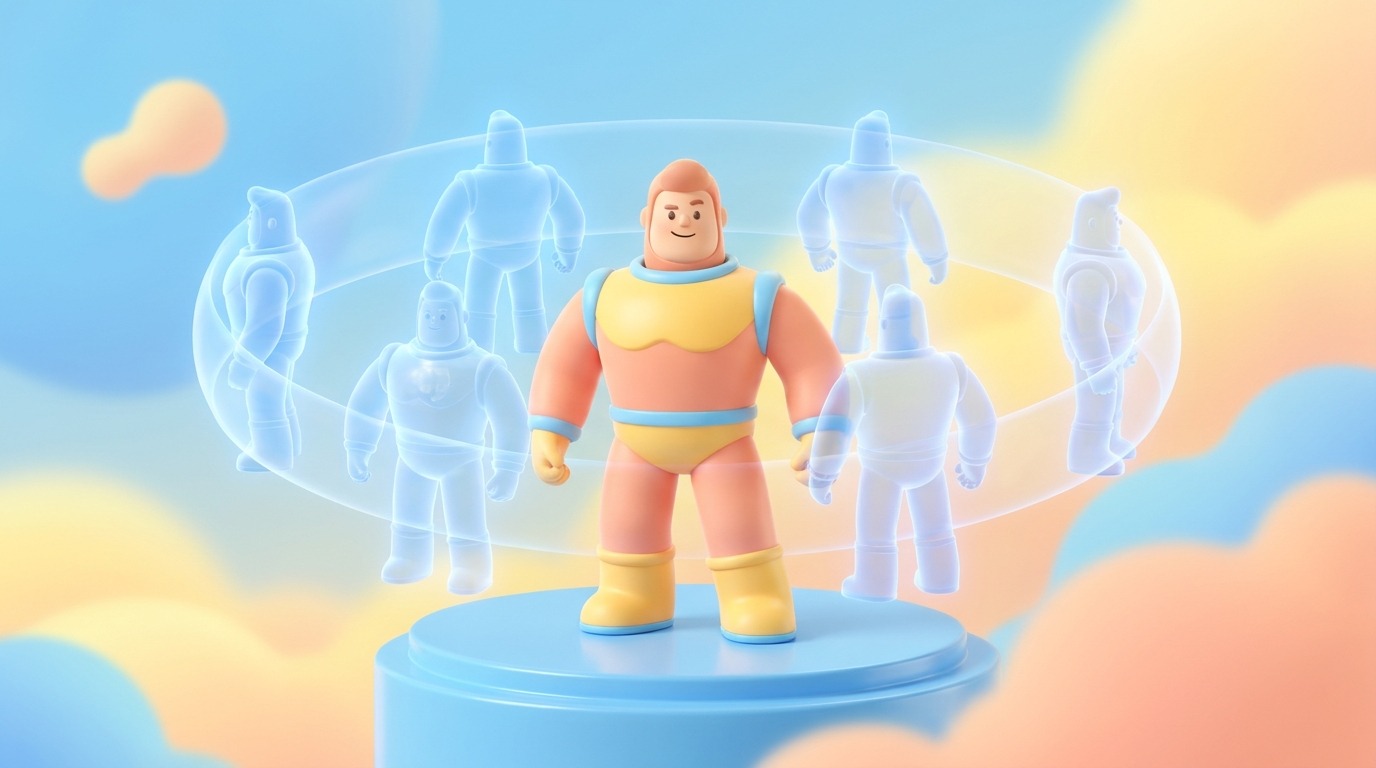
Character sheets solve this by locking identity into a single image that subsequent generations can reference. In short, the sheet locks in the identity: hair shape, face and body proportions, and outfit colors. Once you have that locked reference, every new image you generate can be guided by it, and the model has something concrete to copy instead of a vague description to reinterpret.
This is not a new problem. Animation studios have used model sheets for nearly a century to keep characters consistent across hundreds of artists. The model sheet tradition on Wikipedia shows how the practice originated in cel animation and carried into game design. AI tools are finally mature enough to support the same workflow, but the thinking behind it is old and proven.
Anatomy of a Realistic Character Sheet
A proper character sheet has three components: a turnaround, an expression sheet, and a pose sheet. Each serves a different production need, and together they give you complete coverage of your character.
The turnaround is the foundation. It shows the character from the front, the side, and the back, usually in the same neutral standing pose. This is what establishes the physical identity: face shape, body proportions, hairstyle from every angle, and the full outfit as it wraps around the body. If you only make one sheet, make this one.
The expression sheet captures emotional range. It shows the same character smiling, frowning, angry, surprised, and neutral, all in a consistent head-and-shoulders framing. This is essential for dialogue scenes and emotional beats, because you need the same face to express different feelings without drifting into a different person.
The pose sheet shows the character in action. Walking, running, sitting, gesturing, interacting with objects. This is your reference for body language and staging, and it helps the AI understand how the character occupies space rather than just how they look standing still.
In practice, most AI tools can generate all three from a single source image. The workflow is usually the same: generate one solid front-facing portrait, then use that image as the input for a turnaround, then use the turnaround as the input for expressions and poses. Each step builds on the last, and the consistency compounds.
The Master Prompt Structure
The key to a realistic character sheet is a prompt that separates identity from appearance from wardrobe. Most prompts mash these together, which confuses the model and produces generic results. The fix is a three-part structure that gives the model clear, sequential instructions.
Part one is the who. State age, gender, and occupation or creature type. This anchors the character in a believable social and physical context. A 45-year-old fisherman looks different from a 25-year-old office worker, and the model needs that context before it can render details.
Part two is the looks. Describe hairstyle, hair color, face shape, eye color, skin tone, body type, and any distinctive features like scars, freckles, or glasses. Be specific. “Short curly black hair” is better than “dark hair.” “Round face with a wide nose” is better than “average face.” The more precise you are here, the less room the model has to improvise.
🎬 AI Render Pro Studio, the AI film production suite I built and use on my own productions. Script breakdown, storyboards, 30+ video models including Seedance 2.5 and Kling O3, image generation, retouch, 7K upscaling and audio, all in one browser workspace. $19/month flat, bring your own API keys and pay providers at cost, no credit packs, no markup. Try AI Render Pro Studio →
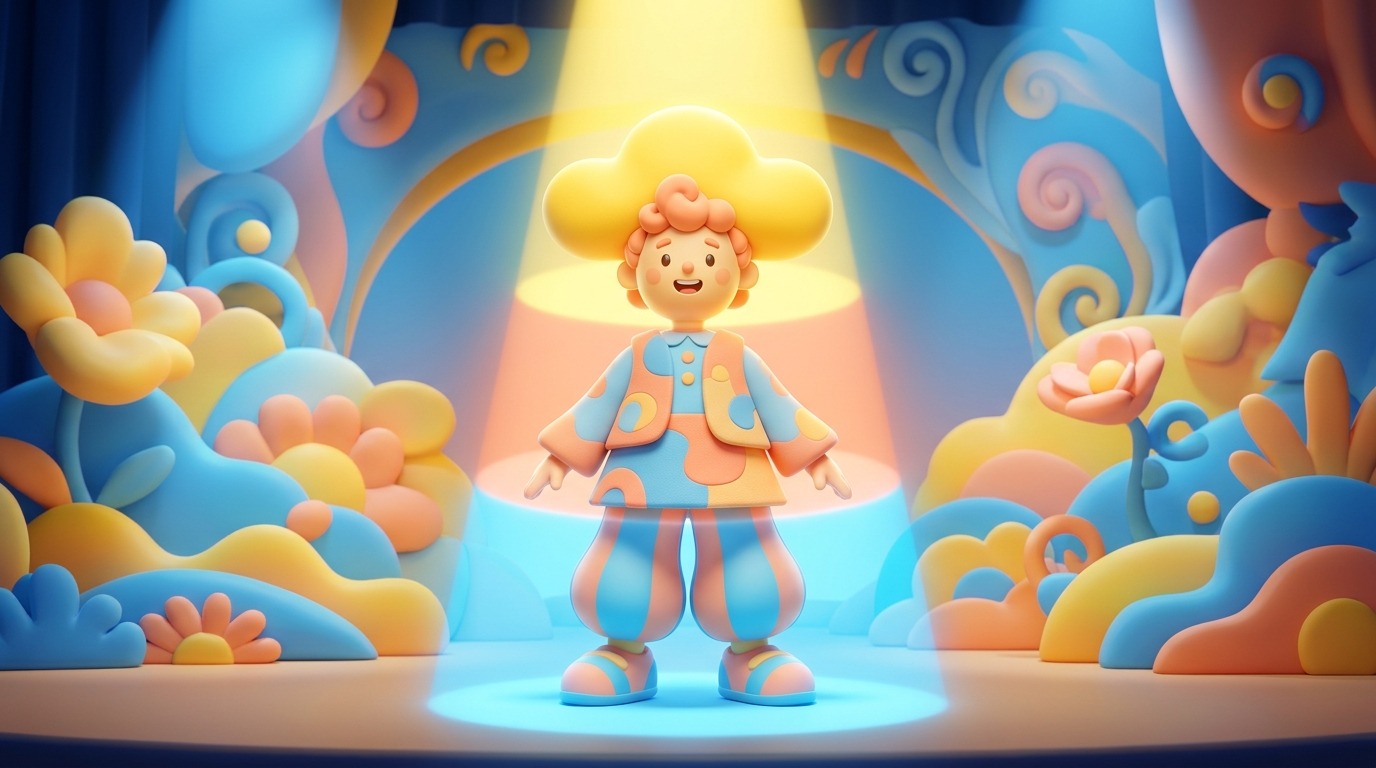
Part three is the wardrobe. Describe the outfit in full, including colors, fabrics, layers, and accessories. This is where most character consistency fails, because clothing is highly variable. If you want the same jacket in every scene, you have to specify that jacket exactly, every time.
Here is a template you can adapt for your own characters:
Character sheet of [age] [gender] [occupation], [body type].
[Hairstyle], [hair color], [face shape], [eye color], [skin tone].
Wearing [top], [bottom], [shoes], [accessories].
Full body, front view, neutral pose, plain background, studio lighting.
This structure works across multiple tools because it follows the logic of how the models are trained. Identity first, appearance second, wardrobe third. When you reuse this structure with a reference image, the model has both a textual description and a visual anchor, which dramatically improves consistency.
Leonardo AI Turnaround Workflow
Leonardo AI is one of the most popular tools for character sheet work, and it has a dedicated community of users sharing techniques. A common question is how to create a turnaround character sheet when you already have a full-body generated image.
The answer usually involves using the image-to-image feature with a carefully crafted prompt that specifies multiple views. You take your existing full-body image as the input, then prompt for “front view, side view, back view, turnaround, character sheet, plain white background.” The model then attempts to generate a sheet with all three views of your character.
The key is to keep the character description in the prompt identical to the description you used for the original image. If you change even one detail, like the hair color or the jacket style, the model will interpret that as a new character and the turnaround will not match your original.
Another technique that works well in Leonardo is to generate a single front-facing portrait first, then use that as the input for a second pass that asks for a three-view turnaround. This two-step approach gives the model a clean reference to work from, rather than expecting it to invent a full turnaround from a text prompt alone.
One thing to watch in Leonardo is the aspect ratio. A turnaround sheet is typically wide, because it shows three or more views side by side. Set your canvas to a landscape ratio like 16:9 or 3:2 before you generate, otherwise the model will try to cram all views into a portrait frame and the result will look cramped.
Recraft Studio Step-by-Step
Recraft Studio has a straightforward workflow for character reference sheets, and Recraft publishes an official guide that covers it in detail. Here is a simplified version. The process starts with a single image and builds out a turnaround, an expression sheet, and a pose sheet from that one source.
Step one is to generate or upload a solid front-facing image of your character. This image is your anchor, so it needs to be clean and well-composed. A plain background helps the model focus on the character rather than the environment.
Step two is to create the turnaround. Use the source image as the input and prompt for a three-view character sheet showing front, side, and back. Recraft handles this reasonably well because it can reference the source image directly rather than relying purely on text.
Step three is to create the expression sheet. Take the front view from your turnaround as the new source image, and prompt for multiple facial expressions in a grid. Keep the character description identical, and specify the expressions you want: neutral, happy, sad, angry, surprised.
Step four is to create the pose sheet. Use the same front view as the source, and prompt for the character in various poses: walking, running, sitting, gesturing. This gives you the body language reference you need for action scenes and dialogue staging.
Step five is to save all three sheets as a single reference pack. Keep them organized in a folder, and use them as inputs for all subsequent generations of this character. The more you reuse the same reference images, the more consistent your character will be across your entire project.
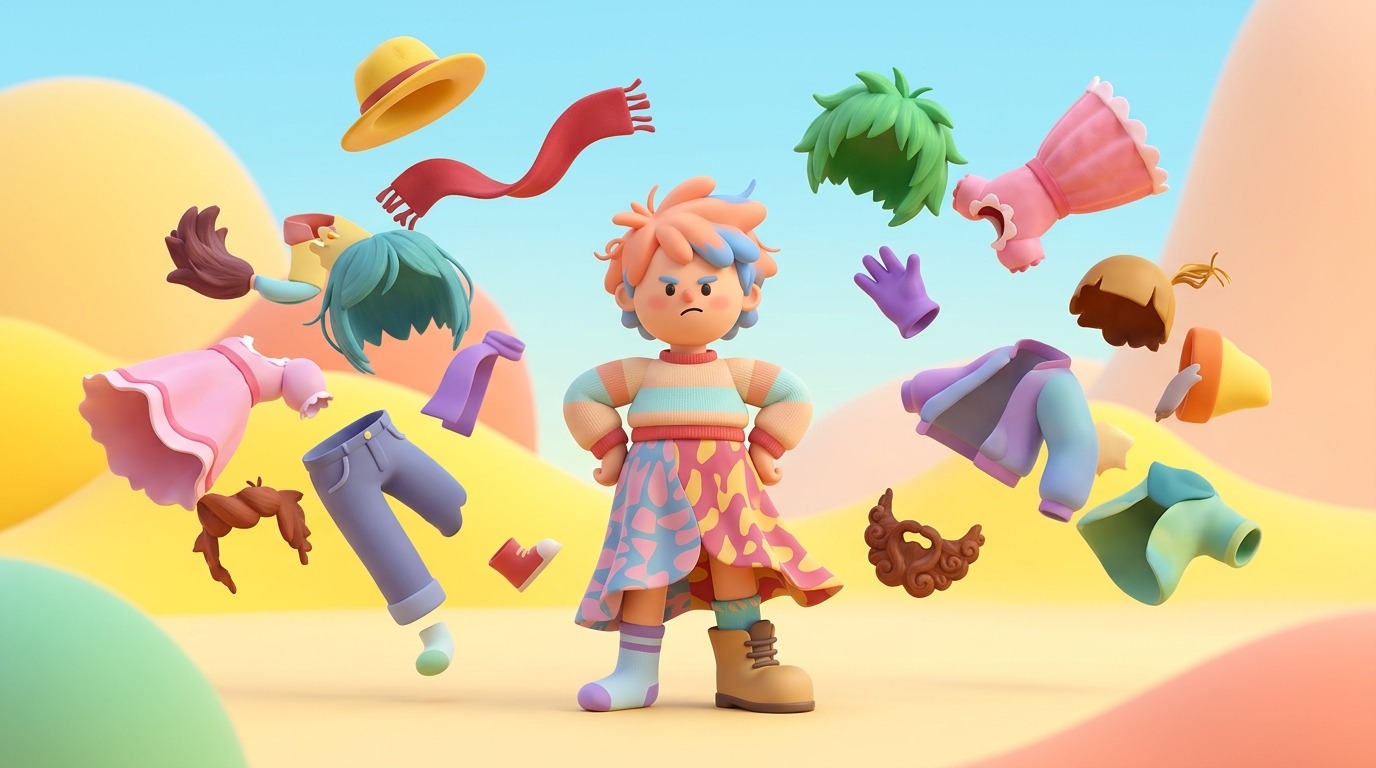
Troubleshooting Common Failures
Even with a solid workflow, you will hit failures. The most common one is the model ignoring your reference image and generating a new face anyway. This usually happens when your text prompt contradicts the reference image, so the model has conflicting instructions.
Fix this by keeping your text prompt minimal when using a reference image. Instead of describing the character in full, just say “same character as reference, front view, neutral pose.” The less text you add, the more the model relies on the image, which is what you want for consistency.
Another common failure is the model producing a turnaround where the three views look like three different people. This happens when the model treats each view as an independent generation rather than a continuous rotation. The fix is to specify “same person, same face, same outfit, three views” explicitly in the prompt.
A third failure is the model changing the outfit between views. This is often caused by vague wardrobe descriptions. If you say “jacket and jeans,” the model has too much freedom. Say “denim jacket, white t-shirt, black jeans, brown boots” and you will get a consistent outfit.
Finally, if your character sheet looks flat or lifeless, the problem is usually the background. A plain white or gray background is best for reference sheets, because it removes environmental distractions and forces the model to focus on the character. If you generate on a scenic background, the model will spend effort on the environment and the character will suffer.
Expression Sheets and Pose Sheets
Once your turnaround is solid, the next step is expression sheets. These are grids of the same character showing different emotional states, and they are essential for dialogue scenes. Without them, you will struggle to show a character reacting emotionally without their face changing.
The prompt for an expression sheet is straightforward: “same character as reference, head and shoulders, grid of four expressions: neutral, happy, sad, angry, plain background.” Keep the character description minimal and rely on the reference image for identity.
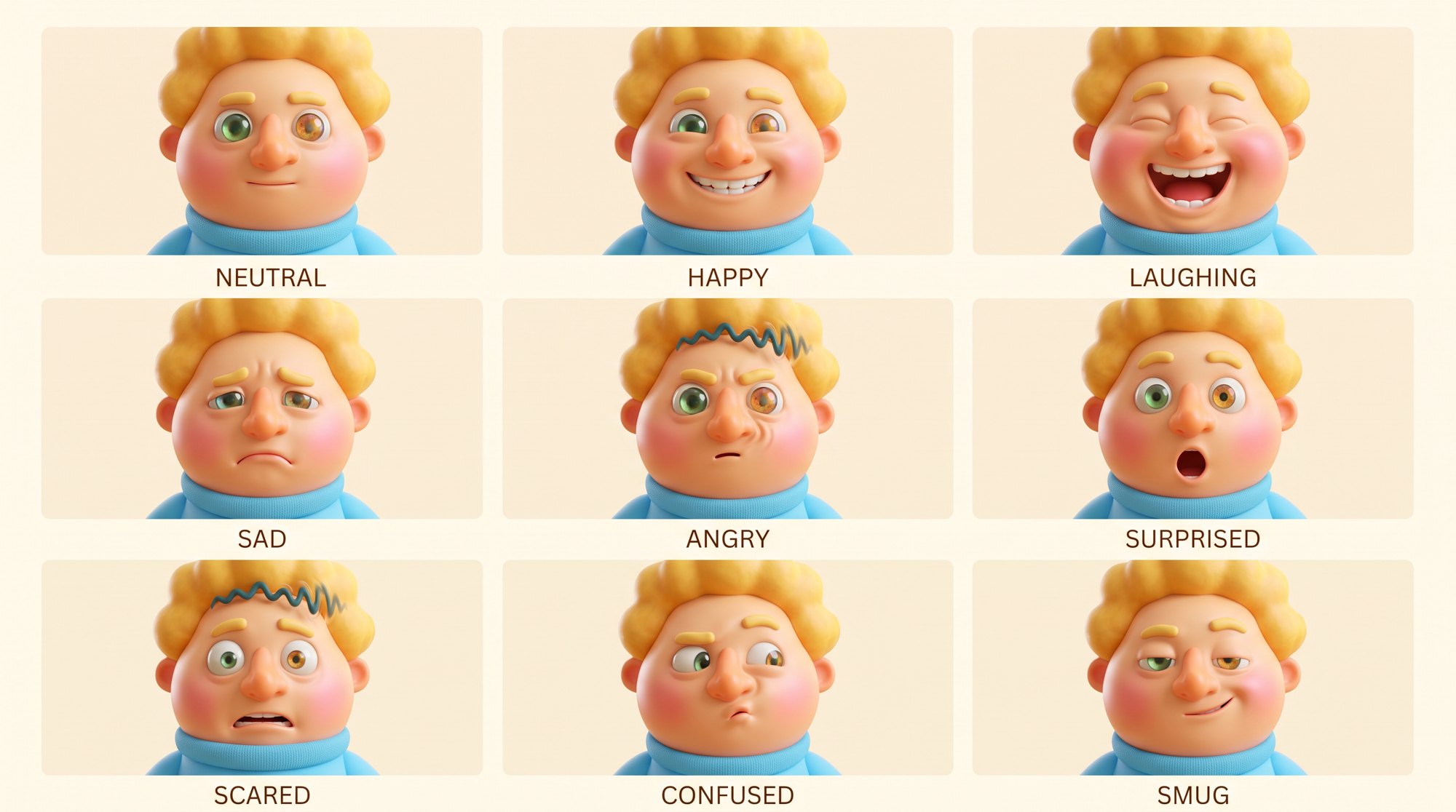
This sheet was made in AI Render Pro Studio, which does two jobs in one place: it renders the image, and it gives you presets so you do not rebuild the prompt every time. There are ready-made presets for character sheets and expression sheets, and for backgrounds and locations too, and reference-driven rendering keeps the same character across every sheet. Pick the preset, load your character as the reference, and render.
Pose sheets are similar, but they focus on body language. “Same character as reference, full body, grid of four poses: walking, running, sitting, standing, plain background.” These are useful for action scenes and for understanding how your character moves through space.
Both sheet types benefit from a consistent grid layout. Ask the model for a 2×2 or 2×3 grid, and specify the number of expressions or poses you want. This gives you a single image you can reference easily, rather than generating each expression separately.
The key to both is the same as the turnaround: use the reference image, keep the text minimal, and specify the exact range of emotions or poses you need. The more you practice this, the faster you will get at producing usable reference packs.
Using Sheets in Real Production
A character sheet is only useful if you actually use it in production. The mistake many creators make is generating a nice sheet, then going back to text-only prompts for the actual scenes. That defeats the entire purpose.
When you generate a scene with your character, always include the reference sheet as an image input alongside your scene prompt. This tells the model, “here is the character, now put them in this scene.” The scene prompt handles the environment and action, while the reference sheet handles the identity.
This workflow is especially important for multi-scene projects like short films or comic books. If your character appears in twenty scenes, and each scene is generated independently, you need the reference sheet to keep them looking the same across all twenty. Without it, you will end up with twenty different faces.
On my own AI-assisted projects I have seen this exact problem play out. I have spent years building a workflow around consistent character design, and the reference sheet approach is central to it. If you want to see more of my directing and how I apply these principles, check out herodirector.tv.
The practical takeaway is simple: build your reference pack once, then treat it as a production asset. Store it in your project folder, name it clearly, and use it in every generation that features that character. This discipline will save you hours of regeneration and give your project a cohesive visual identity.
Every AI image in this article was prompted and rendered with AI Render Pro Studio, the AI film production suite I built for filmmakers and creatives. Read the full breakdown here.
Frequently Asked Questions
What is a character sheet in AI art?
A character sheet is a reference image that shows a character from multiple angles, typically front, side, and back, along with expressions and poses. It locks in the character’s identity so AI tools can reproduce the same person across multiple generations.
Why does my AI character keep changing appearance?
Because you are prompting with a text description instead of a visual reference. Text descriptions leave too much room for interpretation, so the model generates a new face each time. Using a character sheet as an image input fixes this by giving the model a concrete visual anchor.
What is the best prompt structure for a character sheet?
Separate identity from looks from wardrobe. Start with age, gender, and occupation, then describe hair, face, and body, then describe the outfit in detail. Use this same structure every time you generate the character, and always include a reference image.
Can I create a character sheet from a single image?
Yes. Tools like Recraft Studio and Leonardo AI support image-to-image workflows where you upload a single front-facing portrait and generate a turnaround, expression sheet, and pose sheet from it. The key is to keep the text prompt minimal and consistent.
How many views should a character sheet have?
At minimum, three: front, side, and back. This gives you enough information to understand the character’s full appearance. For more complex characters, you can add a three-quarter view and a close-up of the face.
Discover more from Olivier Hero Dressen Blog: Filmmaking & Creative Tech
Subscribe to get the latest posts sent to your email.

Work with Olivier
Director | CD | DP & Photographer
Specializing in commercials, music videos, AI-driven filmmaking, and cinematic storytelling for brands and production companies.
🌍 Shanghai · Paris · Los Angeles · Dubai
🎬 View Portfolio & Get in Touch