
Key Takeaways
- First insight: A practical AI movies pipeline is not about one magic tool. It is a modular chain of specialized software for storyboarding, video generation, sound design, and color grading, each with a specific job and cost.
- Craft highlight: The most common mistake in AI movies is skipping shot planning. Pre-production with tools like ComfyUI or Kling’s storyboard mode saves hours of wasted generation and fixes narrative logic before you render a single frame.
- Industry context: As of late 2026, the AI filmmaking space has matured past experimental shorts. Filmmakers are now using these pipelines for commercial work, music videos, and festival submissions, with budgets ranging from zero to several thousand dollars per project.
- Bottom line: You can start making AI movies today with free tools and a clear plan. The barrier is not cost. It is understanding the workflow sequence and learning to control consistency across shots.
AI movies are no longer a futuristic concept. They are a practical, repeatable production method that any filmmaker can learn and apply right now, in October 2026. The technology has moved past the novelty phase. What we have today is a mature set of tools that, when assembled into a proper pipeline, can produce coherent, visually compelling short films and even feature-length projects.
Need a Director for Your Next Project?
From commercials to branded campaigns—Olivier brings creative vision and technical expertise.
→ View ProjectsThis article is a practical guide for filmmakers who want to build that pipeline from scratch. No hype. No vague promises. Just the tools, the steps, the costs, and the craft decisions that actually matter.
Why AI Movies Demand a Real Pipeline
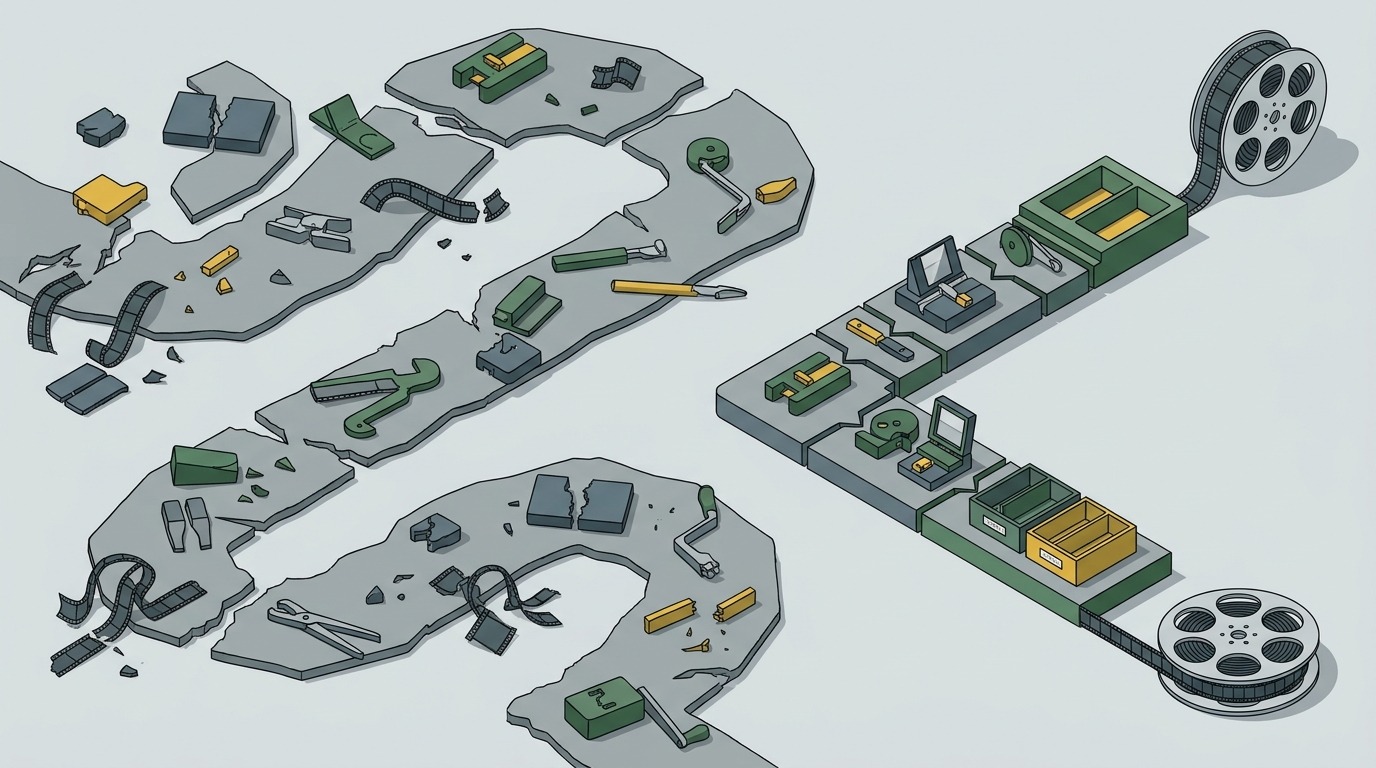
Most people trying to make AI movies fail because they treat it like a single step. They type a prompt into a video generator, get a clip, and call it a day. The result is a disjointed mess with no narrative coherence, inconsistent characters, and audio that sounds like it was recorded in a wind tunnel.
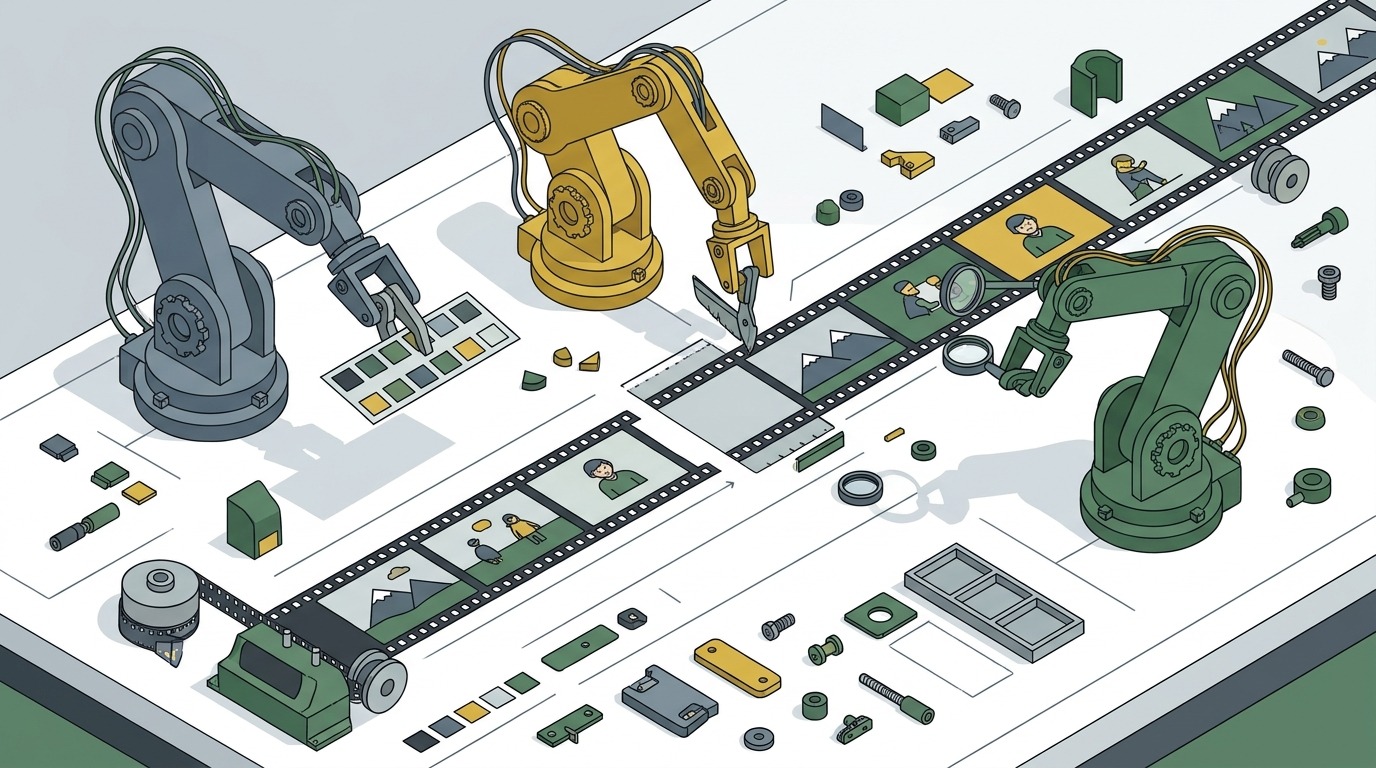
A pipeline solves that. A pipeline is a repeatable sequence of tools and decisions that takes you from an idea to a finished film. In traditional filmmaking, the pipeline is camera, lighting, sound, editing, color grading. In AI movies, the pipeline is different, but the principle is the same. You need to know what comes first, what comes second, and what each tool actually contributes.
The biggest shift in 2026 is that the tools have stabilized. We are no longer in the era of weekly model updates that break your workflow. Platforms like AI in film production on Wikipedia have documented the maturation of the field. The models are consistent enough that you can build a repeatable process. The question is no longer “can this work?” It is “how do I make it work for my specific story?”
This guide answers that question. Every section below is built from verified, real-world experience shared by working AI filmmakers, including a detailed masterclass breakdown from a filmmaking studio that has been running these pipelines for over a year. The advice is specific, the costs are real, and the mistakes are documented so you can avoid them.
Pre-Production: The Step Most AI Filmmakers Skip
The single most common mistake in AI movies is jumping straight to video generation without any pre-production. In traditional film, you would never start shooting without a script, a storyboard, and a shot list. AI filmmaking is no different, but beginners treat the AI as a miracle worker that can fix anything in post. It cannot.
Pre-production for AI movies starts with a written script. Not a vague idea. A proper script with scene headings, action lines, and dialogue. This is non-negotiable. The script is your blueprint. Without it, you have no way to plan the visual consistency that AI models struggle with most.
Next comes shot planning. You need to decide exactly what each shot will look like before you generate anything. This means writing a shot list that describes the camera angle, the framing, the lighting, the character position, and the action in each shot. One filmmaker who shared their complete workflow on The AI Film Workflow No One is Talking About…Yet emphasizes that every minute spent on shot planning saves ten minutes of wasted generation later.
Storyboarding is where AI tools become genuinely useful in pre-production. You can use image generation models to create rough storyboard panels for each shot. This gives you a visual reference for composition and lighting before you commit to video generation. It also forces you to think about continuity. If your character is wearing a red jacket in shot one and a blue jacket in shot two, the AI will not fix that for you. You have to catch it in the storyboard phase.
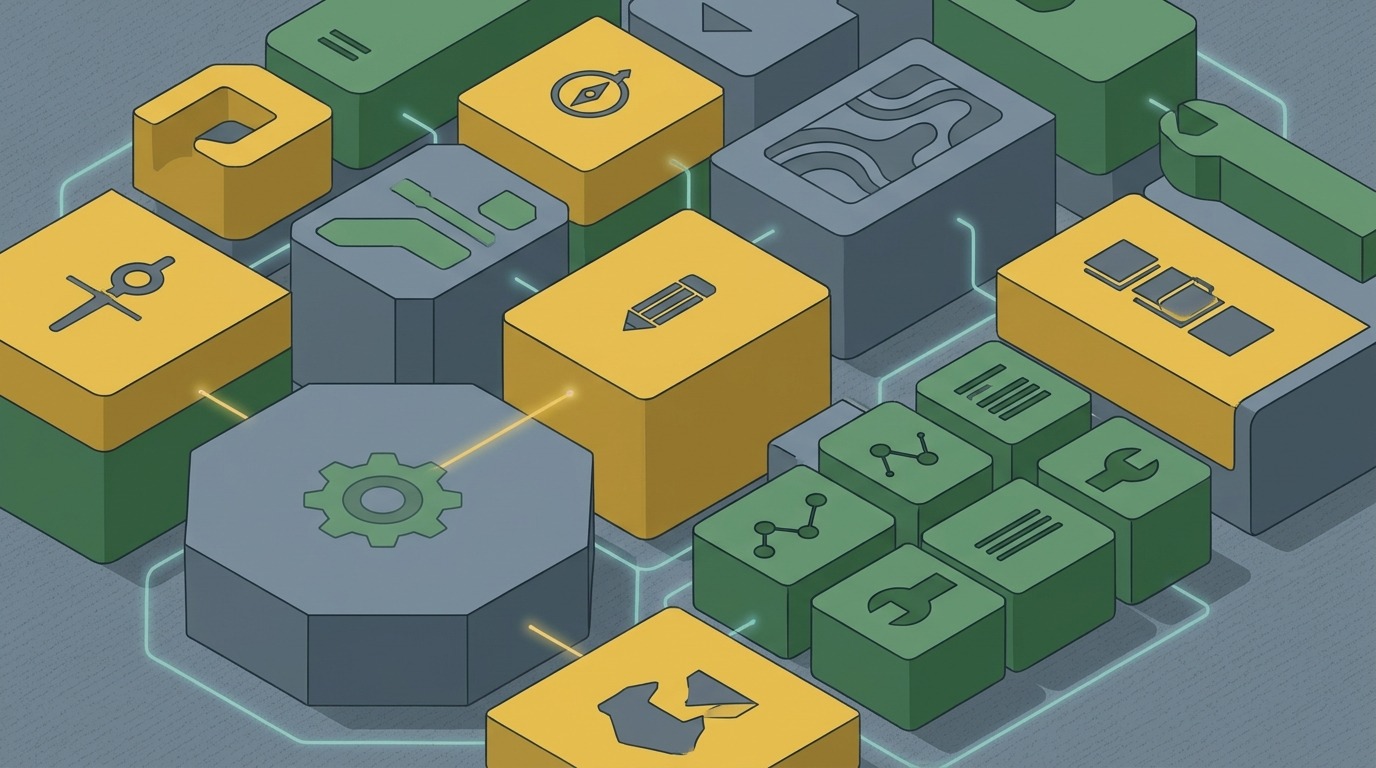
The most advanced pre-production workflows now use tools like ComfyUI for node-based image generation, allowing filmmakers to set up consistent character references and environment templates before generating a single video frame. This is the difference between a film that looks like a random slideshow and one that feels like a coherent visual story.
The Core Tool Stack for AI Movies in 2026
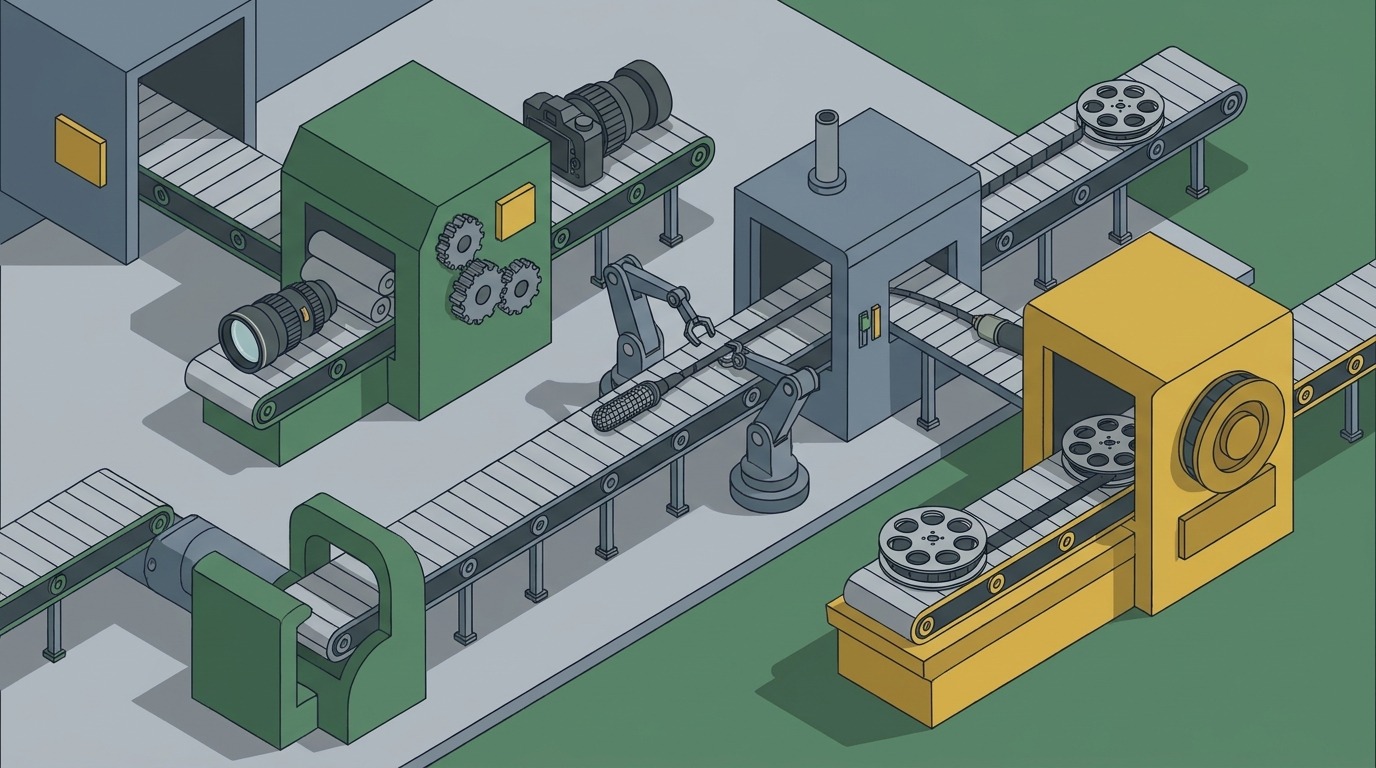
Building an AI movies pipeline means knowing which tool does what and where it fits in the sequence. No single tool does everything well. The best results come from a modular stack where each piece has a specific job.
Start with image generation. This is the foundation. Tools like Midjourney, DALL-E 3, and Stable Diffusion via ComfyUI are the workhorses. You use these to generate consistent character designs, environment references, and storyboard panels. The key here is consistency. You need to establish a visual style and stick to it. Changing models mid-project is a recipe for disaster.
Next is video generation. This is where the motion happens. As of 2026, the leading platforms include Runway Gen-3, Kling, Pika, and the open-source models available through ComfyUI workflows. Each has strengths and weaknesses. Runway is strong on realistic motion. Kling excels at cinematic camera movements. Open-source models give you maximum control but require more technical setup.
Sound design is the most overlooked part of the AI movies pipeline. You can get away with mediocre video. You cannot get away with bad audio. Tools like ElevenLabs for voice generation, Soundraw for music, and various AI audio cleanup tools are essential. Higgsfield is one platform that integrates video models with audio generation, making it a good starting point for beginners who want a single environment to learn in.
Editing and color grading come last. You edit your generated clips in a traditional NLE like DaVinci Resolve or Premiere Pro. The AI work is done. Now you are a regular editor. Color grading is especially important because AI-generated footage often has inconsistent lighting from shot to shot. A good grade can unify the look and hide the seams.
The complete tool stack for a professional AI movies pipeline, as documented by the AeliaVision guide to building a full AI film pipeline, includes image generation, video generation, lip-sync tools, sound design, editing, and color grading. Each stage has its own best-in-class tool. You do not need all of them on day one. But you need to know they exist so you can add them as your projects get more ambitious.
Video Generation: From Stills to Motion
Video generation is the heart of the AI movies pipeline, but it is also the most frustrating part. The models are powerful, but they are not magic. They need careful input to produce usable output.
The fundamental technique is image-to-video. You generate a still image that matches your storyboard, then use a video model to animate it. This gives you far more control than text-to-video, which tends to produce random results. The image acts as a anchor. The model knows what the character looks like, what the environment is, and what the lighting should be. Your prompt then describes the motion.
🎬 AI Render Pro Studio, the AI film production suite I built and use on my own productions. Script breakdown, storyboards, 30+ video models including Seedance 2.5 and Kling O3, image generation, retouch, 7K upscaling and audio, all in one browser workspace. $19/month flat, bring your own API keys and pay providers at cost, no credit packs, no markup. Try AI Render Pro Studio →
Prompt engineering for video is different from image prompting. You need to describe motion, camera movement, and timing. A good video prompt might be: “The character walks slowly toward the camera, wind blowing their hair, camera slowly tilting up, cinematic lighting, 4K.” The model uses the image for the visual details and the prompt for the temporal information.
Consistency across shots is the biggest challenge. If you generate each shot independently, the character will look different in every scene. The solution is to use a consistent character reference image across all generations. Some tools now support character reference features that let you upload a photo of your character and the model will try to maintain their appearance across shots. It is not perfect, but it is getting better.
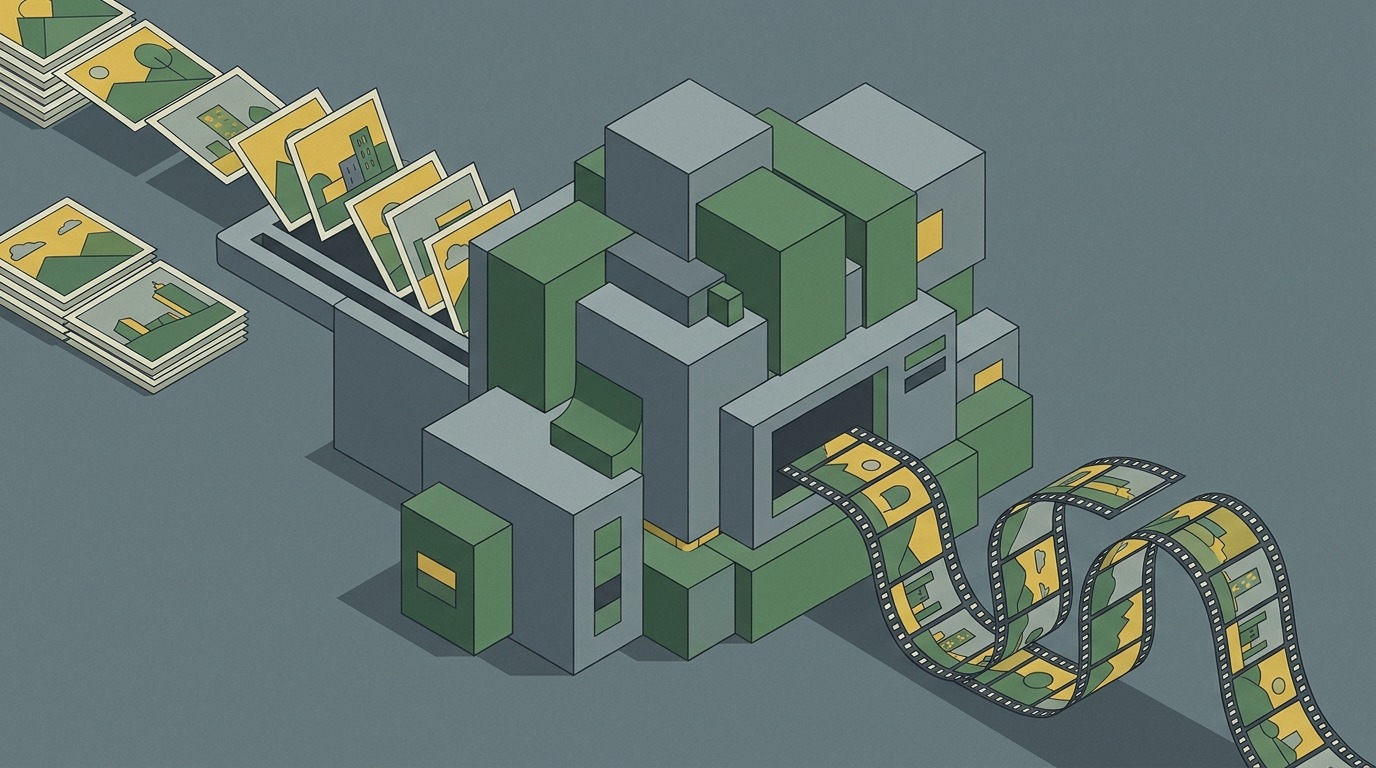
Another technique is to generate multiple variations of each shot and select the best one. This is expensive in terms of compute time and credits, but it is the only reliable way to get high-quality results. One filmmaker reported generating fifty versions of a single shot to get two usable takes. That is the reality of AI movies in 2026. The models are fast, but they are not precise. You need to generate in volume and curate aggressively.
The latest models also support camera control. You can specify camera pans, tilts, dollies, and zooms in your prompt. This is a game-changer for storytelling because it allows you to create dynamic shots that feel cinematic rather than static. Learning to write motion prompts is a skill that takes practice, but it is one of the highest-leverage things you can learn as an AI filmmaker.
Sound Design and Music for AI Movies
Sound is where most AI movies fall apart. Filmmakers spend days generating perfect visuals, then slap on a generic royalty-free track and call it done. The result is a film that looks professional but sounds amateur. Audiences notice immediately.
The AI movies pipeline needs a dedicated sound stage. Start with voice. If your film has dialogue, you need to generate it with a tool like ElevenLabs or Play.ht. These platforms allow you to clone a voice, adjust emotion, and control pacing. The result is not perfect, but it is good enough for most projects. The key is to generate multiple takes and pick the best one, just like you would with a human actor.
Sound effects are the next layer. AI sound generation tools like Soundraw and Meta’s Audiocraft can generate custom sound effects from text descriptions. You can create footsteps, door creaks, wind, rain, and any other sound your scene needs. This is far better than using generic sound libraries because the sounds match your specific visuals.
Music is the final piece. AI music generation has advanced significantly. Tools like Suno, Udio, and Soundraw can generate original music tracks based on genre, mood, and tempo prompts. The trick is to generate the music after you have edited the visuals, so you can match the music to the pacing of the scenes. Generate a few options, pick the best one, and adjust the edit to fit the music’s structure.
One workflow that works well is to edit the video first, then export a rough cut with a temporary audio track. Then generate the final music and sound effects to fit the timing of the rough cut. This prevents the common problem of having to re-edit your video to fit a pre-generated music track. The sound should serve the picture, not the other way around.
The 10 Lessons for AI Filmmakers guide emphasizes that sound design is not an afterthought. It is a core part of the pipeline that deserves as much time and attention as the visuals. A film with great visuals and bad sound will be unwatchable. A film with decent visuals and great sound will be engaging. Prioritize audio from day one.
Post-Production: Editing, Color, and Consistency
Post-production for AI movies is surprisingly similar to traditional post. You import your generated clips into a non-linear editor, arrange them on a timeline, and cut them together. The difference is that you have far more clips to work with and far more inconsistency to manage.
Editing AI-generated footage requires a different mindset. You cannot rely on continuity from shot to shot because the AI will not maintain it perfectly. You need to edit around the inconsistencies. Cut on action. Use inserts and cutaways to hide mismatches. If a character’s jacket changes color between shots, cut to a close-up of their face or a different object before the inconsistency becomes obvious.
Color grading is the most powerful tool for fixing AI inconsistency. A strong color grade can unify footage from different models, different lighting conditions, and different generations. You grade the entire film to a common look, and suddenly the inconsistencies become less noticeable. DaVinci Resolve is the industry standard for this, and it works perfectly with AI-generated footage.
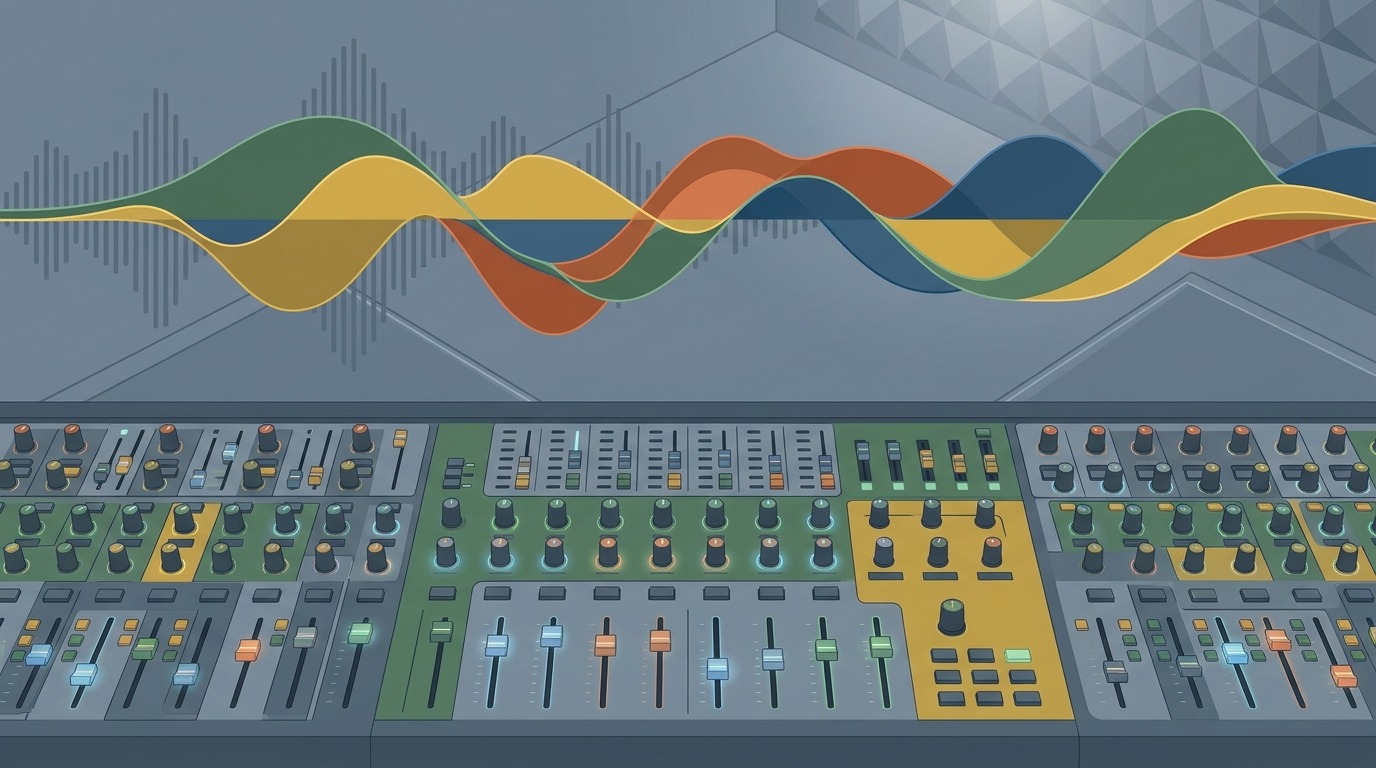
Another post-production technique is to use AI upscaling and frame interpolation to improve the quality of your generated clips. Tools like Topaz Video AI can upscale 1080p footage to 4K and add frames to smooth out motion. This is especially useful for footage generated at lower resolutions or with choppy motion. It adds render time, but the quality improvement is significant.
One thing that surprises many new AI filmmakers is how much traditional editing skill still matters. The AI does not do the storytelling for you. It generates raw material. You still have to structure the narrative, pace the scenes, and make emotional decisions about what to show and what to cut. The AI Filmmaking Course – Day 1 makes this point clearly. The AI is a tool. You are still the filmmaker. The craft of editing, pacing, and storytelling is what separates a good AI film from a bad one.
What Your First AI Movie Actually Costs
Let’s talk money. The cost of making AI movies varies wildly depending on your ambition and your existing equipment. You can make a short film for free if you use only open-source tools and free tiers. You can also spend thousands of dollars on a five-minute project. The key is knowing where your money goes and what you actually need.
Free options exist. ComfyUI is free and open-source. Stable Diffusion models are free. Kling offers a free tier with limited generations. ElevenLabs has a free tier for voice generation. You can assemble a complete pipeline for zero dollars. The trade-off is time and quality. Free tiers have generation limits, slower speeds, and lower resolution outputs. For a first project, this is perfectly fine. You learn the workflow without financial risk.
The paid tiers are where professional results live. A typical five-minute AI short film might cost between $50 and $500 in generation credits, depending on how many versions you generate and what resolution you need. Runway’s paid plan is around $30 per month for standard generation. Kling’s credits cost roughly $0.10 per generation. ElevenLabs voice cloning is $5 per month. Soundraw music generation is $16 per month.
The biggest cost is time. Generating and curating footage takes hours. One filmmaker reported spending 40 hours on a three-minute short. The generation itself is fast, but the curation, the re-generation, the editing, and the sound design all take time. Budget your time as carefully as you budget your money.
If you want a detailed breakdown of costs for a first project, the Your First AI Film: Budget Guide on this site walks through every expense. The bottom line is that AI movies are cheaper than traditional filmmaking by orders of magnitude, but they are not free. Plan your budget before you start generating.
10 Lessons for AI Filmmakers: What the Tutorials Don’t Tell You
The AI filmmaking community has been sharing lessons learned the hard way. The 10 Lessons for AI Filmmakers resource distills the most important insights from experienced practitioners. Here are the ones that matter most for building your pipeline.
First, consistency is everything. A single inconsistent character or environment detail will break the illusion. Use reference images, character sheets, and environment templates. Do not rely on the model to remember what your character looks like. It will not.
Second, generate more than you think you need. A 50% usable rate is optimistic. Plan for a 20% usable rate and generate accordingly. The extra time spent generating is worth it because you will have better options in the edit.
Third, sound matters more than visuals. A mediocre image with great sound is watchable. A great image with bad sound is unwatchable. Spend at least as much time on sound design as you spend on video generation.
Fourth, learn to write effective prompts. This is a skill that takes practice. Study how other AI filmmakers write their prompts. Experiment with different phrasing. Keep a prompt library of what works and what does not.
Fifth, use AI tools for what they are good at and traditional tools for everything else. Do not try to do everything with AI. Edit in a traditional NLE. Grade in DaVinci Resolve. Use AI for generation, not for the entire post-production pipeline.
Sixth, plan for failure. Your first generation will not be perfect. Your tenth generation might not be either. Build in time for iteration. The difference between a good AI film and a great one is usually three more rounds of generation and curation.
Seventh, collaborate. AI filmmaking is still new enough that most people are figuring it out together. Share your workflows. Ask for feedback. Watch what other AI filmmakers are doing and learn from their successes and failures.
Eighth, think about distribution before you start. Where will this film be seen? YouTube? Vimeo? Film festivals? The platform affects your technical decisions. YouTube compresses video heavily, so you might prioritize strong audio over ultra-high resolution. Film festivals have specific submission requirements. Plan for the destination.
Ninth, the technology will change. The pipeline you build today will be outdated in six months. That is fine. Build your pipeline to be modular so you can swap out individual tools as better ones appear. Do not get too attached to any single platform.
Tenth, make something you care about. AI movies are still a novelty to most audiences. The films that break through are the ones with a genuine emotional core. Do not make a film just to show off the technology. Make a film because you have a story that needs to be told, and AI is the best tool to tell it.
How to Start Making AI Films for Free
If you are reading this and thinking “I want to try this today but I have no budget,” here is a concrete plan. You can start making AI movies right now with zero dollars spent.
Step one: write a script. Keep it short. One to three minutes. One location. One or two characters. This keeps the scope manageable and reduces the consistency challenges. The AI Filmmaking Course – Day 1 is a good starting point for this exact approach.
Step two: generate your character and environment references using a free image generation tool. Stable Diffusion via ComfyUI is free. You can run it on a modest computer or use a free cloud service like Google Colab. Generate a consistent character image and a few environment images. These are your visual anchors.
Step three: use a free video generation tool like Kling’s free tier or Runway’s free credits to generate your shots. Start with image-to-video. Upload your reference image and write a motion prompt. Generate multiple versions of each shot. Pick the best one.
Step four: edit your clips in a free video editor. DaVinci Resolve has a powerful free version. Cut your clips together, add transitions, and build your narrative structure.
Step five: generate sound. Use ElevenLabs free tier for voice. Use free sound effect libraries or generate simple sounds with free AI audio tools. Use the free version of Soundraw or Suno for music.
Step six: export and share. Upload to YouTube or Vimeo. Get feedback. Learn what worked and what did not. Then start your next project with the lessons you learned.
The entire process can be done in a weekend. The result will not be perfect, but it will be yours. You will have a complete AI film that you made from scratch. That is the best way to learn the pipeline. Theory is useful. Practice is essential. The AI filmmaking community on Reddit is full of people who started exactly this way and are now making professional-quality work.
What Comes Next for AI Movies
AI movies are evolving fast. The pipeline I have described here is current as of October 2026, but it will change. The models will get better. New tools will appear. The cost will drop. The quality will rise. That is the nature of this technology.
What will not change is the need for craft. A good film is a good film regardless of how it was made. The AI does not replace the filmmaker. It gives the filmmaker a new set of tools. The same principles of storytelling, pacing, composition, and sound design still apply. The filmmaker who masters the pipeline will be the one who also masters the craft.
The next frontier is real-time generation. We are already seeing tools that can generate video in near real-time, which opens up possibilities for live performance and interactive storytelling. The pipeline for those projects will look different from the one described here, but the foundational skills will transfer. Learn the basics now, and you will be ready for whatever comes next.
For filmmakers who want to see what professional AI movies look like today, the work coming out of studios like the one behind Digger (2026) shows what is possible when the pipeline is executed well. The film uses AI generation for its visual effects and environments, with traditional filmmaking techniques for the performances and narrative structure. It is a hybrid approach that points to the future of the medium.
The advice for anyone starting today is simple: build your pipeline, make your first film, learn from your mistakes, and make another one. The technology will keep improving. Your craft will keep improving. The combination is powerful. AI movies are not the future. They are the present. The only question is whether you will be part of it.
Every AI image in this article was generated with AI Render Pro, the prompting engine I built for filmmakers and creatives. Read the full breakdown here.
Frequently Asked Questions
What is the best free tool to start making AI movies?
ComfyUI combined with Stable Diffusion models is the most powerful free option for image and video generation. For beginners who want a simpler interface, Kling’s free tier offers a good balance of quality and ease of use. Start with one tool and learn it well before adding more to your pipeline.
How long does it take to make a five-minute AI film?
For a first project, expect 30 to 60 hours of total work. This includes writing, generating footage, curating clips, editing, sound design, and color grading. Experienced AI filmmakers can reduce this to 10 to 20 hours for a simple project. The generation time is fast, but the curation and editing take the most time.
Can AI movies be submitted to film festivals?
Yes. Many film festivals now accept AI-generated films, and some have dedicated categories for them. Check the submission guidelines for each festival. Some require disclosure of AI tools used. The quality of the film matters more than the method of production. A well-crafted AI film can compete with traditionally produced films.
How do you maintain character consistency across shots in AI movies?
Use a consistent reference image for your character in every generation. Tools like Runway and Kling support character reference features. Generate all shots of a character in the same session if possible. In post-production, use color grading and editing techniques to hide minor inconsistencies. The more consistent your reference material, the better the results.
Do I need a powerful computer to make AI movies?
Not necessarily. Many AI generation tools run on cloud servers, so you only need a web browser and a decent internet connection. Local tools like ComfyUI require a GPU with at least 8GB of VRAM for reasonable performance. Cloud-based tools are the easiest way to start without investing in hardware. You can upgrade to local tools as your projects become more demanding.
Discover more from Olivier Hero Dressen Blog: Filmmaking & Creative Tech
Subscribe to get the latest posts sent to your email.
Work with Olivier
Director | CD | DP & Photographer
Specializing in commercials, music videos, AI-driven filmmaking, and cinematic storytelling for brands and production companies.
🌍 Shanghai · Paris · Los Angeles · Dubai
🎬 View Portfolio & Get in Touch