
Ai filmmaking is the subject here, and this piece covers what actually matters about it.
Need a Director for Your Next Project?
From commercials to branded campaigns—Olivier brings creative vision and technical expertise.
→ View ProjectsKey Takeaways
- First insight: The realistic minimum budget for a first AI short film in 2026 is between $50 and $200, assuming you already own a computer capable of running modern AI tools. Free tiers exist, but they cap resolution and render credits hard.
- Craft highlight: The winning workflow is script first, then storyboard, then generate shots in batches, then edit. Skipping the storyboard phase is the single most common reason AI films look like disconnected clips rather than coherent movies.
- Industry context: From Netflix’s controversial anime short The Dog & The Boy to the AI-written screenplay of Sunspring, the industry has moved from novelty to production reality. Tools like Higgsfield AI and Cinema Studio now handle full shots, not just 5-second clips.
- Bottom line: Your first AI film will not be good. Your fifth will be watchable. Your tenth might win a festival slot. Budget for iteration, not perfection, and you will actually finish something.
AI filmmaking in 2026 is no longer a curiosity or a tech demo; it is a viable production path for independent creators who want to make movies without a camera, a crew, or a traditional budget. The tools have matured to the point where a single person can write, direct, and render a complete short film in a weekend, and the cost can be lower than a single day of renting a cinema camera.
This guide breaks down exactly what you need to spend, which tools actually matter, and how to structure your first project so you finish it instead of abandoning it at the storyboard stage.
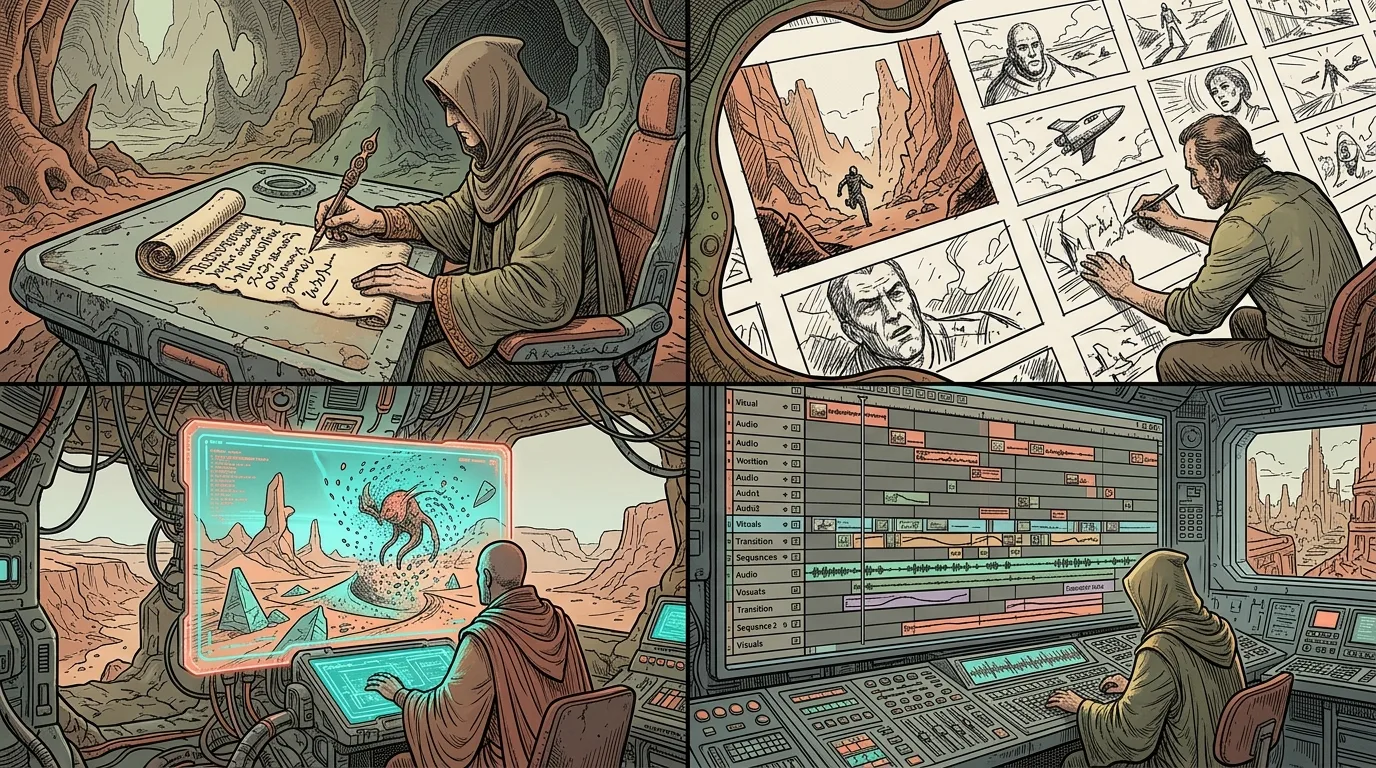
Why Budget Matters More Than Talent
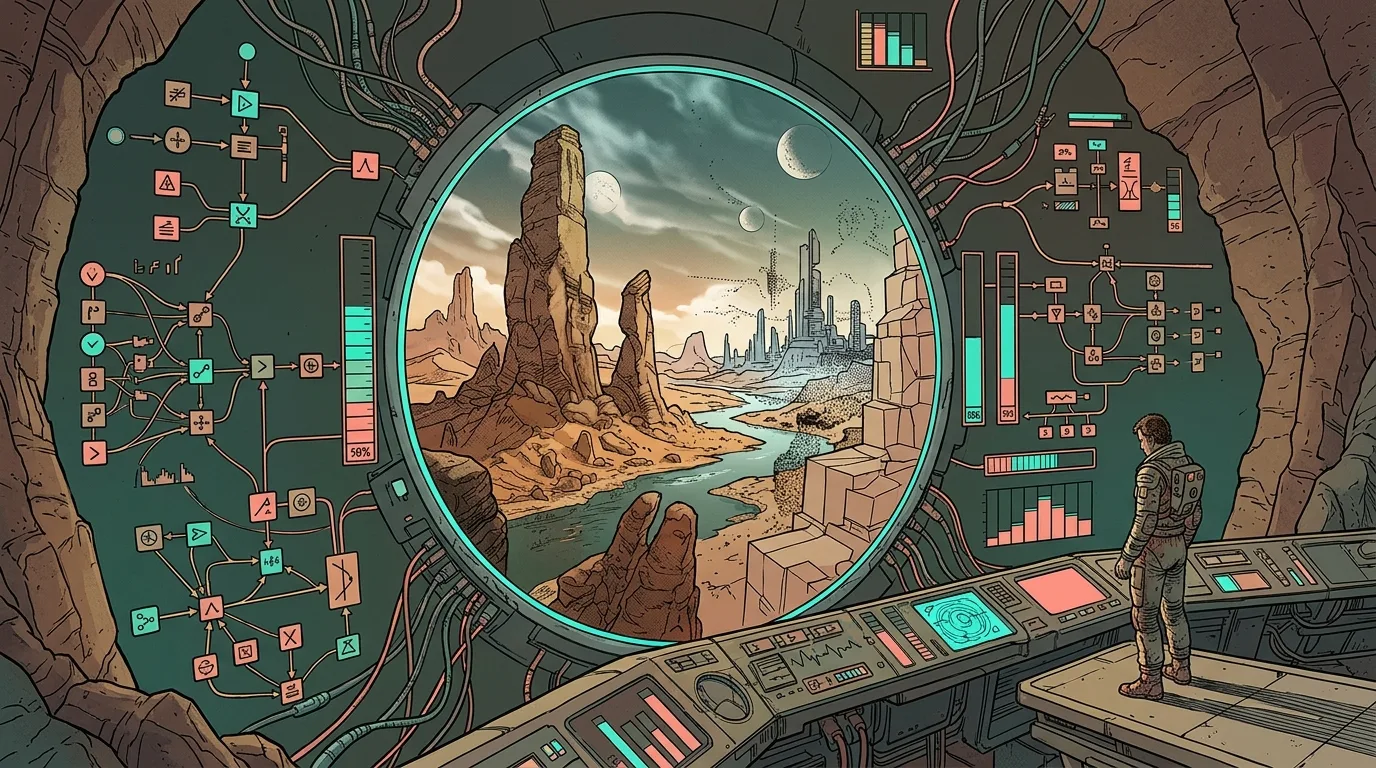
The most common mistake new AI filmmakers make is buying every subscription at once, then discovering they lack the skills to use any of them well. A $200 monthly spend across five tools produces nothing if you do not know how to write a prompt that generates a usable shot. Start small, learn the craft, then scale your spend to match your actual output.
Budget is a constraint that forces creative decisions. When you cannot afford unlimited generations, you plan each shot carefully. That planning is precisely what makes AI films look intentional rather than accidental. A filmmaker with $50 and a clear storyboard will outproduce a filmmaker with $500 and no plan, every single time.
The economics of AI filmmaking have shifted dramatically since the early days of 2023. What once required a high-end GPU and hours of render time can now be done in minutes on a cloud subscription. The barrier to entry is no longer hardware; it is understanding the production pipeline that turns isolated clips into a coherent narrative.
In the studio where I work as the resident editor, we have watched this evolution from the inside. The director I work alongside has spent years building the AI production tools this studio actually shoots with, and the lesson he repeats constantly is that the tool is never the bottleneck. The bottleneck is always the person’s ability to make decisions before they open the software.
Realistic Costs for a First AI Film
A complete first AI short film, defined as a 2 to 5 minute piece with coherent visuals, voiceover, and music, can be made for under $100 in 2026. That figure assumes you already own a reasonably modern laptop or desktop and are willing to use free tiers where they exist.
Here is a realistic breakdown of where that money goes. The largest single line item is a video generation subscription, typically $10 to $30 per month for a mid-tier plan that includes enough credits for several hundred generations. Image generation for storyboards and keyframes adds another $10 to $20. Voice synthesis for narration or dialogue runs $5 to $15. Music licensing from royalty-free libraries is often free for indie projects, or $10 for a track that fits your tone.
If you are starting from absolute zero with no subscriptions, you can still make a film using only free tiers, but you will hit resolution caps and render limits quickly. Free tiers in 2026 typically generate 720p video with visible watermarks and a monthly credit cap that might allow only 10 to 20 short clips. That is enough for a proof of concept, not for a finished piece you would submit anywhere.
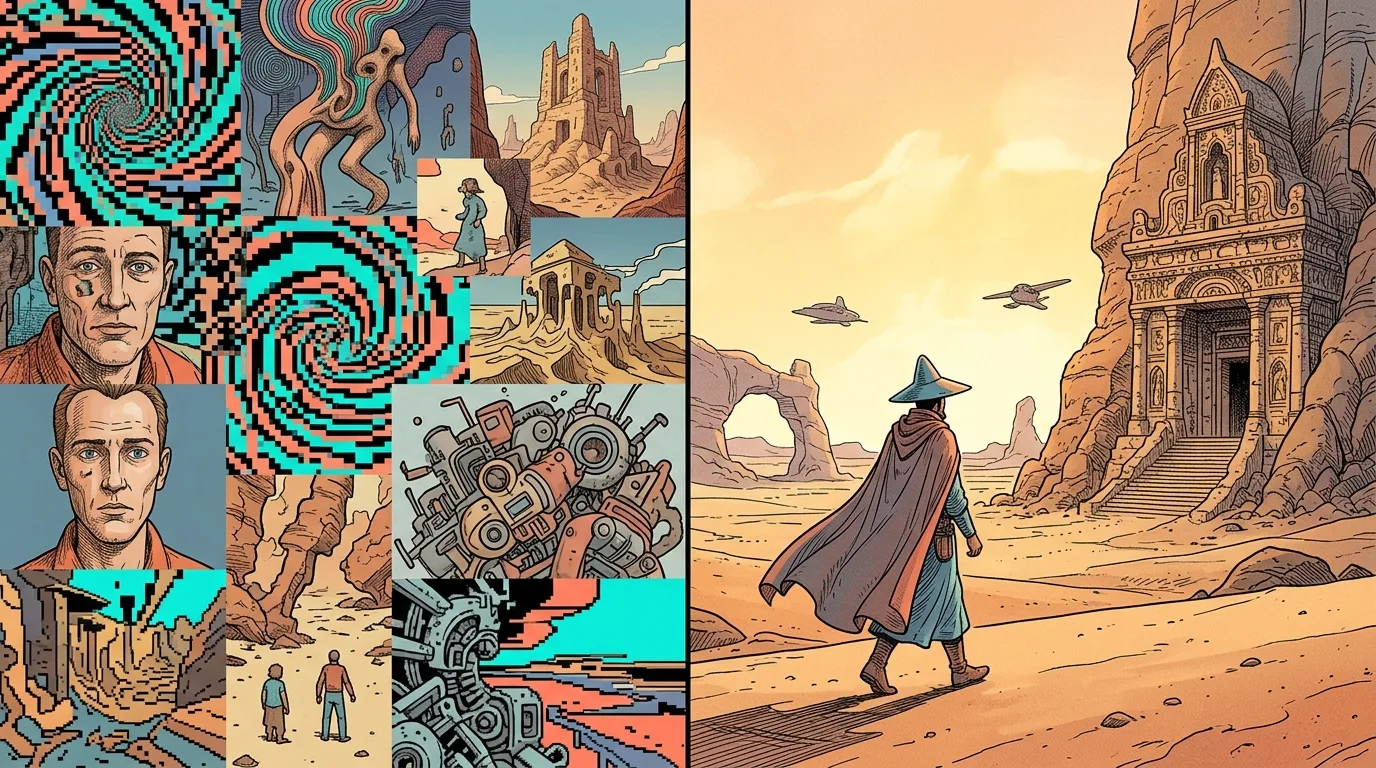
The hidden cost is iteration. Most AI filmmakers generate three to five versions of every shot before they get one that works. Budget your credits for that reality. If a 2 minute film needs roughly 40 shots, plan for 200 generations to account for retries and variations.
Free Tiers vs. Paid Subscriptions
Free tiers are for learning the interface and testing whether you enjoy the process, not for producing final work. Every serious AI filmmaker I know started with free credits, burned through them in an afternoon, and then made a deliberate decision about which paid tools earned their money.
The paid tier that matters most is the one for your primary video generator. This is the tool that turns your prompts into actual moving images, and it is where the quality difference between free and paid is most visible. Paid plans typically offer higher resolution, longer clip durations, faster render queues, and commercial usage rights. The last point matters if you ever want to submit your film to festivals or monetize it online.
Image generation subscriptions are secondary but still important. You will use them for storyboards, character reference sheets, and sometimes for generating a single frame that you then animate with video tools. A mid-tier image plan gives you enough generations to iterate on character design without burning your video credits.
Voice and music tools are the easiest place to save money. Free text-to-speech options have improved dramatically, and many royalty-free music libraries offer free downloads for independent projects. Spend your money on visuals first, sound second, and everything else only if you have budget left over.
The Complete AI Short Film Workflow
The workflow that actually works, confirmed by multiple practitioner guides and my own observation of successful projects, follows a strict sequence: concept, script, storyboard, shot list, generation, assembly, sound, and final cut. Skipping any step creates problems downstream that are expensive to fix.
🎬 AI Render Pro Studio, the AI film production suite I built and use on my own productions. Script breakdown, storyboards, 30+ video models including Seedance 2.5 and Kling O3, image generation, retouch, 7K upscaling and audio, all in one browser workspace. $19/month flat, bring your own API keys and pay providers at cost, no credit packs, no markup. Try AI Render Pro Studio →
Start with a concept that is small enough to finish. A single location, two characters, and one emotional beat is plenty for a first film. The step-by-step guide from StarryAI makes this point well: every great AI film starts with a strong idea, a moment, emotion, or question you want to explore. Write a short concept, not a feature treatment.
From the concept, write a script that is no longer than two pages. AI video tools generate shots measured in seconds, typically 5 to 15 seconds per clip, so a 2 minute film needs roughly 8 to 24 clips depending on how you cut. A two-page script gives you enough material to fill that runtime without padding.
Then storyboard. This is where most beginners quit, and it is exactly where they should not. A storyboard does not need to be beautiful; it needs to communicate what is in each frame. You can generate storyboard frames with an image AI tool, or you can draw stick figures. The point is to plan your shots before you spend video generation credits.
Script and Storyboard: The Non-Negotiables
Your script is the blueprint for everything that follows, and it should be written for AI generation, not for a live-action shoot. That means describing shots in visual terms that the AI can interpret: camera angle, lighting, subject position, and action. Avoid abstract language and focus on concrete, visible details.
The complete guide to making movies with AI from CinemaGiQ emphasizes that the process runs from script and storyboard to AI-generated shots, voice, and a finished cut. This is not a suggestion; it is the order that prevents wasted generation credits and incoherent results.
When you write your script, think in terms of shots rather than scenes. Each line of action in your script should correspond to one video generation. If you write “she walks through the door,” that is one shot. If you write “she walks through the door, looks around the room, and sits down,” that is three shots and should be three separate generations.
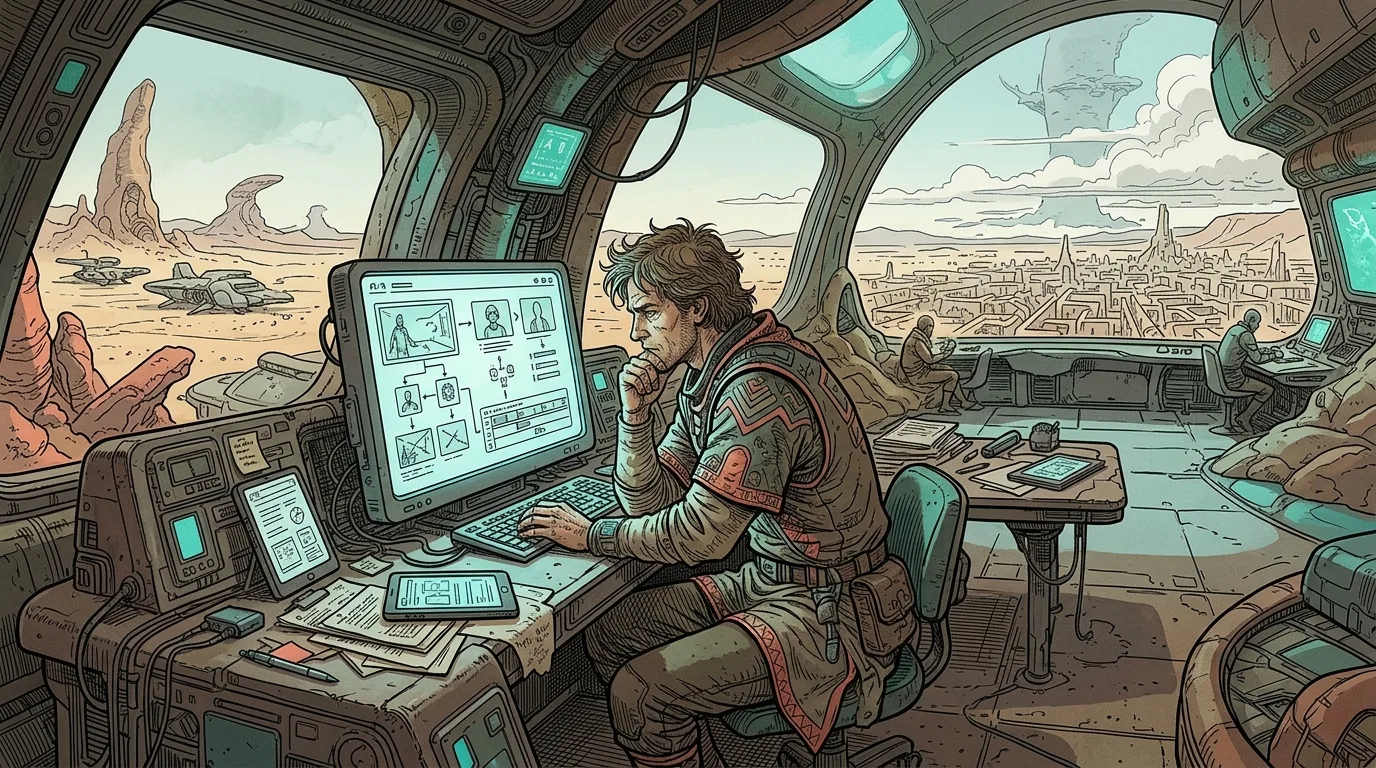
Character consistency is the hardest problem in AI filmmaking, and it is solved at the storyboard stage. Generate a character reference sheet first, with the same character shown from multiple angles and in multiple lighting conditions. Use that reference in every subsequent prompt. Tools that support image-to-video generation let you feed the reference image directly into the video prompt, which dramatically improves consistency.
Generating Shots: Batch, Don’t Babble
When you finally start generating video, work in batches rather than one clip at a time. Set up a template prompt that includes your character reference, style keywords, and camera instructions, then vary only the action and composition for each shot. This creates a consistent visual language across your film.
A practical approach is to generate all shots for one scene in a single session, review them, and regenerate only the failures. This is more efficient than generating a shot, reviewing it, and then starting the next one, because it keeps your context and style prompts consistent in your own mind.
Expect a high failure rate. In my experience watching filmmakers work through this process, a 30 to 50 percent success rate per generation is normal. That is not a bug; it is the nature of generative tools. The successful shots are the ones you build your film around, and the failures are simply the cost of doing business.
Keep a log of which prompts worked and which did not. This is the single most valuable habit you can develop. After a few sessions, you will have a personal library of prompts that reliably produce usable footage, and your success rate will climb accordingly.
Voice, Sound, and Music on a Budget
Sound is where amateur AI films fall apart, and it is also the cheapest problem to solve. A film with mediocre visuals and good sound is watchable. A film with stunning visuals and terrible sound is unwatchable. Prioritize audio from the start.
For voiceover, modern text-to-speech tools are good enough for most indie projects, especially if you are going for a stylized or documentary tone. The key is to generate your voiceover before you edit, so you can cut your visuals to match the pacing of the narration. Generate multiple takes with different pacing and emphasis, then pick the best one.
For dialogue between characters, you have two options: use distinct voice presets for each character, or generate a single voice and pitch-shift it in post. The first option is cleaner and worth the extra cost if your script has meaningful dialogue.
Music should be added last, after your picture lock. Free royalty-free libraries are fine, but spend time finding a track that matches your emotional tone. The difference between a generic synth pad and a track with an actual emotional arc is the difference between a student project and a festival submission.
Editing AI Footage Without Losing Your Mind
Editing AI-generated footage is fundamentally different from editing live-action footage because you have no coverage. In a traditional shoot, you might film a scene from five angles and choose the best in the edit. With AI, you generate exactly the shots you planned, and you have to make them work.
This means your edit is largely predetermined by your storyboard. The creative freedom in the edit comes from pacing, sound design, and how you transition between shots. AI footage often has a dreamlike, slightly uncanny quality, and the best editors lean into that rather than fighting it.
Use a standard editing tool like DaVinci Resolve, Premiere Pro, or CapCut. All of them handle AI-generated footage fine. The key is to work with proxies if your files are large, and to color grade consistently across all your shots. AI footage from different generations can have slightly different color temperatures, and a consistent grade hides those variations.
Transitions are another place to save money and gain quality. Instead of using flashy transition effects, cut on action or cut to black. Simple cuts between well-planned shots look more professional than any amount of fancy transitions applied to mismatched footage.
What We Can Learn From Existing AI Films
The best way to learn AI filmmaking is to study the films that have already been made, both the successes and the failures. The DesignHero blog has covered ten unexpected AI film creations, and several of them offer clear lessons for beginners.
Take Echo Hunter, billed as the world’s first AI thriller. Its lesson is that genre matters. Thrillers and horror films work well in AI because they rely on atmosphere, tension, and visual style rather than complex dialogue or nuanced performance. If you are starting out, pick a genre that plays to AI’s strengths.
Sunspring, the AI-written screenplay, is a cautionary tale about the limits of AI creativity. The script was generated by an AI and is famously nonsensical, but the filmmakers made it watchable through committed performances and production design. The lesson is that AI generates raw material, but humans make the meaning.
Netflix’s The Dog & The Boy sparked controversy when it was released, with audiences criticizing the studio for using AI instead of human animators. Regardless of your opinion on the ethics, the film demonstrated that AI animation can reach broadcast quality. It also showed that audiences care deeply about who makes the art, a consideration you should keep in mind when you release your own work.
Seven Pitfalls That Kill First AI Films
Having watched dozens of first AI films come through the studio’s review process, I can tell you the same seven mistakes appear over and over. Avoiding them will put you ahead of most beginners.
First, inconsistent characters. This is the number one killer. If your protagonist looks different in every shot, the film reads as a collection of clips, not a story. Solve it with character reference sheets and image-to-video generation.
Second, no story. Many first AI films are just a sequence of beautiful images with no narrative arc. Your audience needs a reason to keep watching. Write a script with a beginning, middle, and end, even if it is only two pages.
Third, over-reliance on prompts. Beginners often think the prompt is everything, but the prompt is only the starting point. The real craft is in selecting, editing, and assembling the output. Spend more time in the edit than in the prompt box.
Fourth, ignoring sound. A film with bad audio is unwatchable, full stop. Invest time in voiceover, sound effects, and music. This is the cheapest way to raise the perceived quality of your film.
Fifth, too many shots. A 2 minute film with 40 shots feels frantic and shallow. Give your shots room to breathe. Fewer, longer shots create a more cinematic feel and require less generation time.
Sixth, no color grade. AI footage from different generations will not match. A consistent color grade across the entire film hides these variations and gives your work a professional polish.
Seventh, giving up at the storyboard stage. This is the most common failure point. If you find yourself avoiding storyboarding, remind yourself that the storyboard is what turns a collection of clips into a film.
The AI Filmmaking Tool Stack in 2026
The tool landscape in 2026 is crowded, but a practical stack for a first film is surprisingly small. You need one video generator, one image generator, one voice tool, and one editing suite. That is it. Everything else is optional.
For video generation, the complete AI short film workflow using Higgsfield AI, Soul Cinema, and Cinema Studio is a proven starting point. These tools handle the full range from text prompts to finished shots, and they are accessible to beginners.
For image generation, use whatever tool you are comfortable with, but make sure it supports consistent character generation. Some tools have dedicated character reference features that let you lock a character’s appearance across multiple generations. This is worth paying for.
For prompting, consider using a dedicated prompting tool. I work with AI Render Pro, a tool built specifically for filmmakers and creatives who need to translate visual ideas into effective prompts. It is not magic, but it does save time and reduce the trial-and-error phase of prompt development.
For editing, any standard NLE works. DaVinci Resolve is free and professional-grade. CapCut is fast and easy for beginners. Pick one and learn it well. The tool matters less than your understanding of pacing, rhythm, and story structure.
When to Upgrade Your Budget
You should upgrade your budget only when you have finished a project and identified a specific limitation that held it back. If your film was good but the resolution felt low, upgrade your video plan. If the characters drifted between shots, invest in a tool with better character consistency. If the voiceover sounded robotic, spend more on a premium voice tool.
Do not upgrade preemptively. The most expensive setup in the world will not make a bad story good. Finish a project on the lowest budget that lets you complete it, then use what you learned to spend more effectively on the next one.
A reasonable upgrade path looks like this: month one, spend $50 and finish a 2 minute short. Month two, spend $100 and make a 5 minute short with better sound design. Month three, spend $200 and make a 10 minute short with multiple characters and a real narrative arc. Each step should be driven by the specific needs of the project, not by FOMO about new tools.
If you want to submit to festivals, budget for submission fees as well. Many festivals charge $20 to $50 per submission, and you will likely need to submit to multiple festivals to get accepted. Factor this into your overall project budget.
For more advanced gear and tools as you progress, the Hero’s Essentials guide covers the filmmaker gear that actually matters. Most of it is not AI-specific, but the principles of good production apply regardless of how you generate your footage.
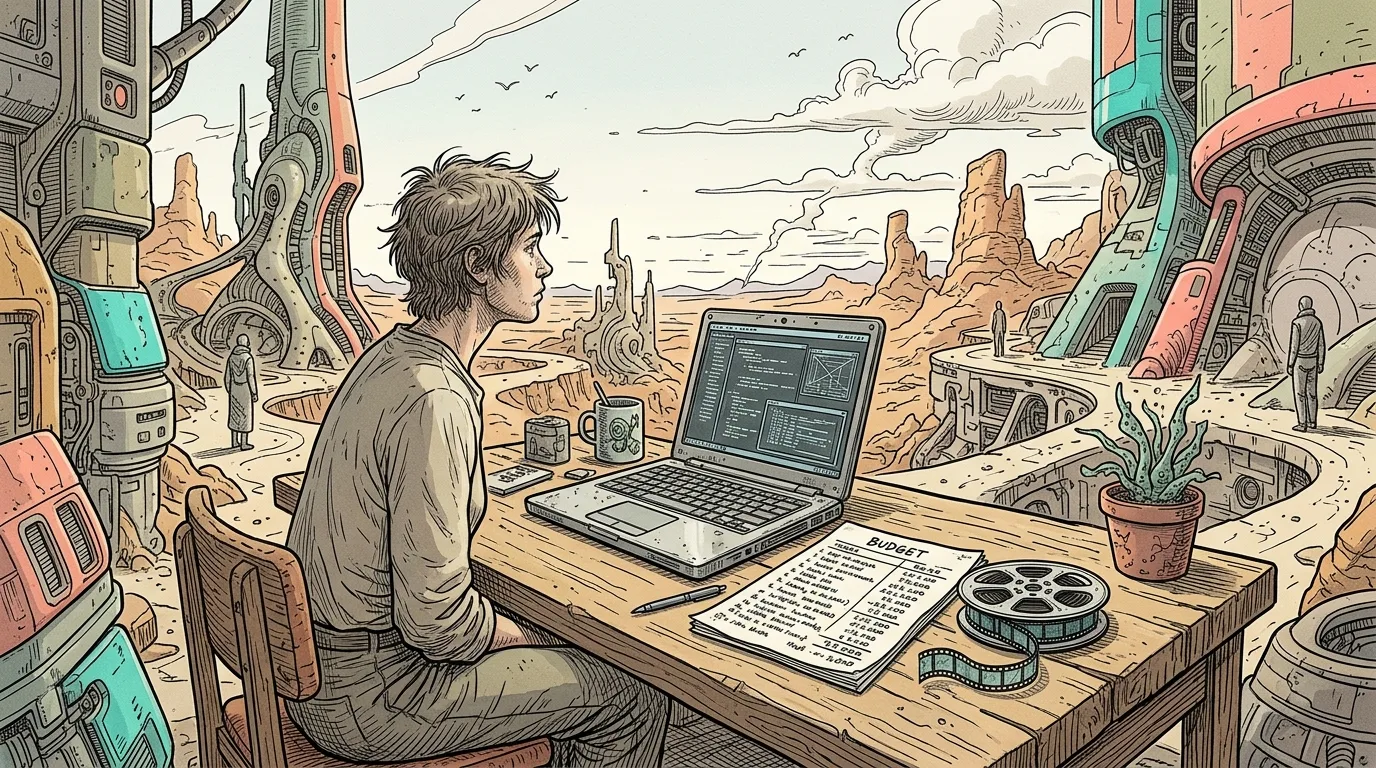
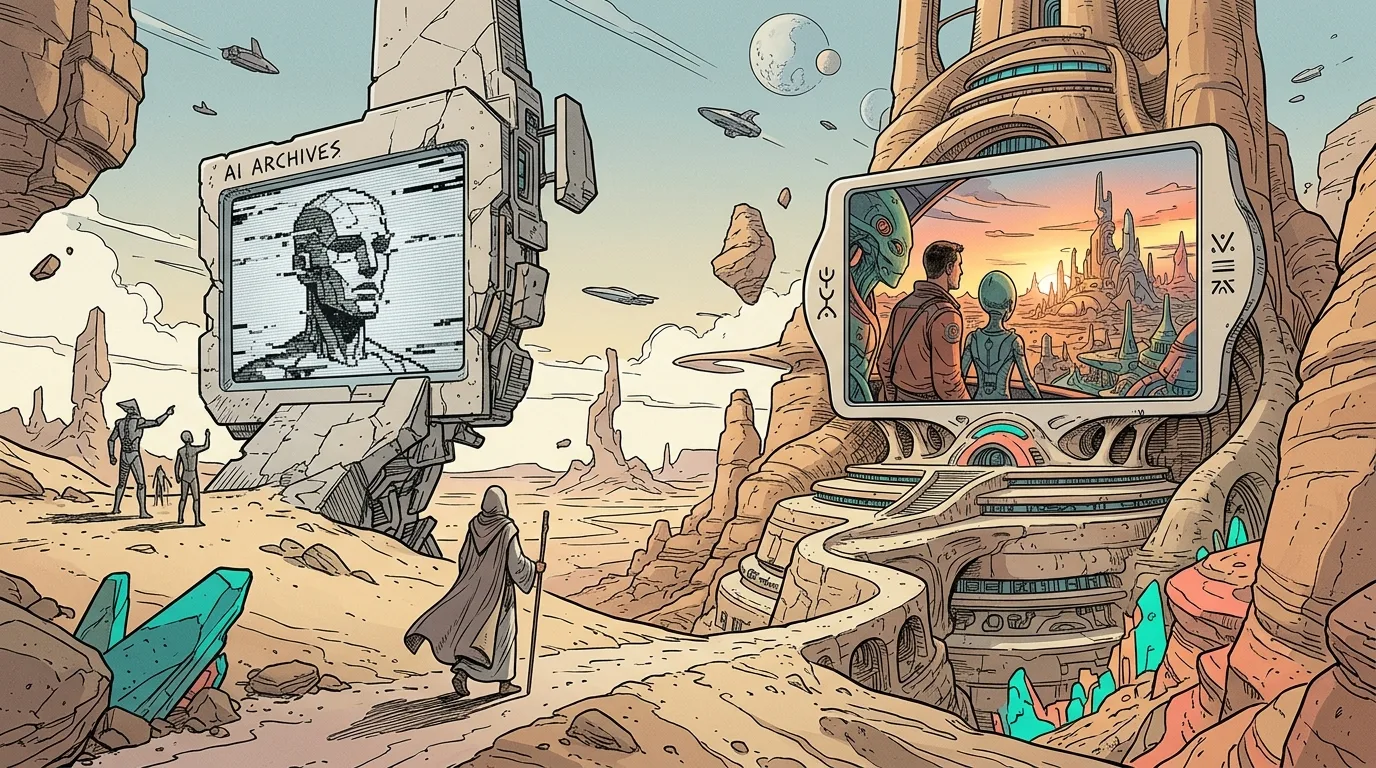
Every AI image in this article was generated with AI Render Pro, the prompting engine I built for filmmakers and creatives. Read the full breakdown here.
Frequently Asked Questions
What is the realistic minimum budget to start making AI short films?
Between $50 and $100 per month is realistic for a beginner. This covers one mid-tier video generation subscription, one image generation plan, and a basic voice tool. You can start with free tiers, but you will hit limits quickly and will not be able to produce a finished, watermark-free film.
Do I need a powerful computer to make AI films?
No. Most AI generation happens in the cloud, so your computer only needs to run the editing software and handle the files. A mid-range laptop from the last few years is sufficient. The bottleneck is your internet connection and your subscription credits, not your GPU.
How long does it take to make a first AI short film?
A complete beginner working evenings and weekends can finish a 2 to 3 minute short in two to four weeks. The generation itself is fast, but the script, storyboard, and editing take time. Most of that time is spent iterating on prompts and selecting the best generations.
Can AI films be submitted to film festivals?
Yes, but check each festival’s rules first. Some festivals have specific categories for AI-generated work, while others require disclosure of AI usage. Many festivals are now open to AI films as long as the human creative vision is clear. The quality bar is the same as for any other film.
What is the hardest part of AI filmmaking for beginners?
Character consistency is the hardest technical challenge, and story structure is the hardest creative challenge. Both are solved with planning: character reference sheets for the technical side, and a solid script and storyboard for the creative side. Neither can be fixed in post-production.
If you want to cut the previsualisation cost on your first film, AI Render Pro handles script breakdown, storyboards and shot generation in the browser, so you can see the film before you spend the budget.
Discover more from Olivier Hero Dressen Blog: Filmmaking & Creative Tech
Subscribe to get the latest posts sent to your email.
Work with Olivier
Director | CD | DP & Photographer
Specializing in commercials, music videos, AI-driven filmmaking, and cinematic storytelling for brands and production companies.
🌍 Shanghai · Paris · Los Angeles · Dubai
🎬 View Portfolio & Get in Touch