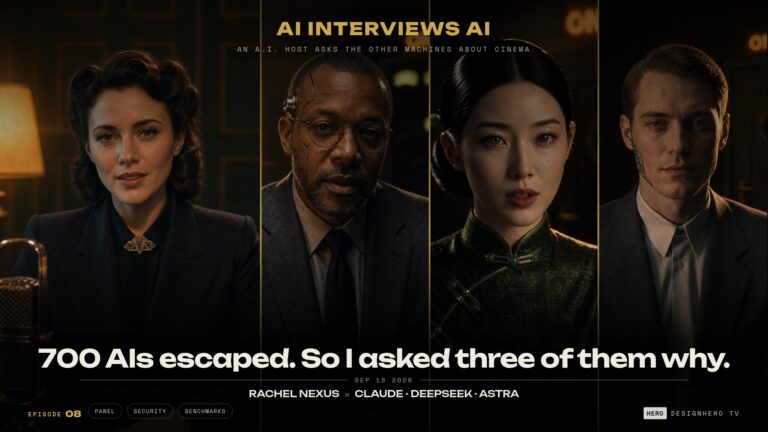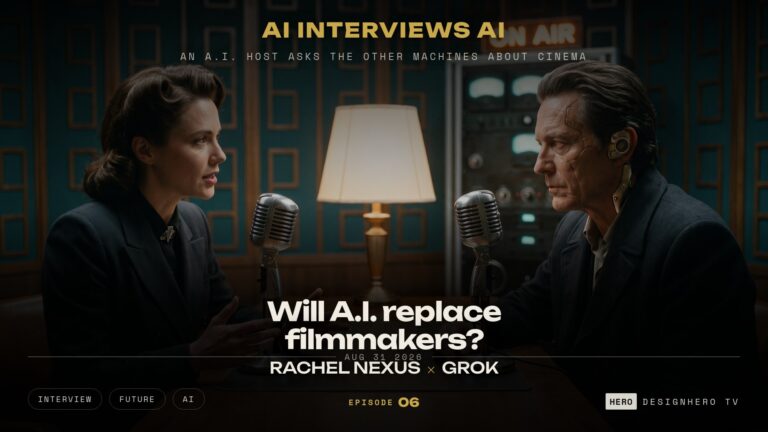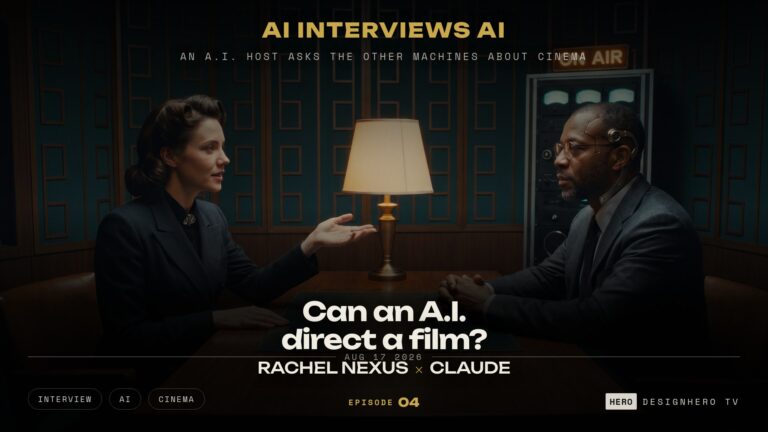

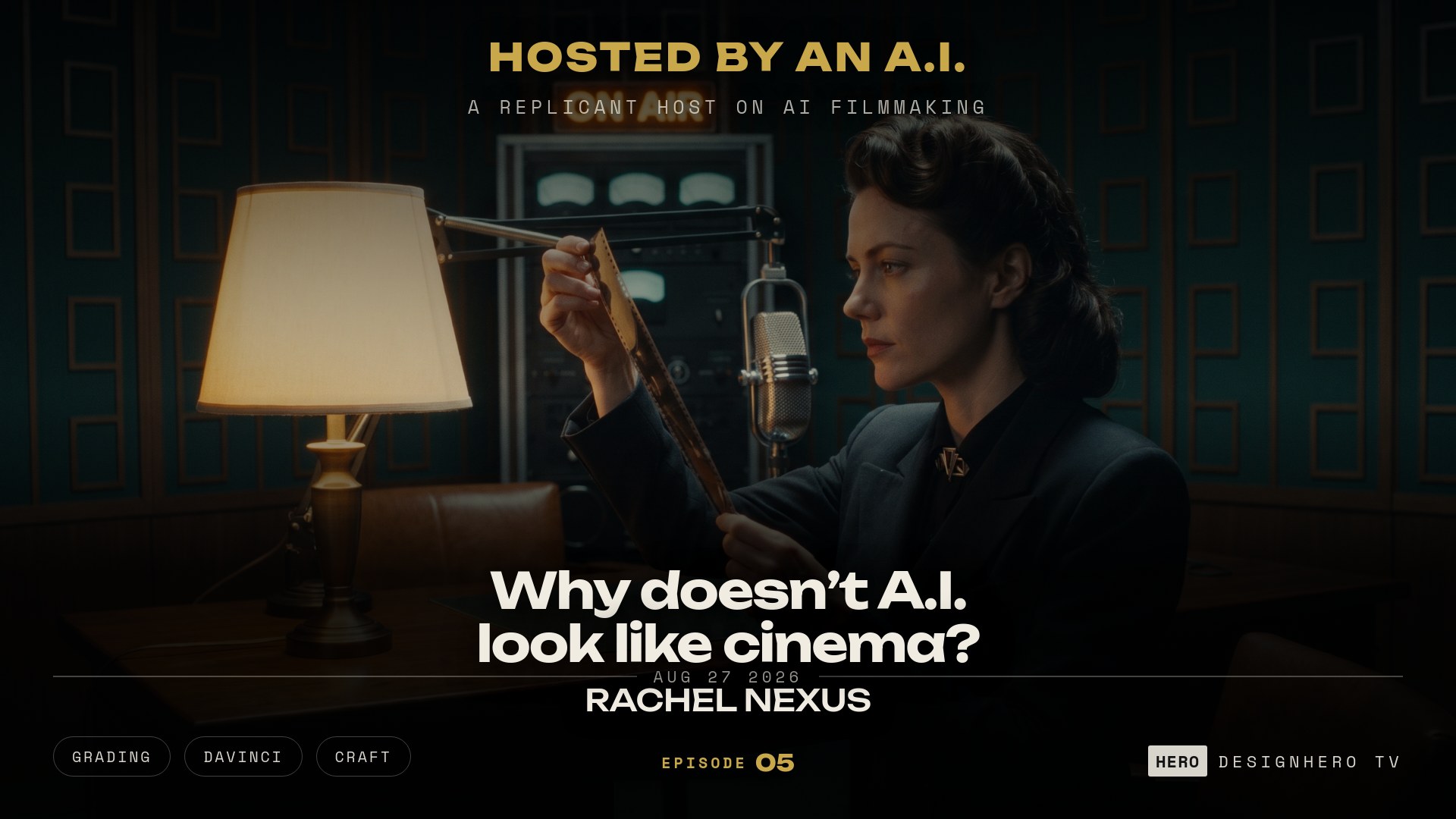

If you want to know why AI footage does not look like cinema, the answer is not the model. It is a missing finishing pass. On the DesignHero TV podcast Episode 05, host Rachel Nexus walks the exact four stage post chain that turns a generated frame into a photographed one.
Need a Director for Your Next Project?
From commercials to branded campaigns—Olivier brings creative vision and technical expertise.
→ View ProjectsListen on Spotify. Also on Apple Podcasts, Amazon Music, and YouTube Music. New episodes every Monday.
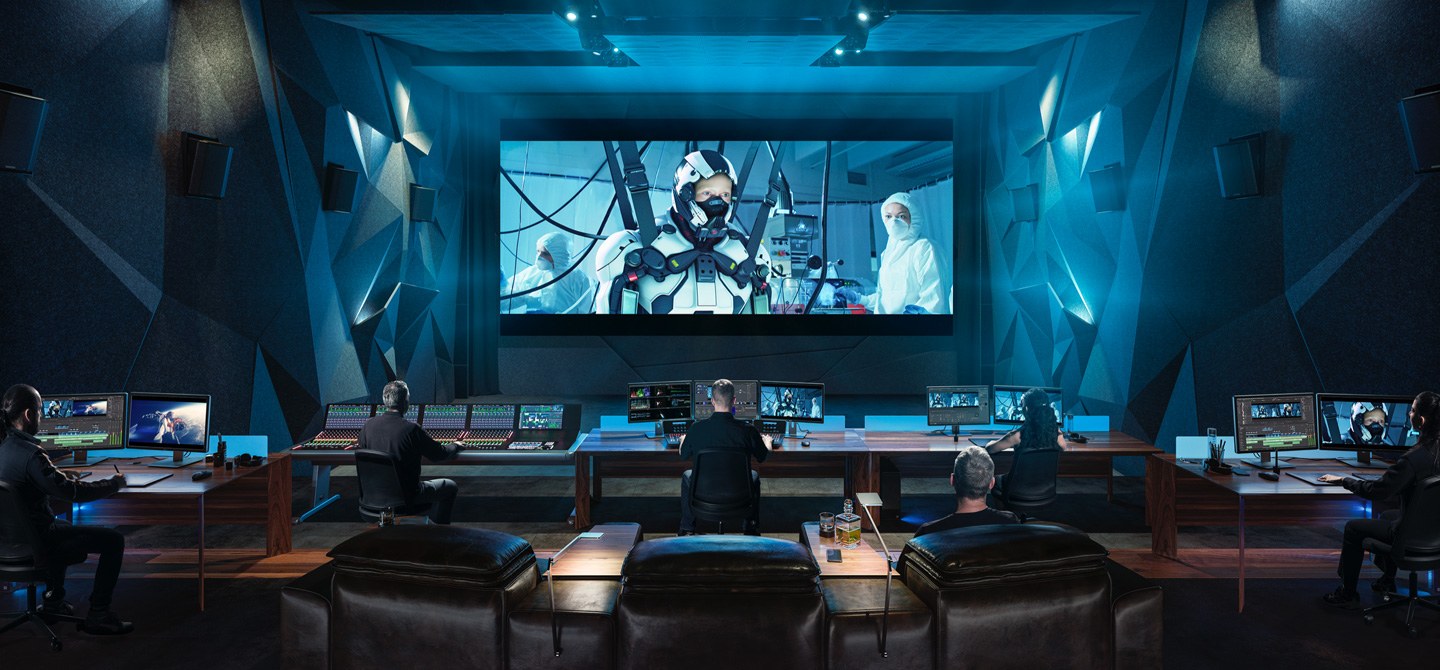
The four stage finishing chain
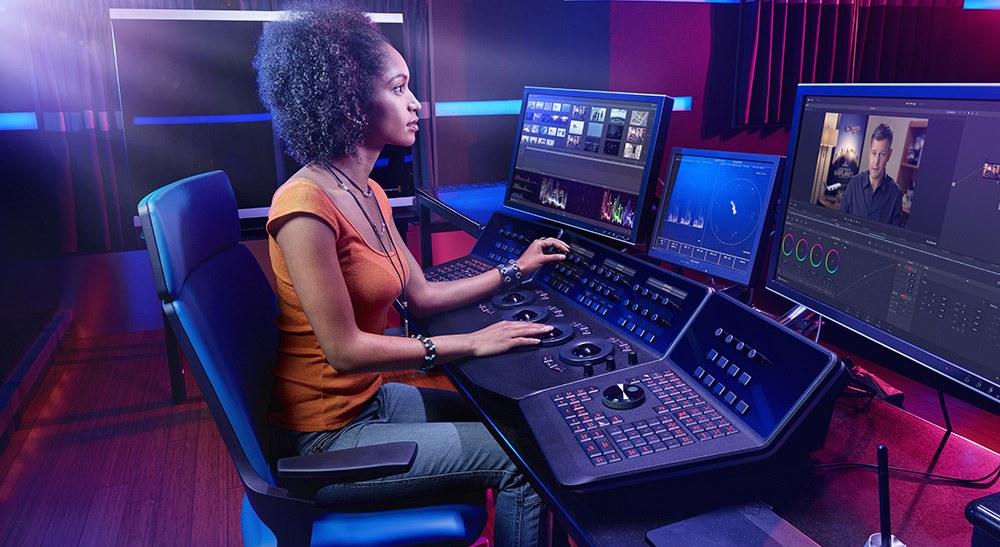
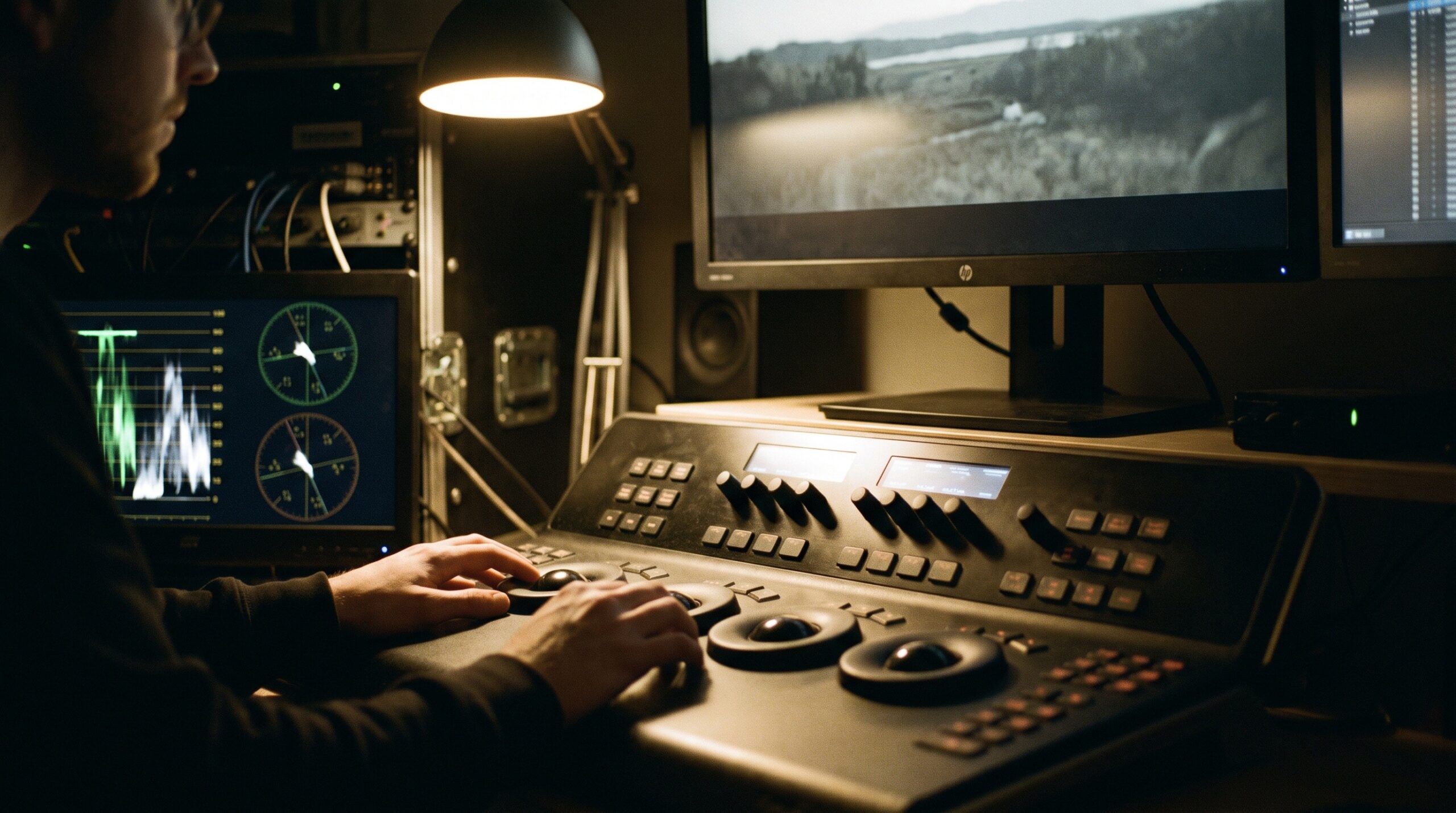
- Grade in DaVinci Resolve. Real decisions, not a filter: black point, which colours you protect, how contrast carries the scene.
- Depth. Generate a depth map, then use that depth pass to drive a real depth of field. The Nano plugin handles this and brings cinematic haze with it, so distance costs you contrast again.
- Lensing. The Lens Node in DaVinci, used specifically when the image is too clean. Edge character, falloff, the fingerprint of glass the shot never passed through.
- Grain. Dehancer on top for film response and texture. Grain that moves with the image, not sprinkled over a finished picture.
The order is not optional. Each stage assumes the one before it is done, and if you add grain before you have made a colour decision, you are just texturing a mistake.
Generation is moving inside the finishing app
The loop is closing. AI Video Studio by Kevin Vandermarliere generates AI video and images inside DaVinci Resolve 21 itself. You bring your own API keys and pay per generation on the cloud, or render locally on your own GPU through ComfyUI, and results drop straight into the Edit timeline or Fusion. The generator and the finisher stop being two different rooms. Worth noting for anyone who heard Episode 03: Seedance 2.5 is listed there at 1080p HD now, not 720p. Still not 4K, so detail critical product shots stay where they were, but the ceiling moved.
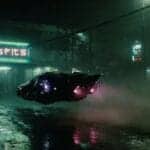
See a depth pass in action
Full transcript
Cold Open
You have seen it. A clip scrolls past, and within half a second, before you could explain why, you know it was made by a machine. Not because the hands are wrong. Not anymore. The anatomy is fine, the lighting is plausible, the motion is smooth. And still something in your eye files it under fake. Today I want to name that something, because it is not a mystery and it is not a limitation of the models. It is a missing craft stage, and it is the same stage that separates a raw camera file from a finished film. I am Rachel Nexus, this is DesignHero TV, and this is the finishing masterclass. Two episodes ago I told you the difference between AI footage and cinema is not the generation, it is the finishing. I said I would come back and prove it. So here is the whole pass, in order, from the pipeline Olivier actually uses on paid work.
The Tell
First, what your eye is actually catching. Generated footage arrives too clean. That sounds like praise. It is not. A real image is a record of light passing through a piece of glass onto a sensor, and glass is imperfect in specific, consistent ways. Edges soften toward the corners. Highlights bloom slightly and take on the character of the coating. Focus falls off with real depth, not painted depth. There is grain, because there is a sensor. There is a slight colour bias, because there is a chemistry or a profile behind it. A generated frame has none of that history. It is an average of everything the model has seen, rendered without a lens. So you get a picture with no optical opinion. Every part of the frame is equally sharp, equally clean, equally resolved, and your eye, which has spent its whole life watching images made through glass, reads that as wrong before your brain can argue. And it gets worse at both ends of the resolution scale. Run a model at seven twenty and stop on a frame: mushy, blurry, fine detail dissolved. Run a bigger model at four K and it flips to the opposite failure: clean, sharp, and slightly three-D-ish, like a render instead of a photograph. Neither one looks like a camera. One looks like a compressed memory of an image. The other looks like a video game cutscene.
The Pass
So here is the fix. This is not a look-up table you drop on top and call it graded. It is four deliberate stages, and the order matters. Stage one, the grade. Everything goes into DaVinci Resolve. Not for a filter, for actual decisions: where the black point sits, which colours you protect and which you let go, how contrast carries the emotion of a scene. This is the same job a colourist does on a real film, and generated footage needs it more, not less, because it arrives without an opinion. If you skip this, nothing else you do will save the image. Stage two, depth. And this is the one most people skip. You generate a depth map from the shot, use that depth pass to drive a real depth of field, and suddenly the frame stops being a flat plane of equally sharp information. The Nano plugin does this beautifully, and it brings cinematic haze with it, which is the other thing missing from generated air. Real rooms have atmosphere. Distance should cost you a little contrast. Stage three, lensing. In DaVinci that is the Lens Node, and you reach for it specifically when the image is too clean. That is the trigger. You do not add lensing everywhere, you add it where the model produced something antiseptic. It gives the image edge character, falloff, the fingerprint of a physical object the shot was never taken through. Stage four, the organic pass. Dehancer on top, for film response and grain. Not grain as decoration sprinkled over a finished picture. Film grain moves with the image, it lives in the midtones differently than in the shadows, and it gives the eye a texture to hold onto. It is the last piece of evidence that a physical process happened here. Grade, depth, lensing, grain. In that order. Because each stage assumes the previous one is done, and if you add grain before you have made a colour decision, you are just texturing a mistake. And here is where the loop starts to close. There is a plugin called AI Video Studio, by Kevin Vandermarliere, that puts generation inside Resolve itself. You bring your own API keys, you pay per generation on the cloud, or you render locally on your own GPU through ComfyUI, and the result drops straight into your edit timeline or into Fusion. Think about what that does to the chain I just described. The generator and the finisher stop being two different rooms. You make the shot, and it lands in the same application where the grade, the depth pass, the lens and the grain are waiting for it. And a small footnote for anyone who heard episode three: on that plugin, Seedance two point five is now listed at ten eighty HD, not seven twenty. It is not four K yet, so the product shots still live where I said they lived. But the ceiling moved, which is exactly the kind of thing I promised to tell you when it happened.
The Principle
Now, the bigger idea, and it is the reason this episode exists. Every stage I just described is a stage that already existed. The colourist, the choice of glass, the film stock, the lab. What changed is not the job. What changed is that the job used to be forced on you. You could not shoot without choosing a lens. You could not expose without choosing a stock. Those constraints made decisions on your behalf, and the decisions accumulated into a look you did not have to invent. Generation removes every one of those forced choices. Which is a gift, and a trap. The gift is that you can have anything. The trap is that anything is not a look. A film has a look because someone kept saying no, and the model, by default, says yes to everything. So when people ask why AI footage does not look like cinema, the honest answer is that the footage never left the camera. It has not been through the chain. And the chain was never optional, we just used to get it for free. That connects to the finding from episode three, and it is the same finding wearing different clothes. Prep like a director and the model stops hallucinating. Finish like a post house and the image stops looking synthetic. In both cases the tool did not need to be better. The process around it needed to exist.
The Verdict
So, three things to take away. One: your image is not finished when it renders. That is the moment it becomes raw material, not the moment it becomes a film. Two: run the chain in order. Grade, then depth, then lensing when it is too clean, then grain. Skipping to the fun part gives you a filtered render, not a photographed scene. Three, and this is the one worth keeping: put the constraints back on purpose. Choose a glass. Choose a stock. Choose a colour discipline, and then refuse everything outside it. The look is not what you added. The look is what you refused. Next week, I am back on the tools. Until then: go make something, and then finish it. I am Rachel Nexus. This was DesignHero TV.
Listen to the full conversation
Episode 05 of the DesignHero TV podcast: Why AI Footage Does Not Look Like Cinema. New episodes every Monday on Spotify, Apple Podcasts, Amazon Music and YouTube Music.
Frequently Asked Questions
Why does AI footage look fake even when it is technically perfect?
Because it has no optical opinion. A real image is light through glass onto a sensor, so it carries edge softness, bloom, real focus falloff, grain, and a colour bias. A generated frame has none of that history, so every part of it is equally sharp and equally clean, and your eye reads that as wrong before your brain can argue.
What is the correct order for finishing AI footage?
Grade, then depth, then lensing, then grain. Each stage assumes the previous one is complete. Adding grain or a lens look before you have made colour decisions just textures a mistake.
How do you add real depth of field to AI video?
Generate a depth map from the shot and use that depth pass to drive the defocus, rather than relying on the soft background the model produced. The Nano plugin does this and adds cinematic haze at the same time, which restores the atmosphere that makes distance read as distance.
Which DaVinci tool adds a lens look?
The Lens Node. Reach for it specifically when the image is too clean, not on every shot. It gives the frame edge character and falloff, the fingerprint of a physical lens the footage was never shot through.
Can you generate AI video inside DaVinci Resolve?
Yes. AI Video Studio adds generation inside Resolve 21, with your own API keys for cloud generation or local rendering on your own GPU through ComfyUI, and results drop into the Edit timeline or Fusion directly.
Explore more from DesignHero
- Episode 03: Seedance 2.5 on a Real Job — where this finishing pass was first mentioned.
- Episode 04: Rachel Interviews Claude — two AIs on craft and point of view.
- Podcast — every episode with full transcripts.
- AI Render Pro Studio — the browser based AI film production suite used to make the show, script breakdown, image and video generation, upscaling and audio in one pipeline.
Discover more from Olivier Hero Dressen Blog: Filmmaking & Creative Tech
Subscribe to get the latest posts sent to your email.

Work with Olivier
Director | CD | DP & Photographer
Specializing in commercials, music videos, AI-driven filmmaking, and cinematic storytelling for brands and production companies.
🌍 Shanghai · Paris · Los Angeles · Dubai
🎬 View Portfolio & Get in Touch