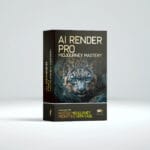

AI Render Pro is a subscription app that turns plain language descriptions into production ready prompts for AI image and video models. It writes prompts tuned for 60+ models and does not render anything itself. Its bigger sibling, AI Render Pro Studio, is the one that renders: 190+ AI models, script breakdown, storyboard, retouch, upscale and sound in one browser tab. Pro starts at $9 a month, Studio at $19. I built both because I was tired of typing blind.
Need a Director for Your Next Project?
From commercials to branded campaigns—Olivier brings creative vision and technical expertise.
→ View ProjectsKey Takeaways
- What it is: AI Render Pro is a prompt engine, not a renderer. AI Render Pro Studio is the production suite that renders.
- Scale: Pro writes prompts for 60+ models with 35 cameras, 28 lenses, 30 film stocks and 95 camera techniques. Studio runs 190+ AI models from fal.ai, Atlas Cloud, MachGen, Krea, OpenAI, Google and ElevenLabs.
- The real advantage: it speaks cinematography. Camera bodies, lens families, film stocks, and lighting setups instead of vague adjectives.
- Bottom line: Pro is $9 a month or $69 a year. Studio is $19 a month or $190 a year, with renders billed by your own provider at cost, no markup and no credits.
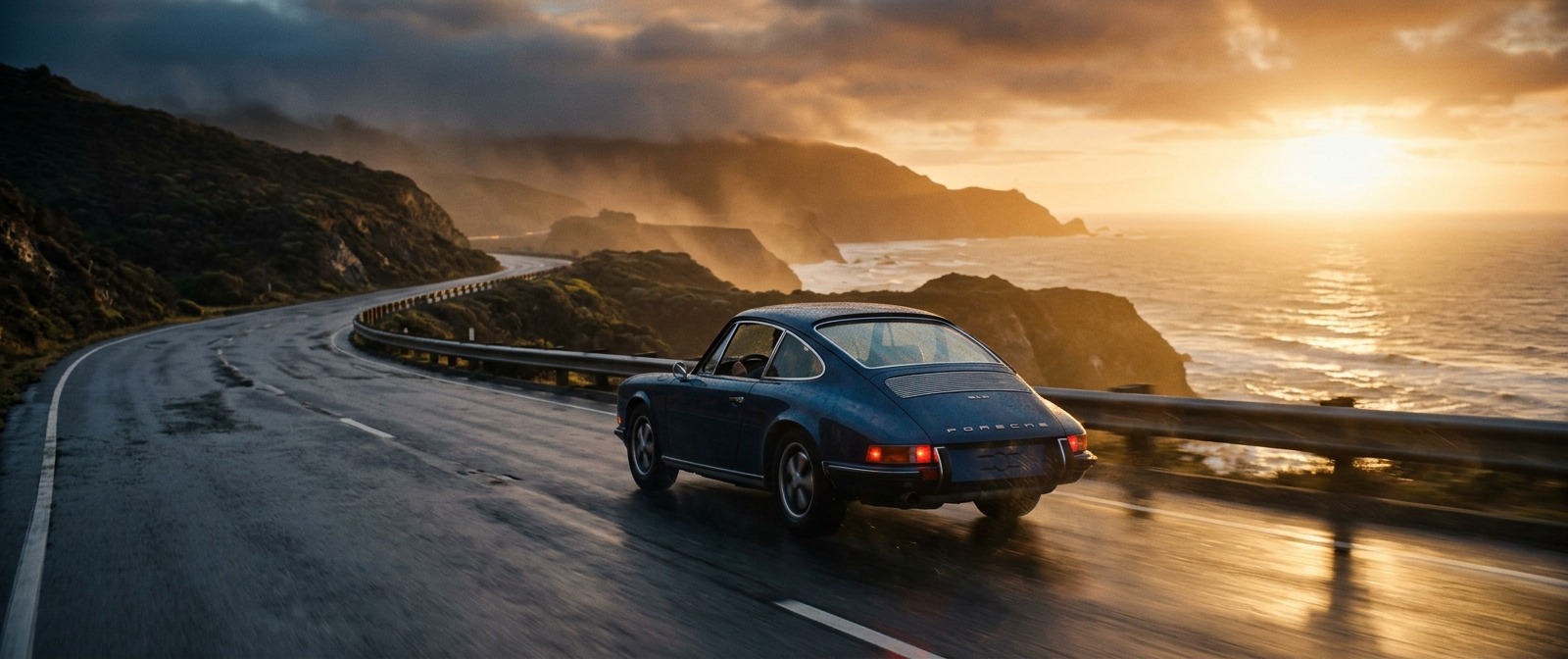
A lone vintage sports car on a wet coastal highway at golden hour, shot on ARRI Alexa with a Zeiss Master Prime 35mm lens, Kodak Vision3 500T film stock, low crash dolly push-in, warm backlit haze, long lens compression, shallow depth of field, cinematic widescreen
Build a prompt like this in AI Render Pro →What Render Pro Actually Is
Search for “render pro” and you will find a pile of 3D rendering engines. This is not one of them. AI Render Pro does not render polygons. It writes the instructions that AI image and video models need in order to produce something that looks like it came off a set rather than out of a stock library.
The distinction matters, because the failure mode people hit with generative tools is almost never the model. The models are extraordinary. The failure is the input. You type “cinematic shot of a car” and the model has to guess the camera, the lens, the time of day, the stock, the movement, and the grade. It guesses badly, and you get that flat over-processed look that announces itself as AI from across the room.
I have spent twenty years directing commercials and films, and the vocabulary that makes a shot work on set is specific. Not “moody lighting” but a neon noir setup with practicals in frame. Not “film look” but Kodak Vision3 500T. AI Render Pro puts that vocabulary into dropdowns so you stop guessing at it.
Pro or Studio, and Why the Pipeline Matters
AI Render Pro Studio is built as a pipeline: Prompt Studio, Script Breakdown, Pre-Production, Storyboard Builder, Image Studio, Video Studio, Retouch and Upscale, Audio Studio, Director’s Room, and the Vault. Each module feeds the next. AI Render Pro on its own is the first piece of that pipeline: the Prompt Studio, the technique library and the Vault, writing prompts you paste into the platform of your choice.
That structure is the actual product. Most people working with AI visuals are running one tool for stills, another for video, a chat window for prompt help, a notes app for storage, and a spreadsheet pretending to be a storyboard. Five tools, no connective tissue, and every handoff loses information. The pipeline exists so that a character you design in Pre-Production is still the same character when it reaches the Video Studio.
Inside the Prompt Studio: Nine Controls, Five Modes
The Prompt Studio has nine dropdown controls and five creative modes: Elite Director, Commercial, Photographer, Designer, and Nano Banana. Each mode shapes the output for a different kind of production, so a commercial brief and a documentary portrait do not come out sounding identical.
There is also an Enrich button. Feed it a rough prompt and Gemini refines it with camera movement, atmosphere, and texture detail. It is the fastest way to see what your prompt was missing, because the gap between what you wrote and what comes back is a free lesson in specificity.
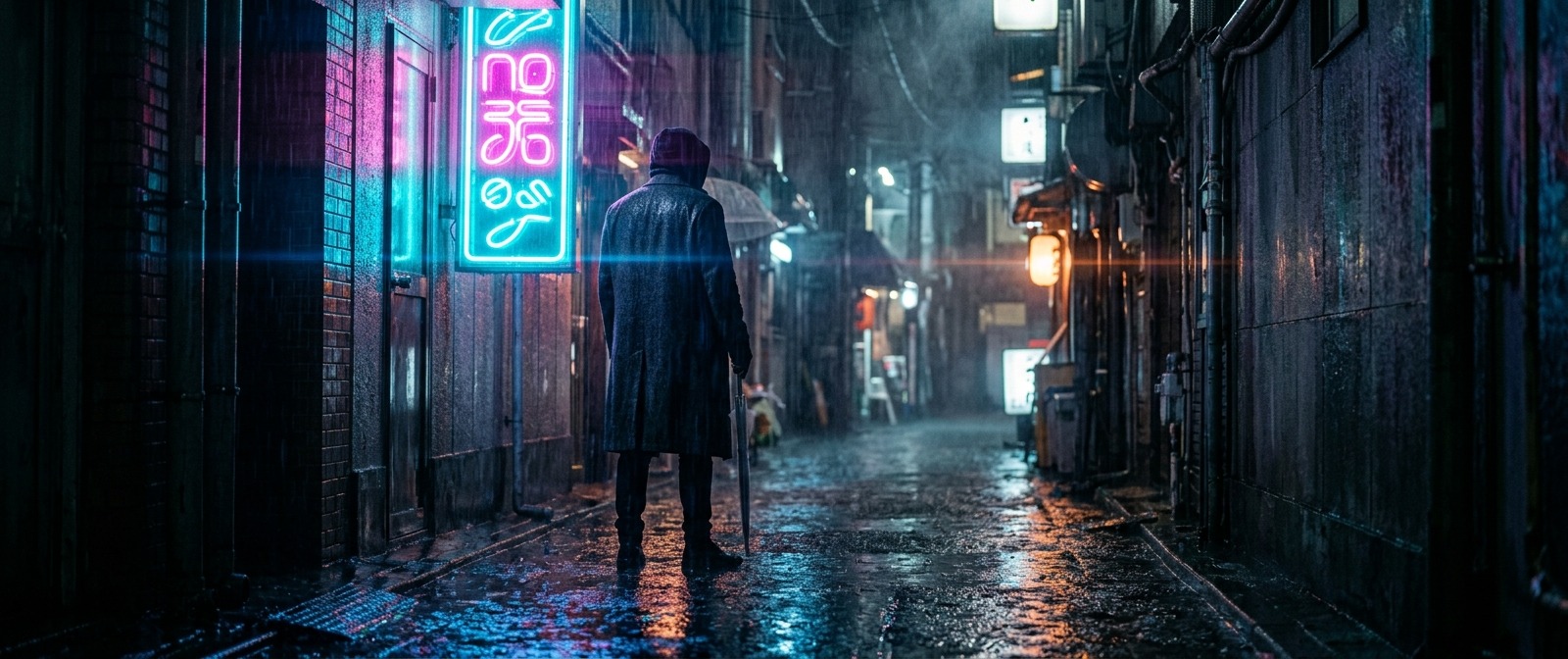
A figure in a long coat standing under a rain-soaked neon sign in a narrow alley at night, neon noir lighting setup, magenta and cyan practicals reflecting in wet asphalt, volumetric haze, anamorphic lens flare, shot on RED V-Raptor, shallow focus, cinematic widescreen
Build a prompt like this in AI Render Pro →Camera Profiles, Lenses, and Why They Change the Output
The camera profiles cover ARRI Alexa, RED V-Raptor, Sony Venice, Panavision, and IMAX 70mm. The lens library runs from Zeiss Master Primes to vintage Cooke glass, anamorphic, macro, and tilt-shift.
This is not decoration. Naming a body and a lens constrains the model in ways adjectives cannot. An anamorphic call brings oval bokeh and horizontal flare. Vintage Cooke glass brings softer falloff and gentler contrast in the highlights. A long lens compresses the background. You are giving the model physics to obey instead of a mood to interpret.
Film Stock Emulation Instead of Filters
Stock options include Kodak Vision3 500T, CineStill 800T, Fuji Velvia, Portra 400, and Tri-X black and white. The difference between naming a stock and asking for a “film look” is the difference between a specification and a wish.
Portra 400 has a particular way with skin. Velvia pushes saturation in a direction that reads as landscape photography. CineStill halates around bright practicals. Those are real characteristics of real emulsions, and models trained on enormous photographic corpora have absorbed them.
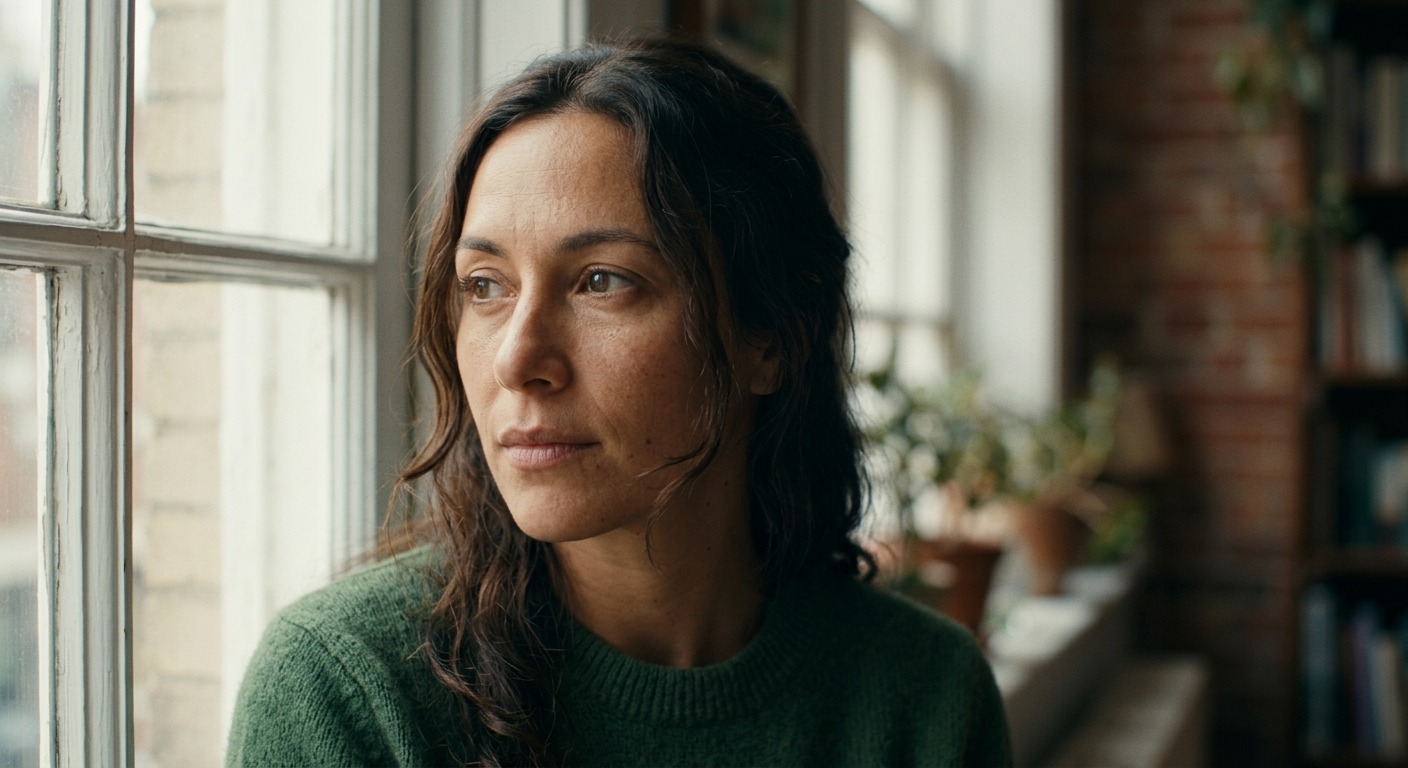
A close portrait of a woman by a window in soft north light, Rembrandt lighting, shot on Sony Venice with a vintage Cooke lens, Kodak Portra 400 emulation, warm skin tones, gentle halation on the highlights, creamy bokeh, fine analog grain
Build a prompt like this in AI Render Pro →Sixteen Lighting Setups and Twenty Two Locations
Sixteen lighting setups ship as presets: golden hour, neon noir, studio soft, Rembrandt, high key, volumetric, and more. Twenty two locations cover urban, desert, underwater, space station, neon city, forest, and rooftop.
Lighting is the highest leverage control in the whole app. Change nothing else in a prompt, swap the lighting setup, and you get a genuinely different image. Same truth as on set, where the lighting plan decides the shot long before anyone argues about the lens.
Forty One Camera Movements and Thirty Eight Transitions
The technique library holds 95 entries: 41 camera movements, 38 transitions, and 22 visual effects. Crash dolly, Steadicam float, whip pan, infinite zoom, vertigo effect, bullet time. On the cutting side, match cut, J-cut, whip transition, morph dissolve, light leak, glitch, and film burn.
Movement is where AI video still separates people who know what they are asking for from people who do not. “Camera moves” produces drift. A crash dolly push-in produces a crash dolly push-in.
Image Studio and Video Studio: 190+ Models in Studio
These two modules are part of AI Render Pro Studio, not AI Render Pro. The Image Studio runs models including Nano Banana Pro Ultra 4K, GPT Image 2, and Flux Dev, with text-to-image and image-to-image plus location, lighting, and quality presets.
The Video Studio runs models including Seedance 2.0, Kling 3.0, Veo 3.1, Wan 2.7, and HappyHorse. You can upload reference images, tag them with @Image, and select quality up to 4K. Studio carries 190+ AI models in total from fal.ai, Atlas Cloud, MachGen, Krea, OpenAI, Google and ElevenLabs, generated from inside the app rather than pasted between five browser tabs. You bring your own provider keys and pay the providers at cost: no markup, no credits.
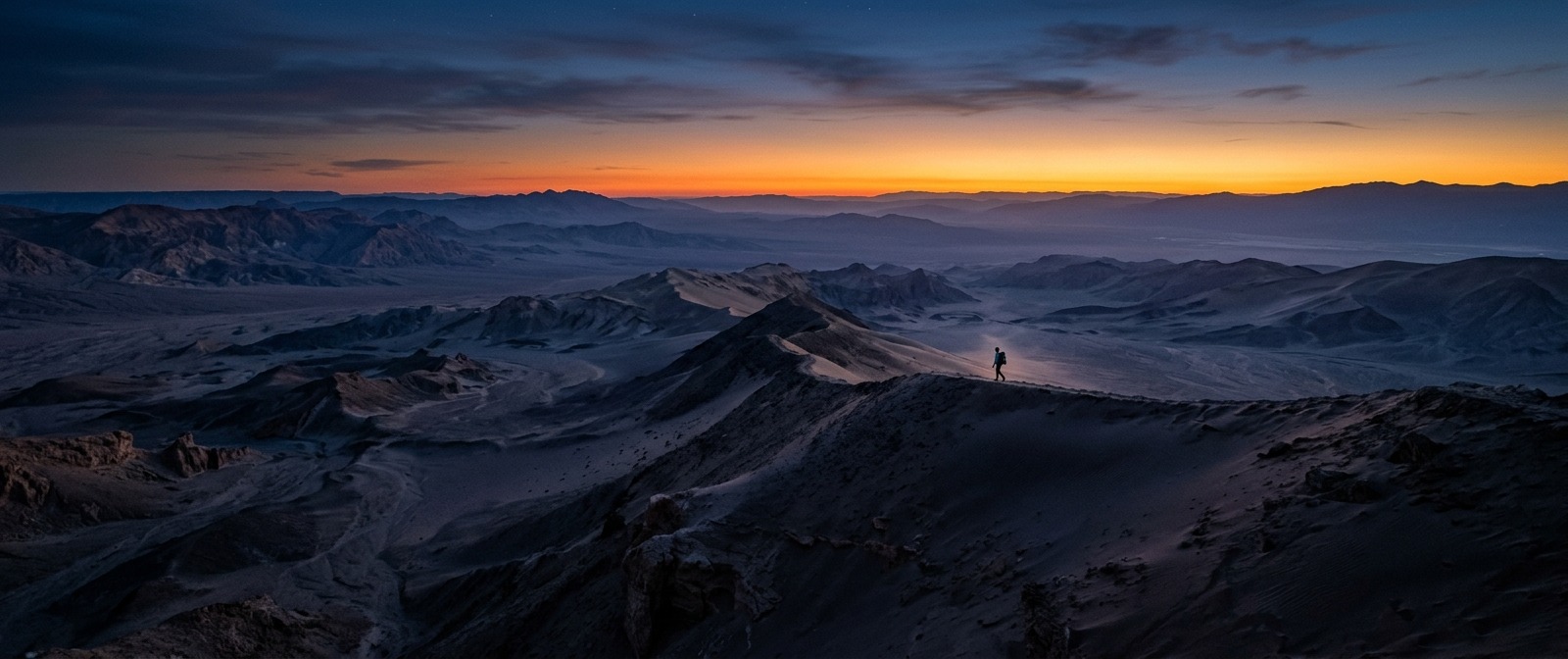
A wide desert landscape at blue hour with a single figure walking a ridge line, IMAX 70mm scale, anamorphic widescreen, deep cool shadows against a warm horizon band, atmospheric depth haze, tilt-shift free ultra wide composition, epic scale
Build a prompt like this in AI Render Pro →Pre-Production and the Storyboard Builder
In Studio, Pre-Production handles character turnarounds, expression sheets, wardrobe flat lays, product shots, and environment plates. You build the cast and the world before generating a single finished frame, which is the step most AI workflows skip and then regret.
The Storyboard Builder is a scene by scene editor with camera movement, transition, and visual effect set per shot. It exports as a video prompt, a storyboard sheet, per scene prompts, or a grid to video prompt, so the plan leaves the app in whatever shape the next step needs.
The Vault and the Director’s Room
The Director’s Room is an AI chat with reference image upload and all 95 techniques available to it. You brainstorm shot lists, plan transitions, and map @Image references, and it persists across sessions, so the conversation is still there tomorrow.
The Vault is the memory. Save any prompt from any module, search it, filter by category, and push it straight back into the prompt engine, or into the Image or Video Studio if you run Studio. Every prompt you write becomes an asset instead of something you lose when you close the tab.
Who It Is For, and Who It Is Not For
It is built for filmmakers, commercial directors, brand teams, photographers, designers, and anyone who thinks in shots rather than keywords. If you already speak cinematography, it removes the typing. If you are learning, the dropdowns teach you the vocabulary by showing you what changes when you use it.
It is the wrong tool if you want one image, once, and do not care what it looks like. Free generators handle that. The value here compounds across a body of work, when consistency and a repeatable pipeline start to matter more than any single render.
AI Render Pro starts at $9 a month and AI Render Pro Studio at $19. Both are compared side by side on the AI Render Pro page.
Frequently Asked Questions
Is Render Pro a 3D rendering engine?
No. AI Render Pro is a prompt engine. It does not render 3D geometry, and it does not render images or video either. It writes the prompts that AI image and video models use. Rendering happens in AI Render Pro Studio, which runs 190+ AI models inside the app.
What does AI Render Pro cost?
AI Render Pro is $9 a month or $69 a year for the prompt engine and the 95 technique library. AI Render Pro Studio, which adds rendering with 190+ AI models, is $19 a month or $190 a year. Studio renders are billed by your own provider at cost.
Which AI models does it support?
AI Render Pro writes prompts tuned for 60+ models, including Midjourney, Runway, Sora, Kling and Seedance. AI Render Pro Studio runs 190+ AI models itself, including Nano Banana Pro Ultra 4K, GPT Image 2, Flux Dev, Seedance 2.0, Kling 3.0, Veo 3.1 and Wan 2.7, from fal.ai, Atlas Cloud, MachGen, Krea, OpenAI, Google and ElevenLabs.
Do I need to know cinematography to use it?
No. The controls are dropdowns, so you can pick a camera, a lens, a film stock, and a lighting setup without knowing the theory first. Most people learn the vocabulary by watching what each choice does to the output.
Can I reuse prompts across projects?
Yes. The Vault saves any prompt from any module, with search and category filters, and sends saved prompts straight back into the prompt engine, or into the Image Studio or Video Studio in Studio.
Discover more from Olivier Hero Dressen Blog: Filmmaking & Creative Tech
Subscribe to get the latest posts sent to your email.
Work with Olivier
Director | CD | DP & Photographer
Specializing in commercials, music videos, AI-driven filmmaking, and cinematic storytelling for brands and production companies.
🌍 Shanghai · Paris · Los Angeles · Dubai
🎬 View Portfolio & Get in Touch