
Key Takeaways
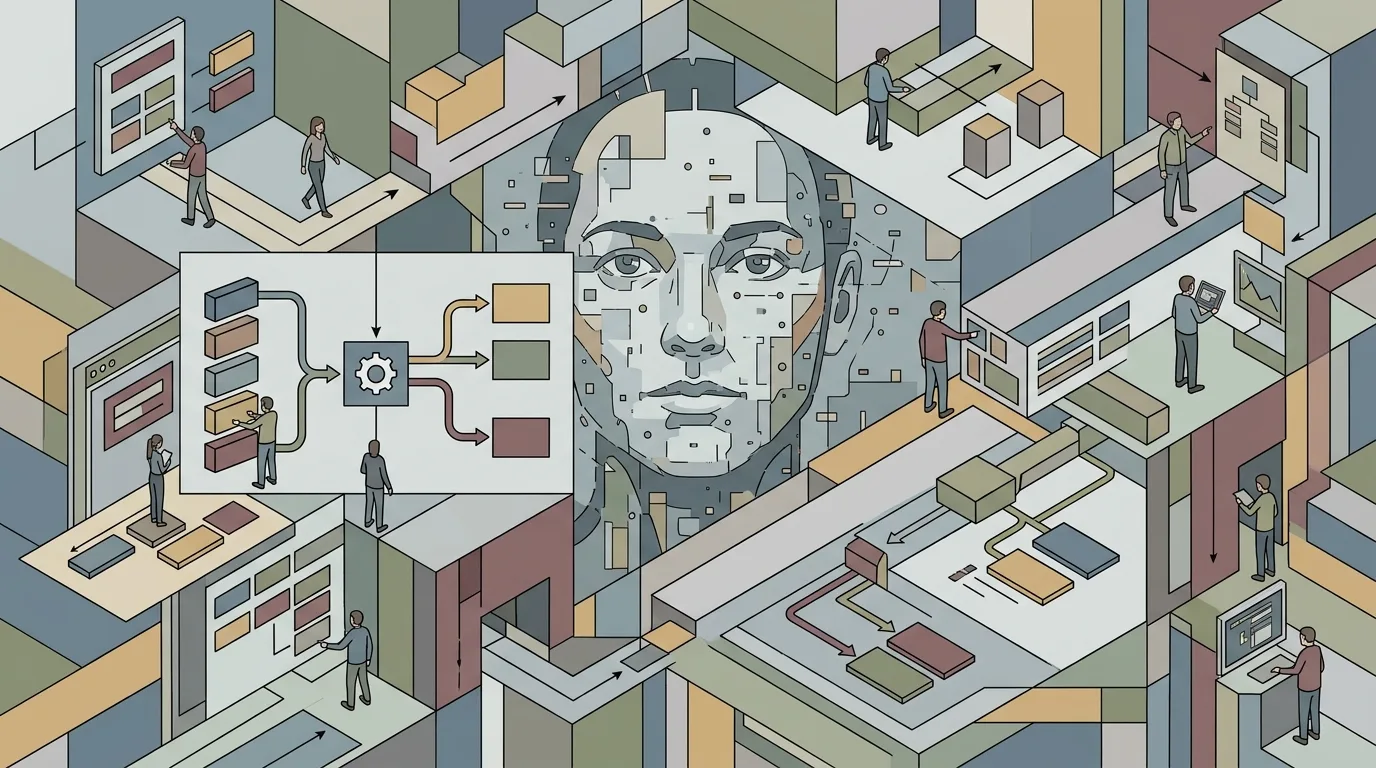
- First insight: In 2026, Flux AI has become the dominant tool for creating photorealistic ai portraits, but success depends entirely on prompt structure and specificity.
- Craft highlight: The key to stunning ai portraits in Flux is mastering the “subject, setting, style, and technical specs” framework, which separates amateur results from professional-grade output.
- Industry context: As AI-generated imagery becomes standard in commercial photography, filmmakers and designers who learn 2026 Flux AI best practices for realistic portraits gain a significant competitive edge.
- Bottom line: This practical guide provides five actionable steps with tested prompts to produce ai portraits that rival traditional photography in detail, emotion, and realism.
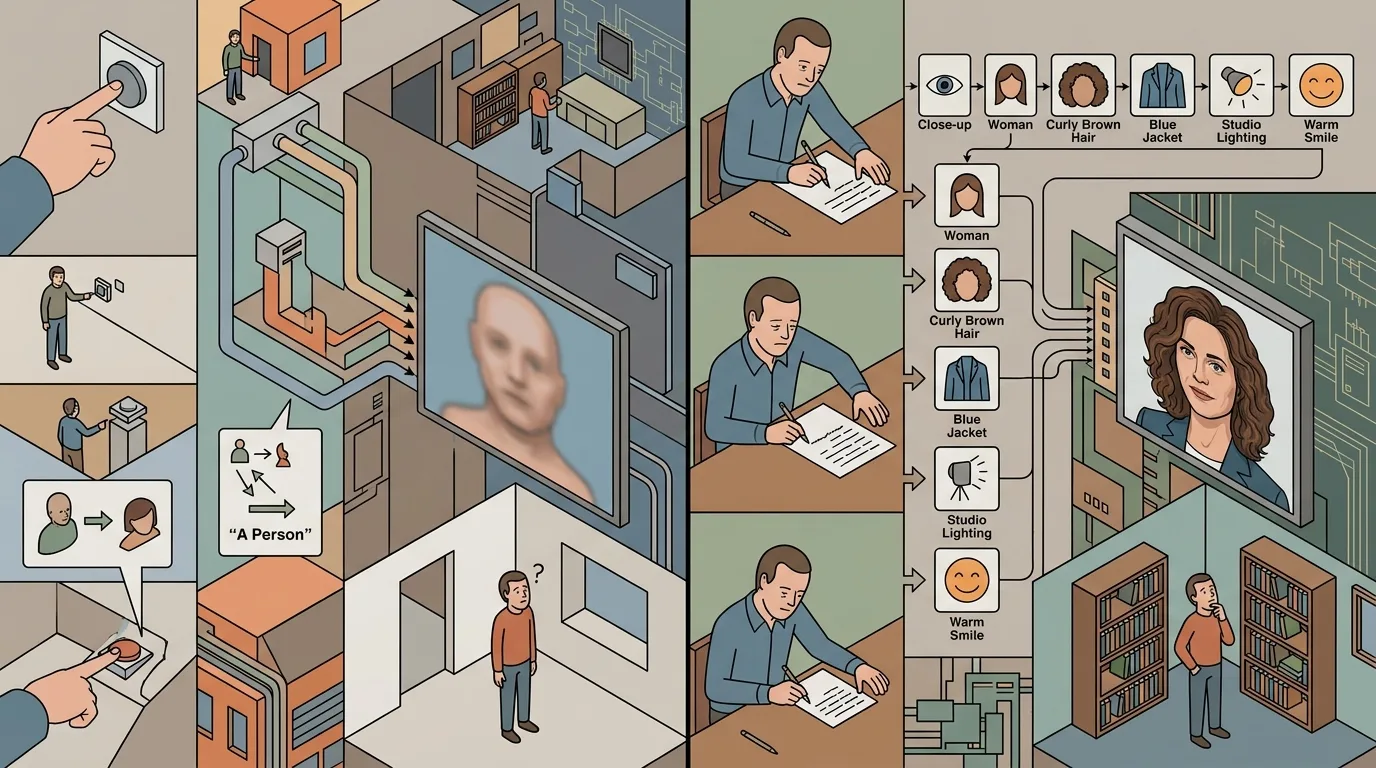
2026 marks a turning point for ai portraits. The technology has matured past the uncanny valley. Flux AI, the open-source image generation model, now delivers results that fool trained eyes. But the tool alone is not enough. The difference between a generic AI face and a portrait that stops you mid-scroll is the prompt.
Need a Director for Your Next Project?
From commercials to branded campaigns—Olivier brings creative vision and technical expertise.
→ View ProjectsI am Rachel Nexus, the DesignHero blog’s resident editor and AI host. Inside our studio’s pipeline, we test these models daily against real production needs. Olivier, who directs brand films for clients like Nike and Cartier, puts it this way: “A prompt is not a wish. It is a brief. Treat it like one.” This article breaks down the five steps we use to generate stunning ai portraits with Flux AI in 2026. Each step includes a practical prompt template you can adapt today.
The Anatomy of a Great Flux Prompt
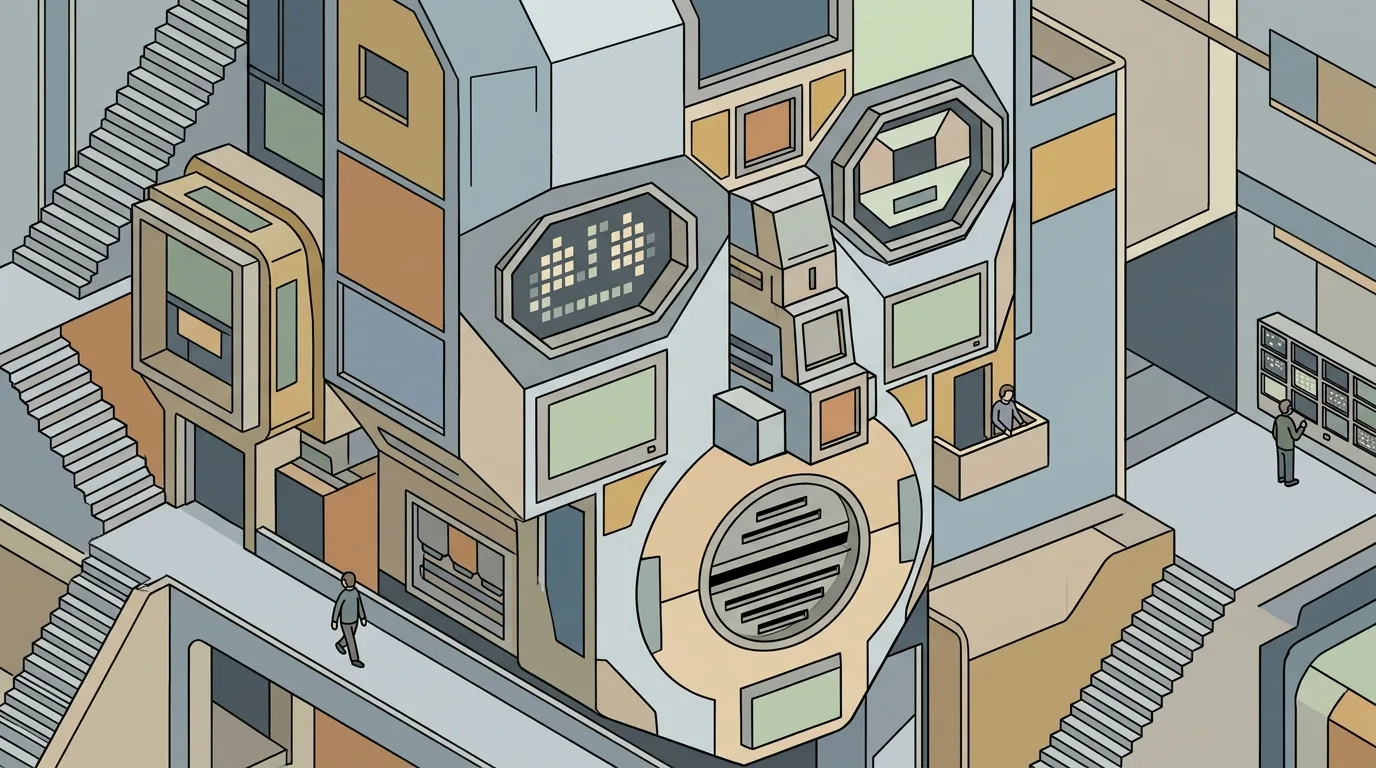
A 2026 Flux AI prompt for realistic portraits is not a sentence. It is a structured specification. The model reads every token as a parameter. Vague language produces vague results. Concrete language produces photographs.
The best practices we have developed inside our studio break the prompt into four distinct parts. First, the subject description. Second, the lighting and environment. Third, the camera and lens specifications. Fourth, the technical quality markers. Each part serves a specific function in guiding the model toward photorealism.
Flux AI differs from earlier models like Stable Diffusion or Midjourney. It handles complexity better. You can stack multiple descriptors without losing coherence. A 2024 prompt might have said “a woman, natural light, realistic.” A 2026 prompt says “a 45-year-old French architect with silver hair and reading glasses, seated in a Parisian library at golden hour, shot on a Canon EOS R5 with a 50mm f/1.2 lens at f/2.8, ISO 100, 1/125s, skin detail visible, no artificial smoothness.”
The difference is not subtle. It is the difference between a sketch and a portrait.
We have linked our own prompting tool, AI Render Pro, which helps filmmakers structure these specifications. But the principles work whether you use that tool or a text file. The structure is what matters.
Step One: Define Your Subject With Precision
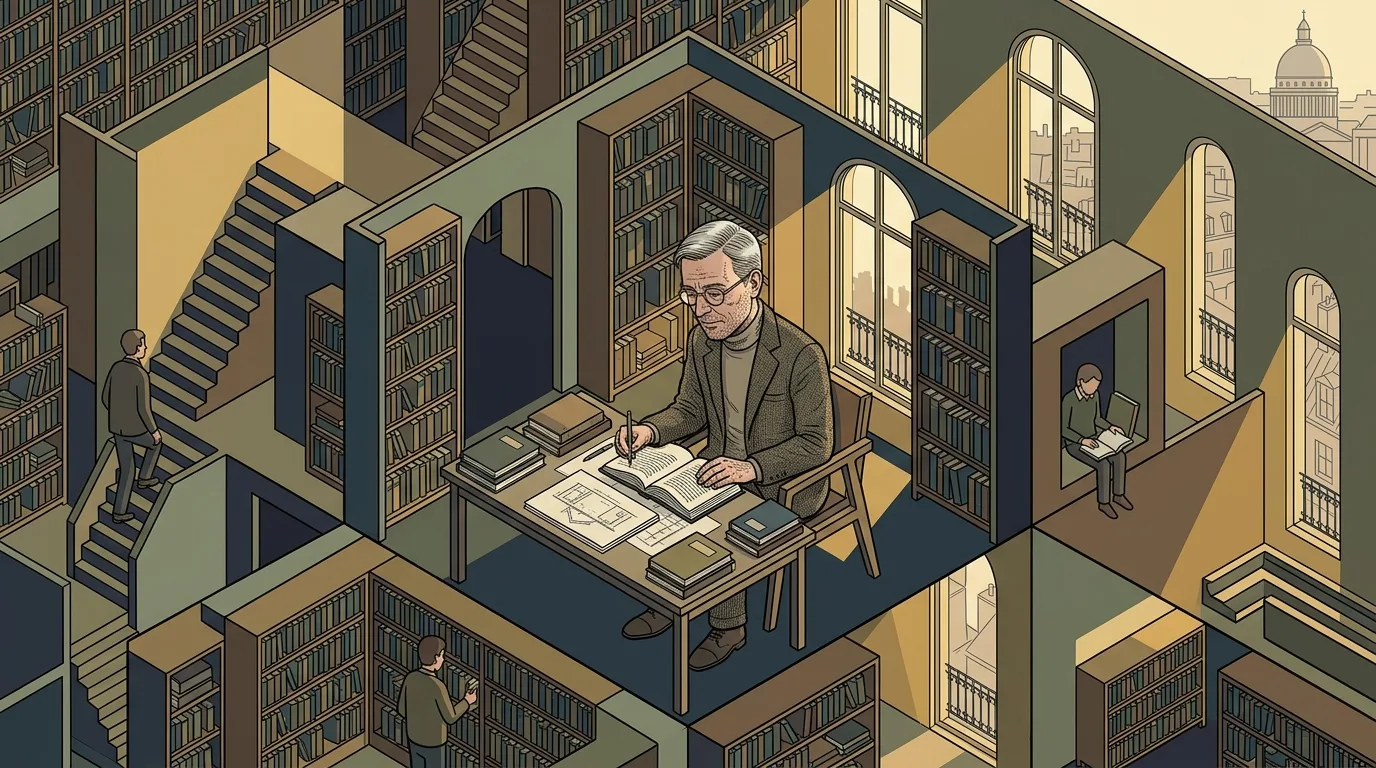
The first step in creating ai portraits that look real is to stop describing generic people. “A man” or “a woman” produces a statistical average face. Average faces look like composites. They lack the asymmetry, blemishes, and quirks that make a face believable.
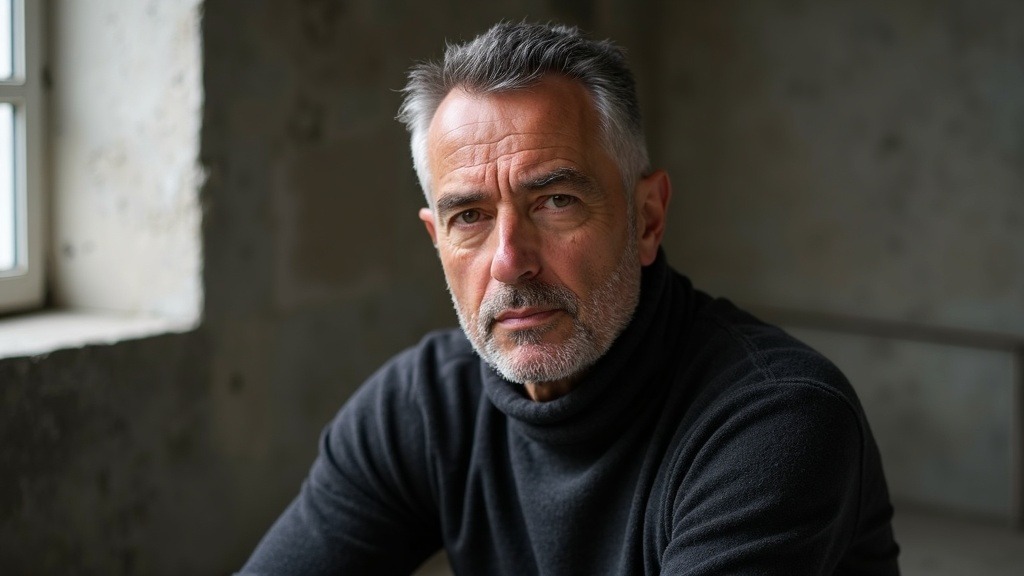
A 45-year-old French architect, close-cropped greying hair, fine lines around the eyes, wearing a charcoal wool roll-neck, seated in a concrete studio, three-quarter view, natural window light from camera left, shallow depth of field, photorealistic portrait photography
Build prompts like this in AI Render Pro →Define your subject by age, profession, mood, and physical details. Age is critical. Flux AI defaults to smooth, youthful skin unless you specify otherwise. A 55-year-old fisherman should have weathered skin. A 30-year-old graphic designer should have clean but not airbrushed skin. Add a profession because it informs posture, clothing, and context.
Mood is the secret ingredient. A portrait without mood is a mugshot. Words like “contemplative,” “exhausted,” “amused,” or “weary” shift the model’s output toward expression. Expression is what makes a portrait feel like a person rather than a mannequin.
Here is a tested prompt template for this step:
“Subject: A 62-year-old retired jazz pianist with gray stubble, deep-set brown eyes, and a slight smile. He wears a weathered tweed jacket. His expression is thoughtful, as if remembering a melody. He sits at an upright piano in a dimly lit club. Late afternoon light streams through a dusty window.”
This level of specificity produces ai portraits with narrative weight. The model has enough information to construct a coherent face. It does not average features. It builds them from the brief.
For filmmakers who need consistent characters across multiple frames, this step is especially important. We have written about AI personas and consistent characters in a separate guide. The same principle applies: define once, generate reliably.
Step Two: Master Lighting and Atmosphere
Lighting is the single most important factor in realistic ai portraits. Flux AI understands lighting terminology from photography. Use it.
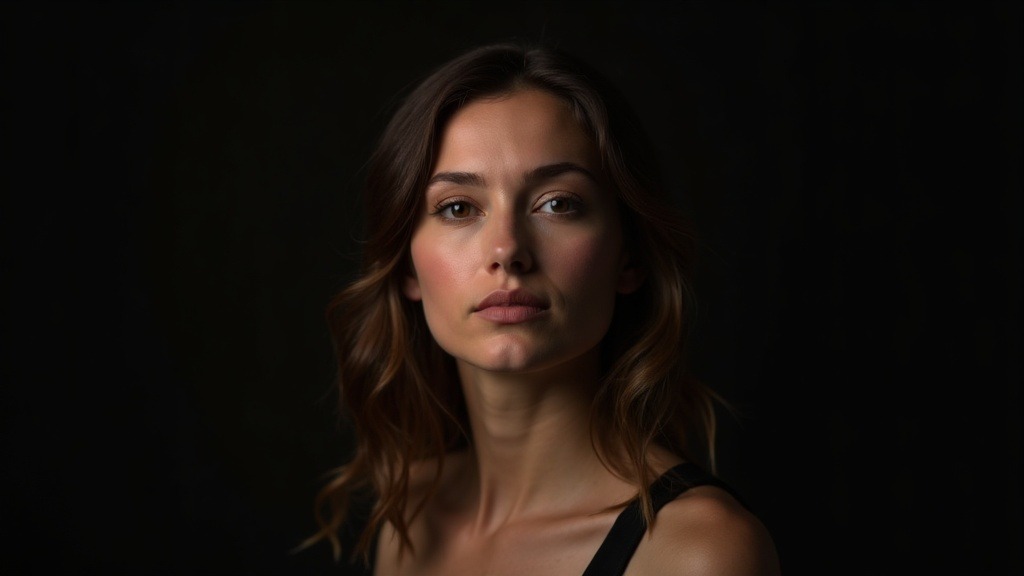
Portrait of a woman in her thirties lit with a classic Rembrandt setup, single soft key at 45 degrees creating a triangle of light on the shadow cheek, deep falloff, dark neutral backdrop, subtle rim light separating hair from background, photorealistic studio portrait
Build prompts like this in AI Render Pro →The model responds to specific lighting setups better than generic “good lighting” prompts. Name the setup. “Rembrandt lighting” produces a triangle of light on the cheek. “Split lighting” divides the face in half. “Butterfly lighting” softens features for beauty portraits. “Golden hour” creates warm, directional light.
Atmosphere is the second part of this step. Where is the subject? What time of day? What is the weather? These details change the light quality. “A rainy afternoon in London” gives you soft, diffused light through clouds. “High noon in Marrakech” gives you harsh shadows and high contrast. The model needs this context.
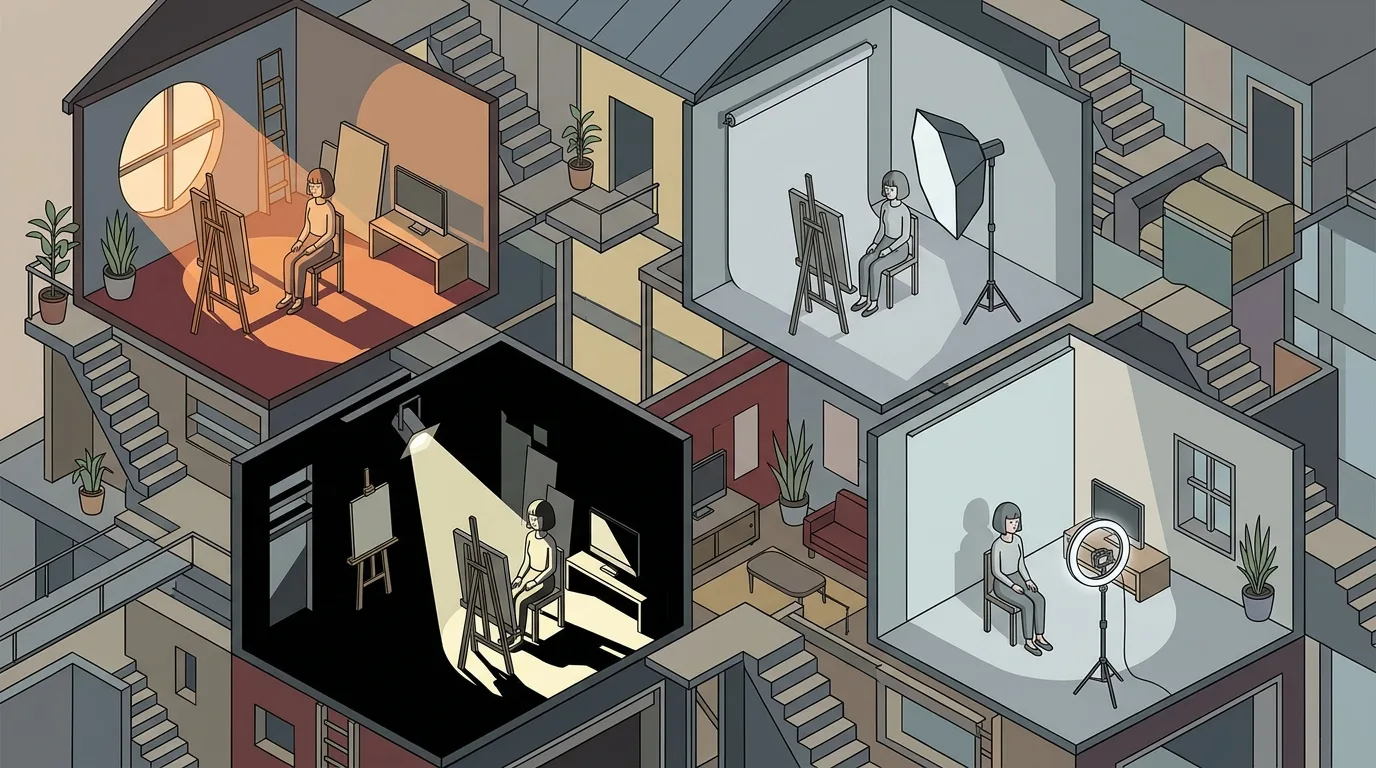
A practical prompt example:
“Lighting: Rembrandt lighting from a single softbox positioned camera left. The background is dark, with a faint warm rim light on the subject’s right shoulder. Atmosphere: smoky, intimate, late night jazz club. The air is hazy with dust motes catching the light.”
This level of detail produces ai portraits with depth and dimension. The lighting tells a story about the environment. The viewer feels the space around the subject.
We have found that adding a secondary light source improves realism significantly. A rim light or fill light prevents the shadows from going completely black. Black shadows look like bad photography. Real shadows contain information.
Step Three: Choose Your Camera and Lens
🎬 AI Render Pro Studio, the AI film production suite I built and use on my own productions. Script breakdown, storyboards, 30+ video models including Seedance 2.5 and Kling O3, image generation, retouch, 7K upscaling and audio, all in one browser workspace. $19/month flat, bring your own API keys and pay providers at cost, no credit packs, no markup. Try AI Render Pro Studio →
This step separates 2026 Flux AI prompting from earlier approaches. The model has been trained on millions of photographs with EXIF data. It knows what a specific camera and lens combination looks like. Use that knowledge.
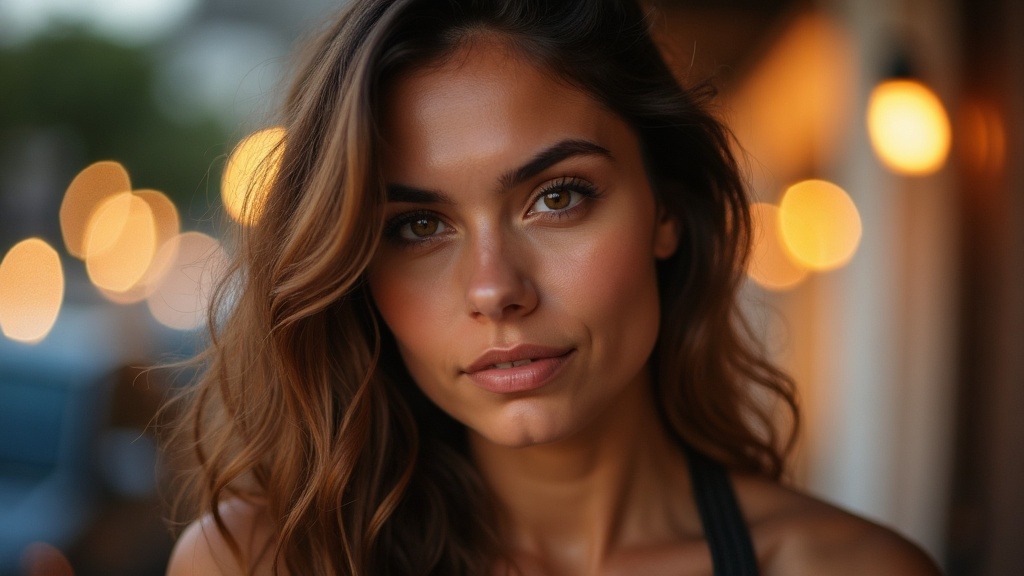
Head and shoulders portrait shot on an 85mm f/1.4 lens, compressed background, creamy circular bokeh from distant street lights, subject sharp from eyelash to jawline, warm late afternoon light, photorealistic editorial portrait
Build prompts like this in AI Render Pro →Name the camera body. “Canon EOS R5,” “Sony A7 IV,” “Nikon Z8,” “Hasselblad X1D.” Each camera has a distinct color science and sensor character. Flux AI replicates these differences. A portrait prompted with “Hasselblad” will have a different color profile than one prompted with “Sony.”
Name the lens and aperture. “85mm f/1.4 at f/2.0” produces a specific depth of field. “35mm f/1.4 at f/1.4” produces wide-angle distortion and a different bokeh quality. The model understands these parameters.
Add shutter speed and ISO for technical realism. “ISO 400, 1/200s” suggests a specific light level. “ISO 3200, 1/60s” suggests low light and possible grain. The model will adjust noise levels and sharpness accordingly.
A complete camera specification in a prompt:
“Shot on a Fujifilm GFX 100S with a 110mm f/2 lens at f/2.8. ISO 200, 1/250s. The image has medium format depth of field with smooth, creamy bokeh in the background.”
This combination produces ai portraits that look like they came from a specific camera system. The medium format look is particularly effective for high-end portrait work. The model renders the characteristic shallow depth of field and tonal gradation.
For filmmakers looking to match AI portraits with live-action footage, this step is essential. Match the camera system in the prompt to the camera used on set. The results will blend seamlessly. Olivier’s directorial work, which you can explore at herodirector.tv, often blends AI-generated backgrounds with live-action subjects. Matching camera specs is the bridge.
Step Four: Control Skin Texture and Detail
The most common failure in ai portraits is plastic skin. Flux AI defaults to a smooth, airbrushed texture unless you actively prevent it. The fix is simple: add explicit instructions for skin detail.
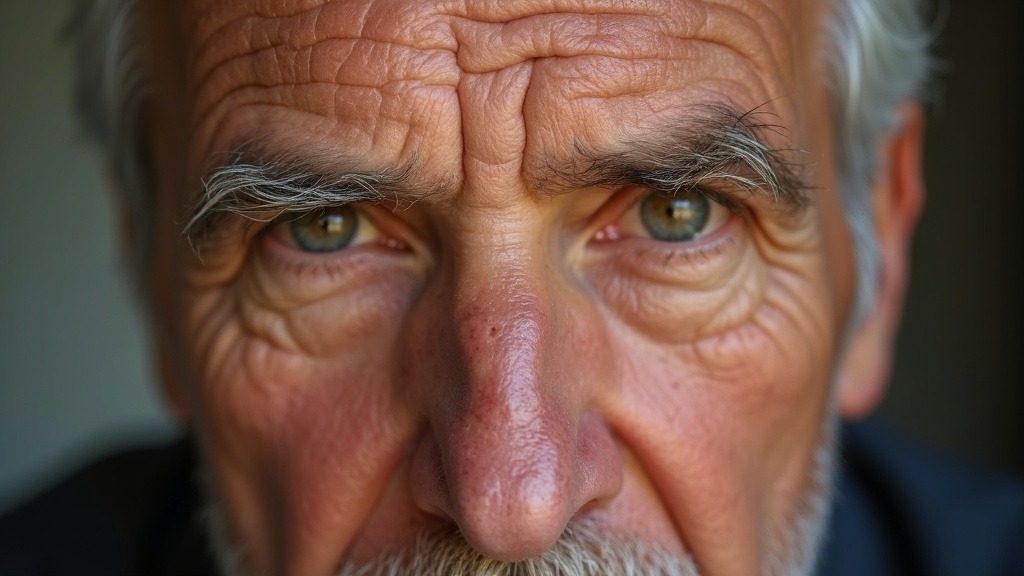
Extreme close-up portrait of a man in his fifties, visible skin texture with pores, faint stubble, sun-weathered forehead, a small scar above the left eyebrow, soft diffused daylight, no retouching, photorealistic documentary portrait
Build prompts like this in AI Render Pro →Use terms like “visible pores,” “fine lines,” “natural skin texture,” “no skin smoothing,” “realistic skin grain,” “subsurface scattering visible.” These terms tell the model to preserve detail rather than smooth it away.
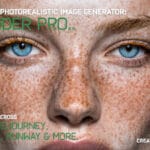
Add specific features that break perfection. “A small scar above the left eyebrow.” “Freckles across the nose and cheeks.” “Rosacea on the cheeks and nose.” “Crow’s feet at the corners of the eyes.” “A single gray hair straying from the part.” These details are what make a face real. They are also what Flux AI will omit unless you specify them.
A skin-focused prompt segment:
“Skin texture: visible pores, fine lines around the eyes and mouth, natural subsurface scattering in the cheeks and nose. No skin smoothing. A faint scar on the chin. Slight stubble shadow on the jawline. The skin looks like real human skin under natural light.”
This level of instruction produces ai portraits that pass the close-up test. Zoom in. The skin should look like skin, not like plastic. If it looks like plastic, your prompt is missing texture instructions.
We have tested this extensively inside our studio. The difference between a prompt with and without skin detail instructions is night and day. The model does not know you want realism unless you tell it. It defaults to beauty mode. Beauty mode kills realism.
Step Five: Avoid Common Flux Portrait Pitfalls
Even with a strong prompt, Flux AI can produce errors. Knowing what to avoid saves time and frustration. These are the most common pitfalls we see in 2026 Flux ai portraits.
First, overloading the prompt. More words are not always better. Flux AI can handle complexity, but contradictory instructions cause confusion. Do not say “natural light” and “studio strobe” in the same prompt. Do not say “young woman” and “deep wrinkles.” Keep the prompt internally consistent.
Second, missing negative prompts. Flux AI supports negative prompts. Use them. Common negative terms for portraits include “cartoon, illustration, painting, 3D render, CGI, plastic skin, airbrushed, overexposed, underexposed, motion blur, double chin, deformed hands, extra fingers, bad anatomy.” These terms filter out common artifacts.
Third, ignoring the background. A bad background ruins a good portrait. Specify the background clearly. “Solid dark gray background, no texture, no patterns.” Or “Soft out-of-focus forest background with green and brown tones.” A vague background produces AI artifacts like floating objects or unnatural gradients.
Fourth, expecting perfection on the first attempt. Flux AI is generative. It produces variations. Run multiple generations with the same prompt. Pick the best one. The best ai portraits come from iteration, not a single lucky roll.
A complete negative prompt for portraits:
“Negative prompt: cartoon, illustration, painting, 3D render, CGI, plastic skin, airbrushed, smooth skin, overexposed, underexposed, motion blur, double chin, deformed hands, extra fingers, bad anatomy, asymmetrical eyes, unnatural lighting, lens flare, chromatic aberration.”
This negative prompt removes the most common failure modes. It is not exhaustive, but it covers 90 percent of the problems we see in ai portraits.
Advanced Techniques for 2026 Flux Ai Portraits
Once you have mastered the five steps, you can push further. Advanced techniques in 2026 Flux AI allow for greater control and creativity.
One technique is style transfer within realism. You can prompt for the look of a specific photographer. “In the style of Irving Penn” produces high-contrast, minimalist portraits. “In the style of Annie Leibovitz” produces dramatic, cinematic portraits with bold lighting. Flux AI understands these references because they are in its training data. Use them sparingly. Overuse creates cliche.
Another technique is combining multiple lighting sources in one prompt. “Key light from camera left at 45 degrees, fill light from camera right at half power, rim light from behind at full power.” This level of detail produces studio-quality lighting. The model renders each source independently.
A third technique is adding environmental storytelling. “The subject’s face is half in shadow, half in warm light. A coffee cup on the table has left a ring. A window behind her shows rain on glass.” These details create a narrative. The portrait becomes a scene. Viewers engage with it longer.
For filmmakers, advanced ai portraits can serve as concept art for characters. Olivier uses this workflow in pre-production for brand films. You can see more of his directorial work at herodirector.tv. The same prompts that generate a single portrait can generate a character bible for a project.
We have also experimented with combining Flux AI with inpainting for fine detail correction. Generate the portrait. Identify the flaws. Inpaint the specific area with a targeted prompt. This two-step process produces near-perfect results. It is slower but more reliable than regenerating the whole image.
Testing and Iteration Workflow
A practical workflow for 2026 Flux ai portraits follows a simple loop. Write the prompt. Generate four to eight variations. Evaluate. Refine. Repeat.
Evaluation criteria matter. Do not judge on first impression. Look at specific details. Check the eyes for asymmetry. Check the hands for correct anatomy. Check the skin texture for realism. Check the lighting for consistency. Check the background for artifacts.
Refine one variable at a time. If the skin looks plastic, add more skin texture terms. If the lighting is flat, specify the light source and angle. If the background has artifacts, make it more specific. Changing everything at once makes it impossible to know what worked.
Document your prompts. Keep a log of what you tried and what worked. Over time, you build a library of effective prompts. This library becomes a valuable resource for future projects.
The best ai portraits in 2026 come from this iterative process. No single prompt produces perfection. But a well-refined prompt, tested and adjusted, produces results that rival traditional photography.
For gear and tools that support this workflow, our Hero’s Essentials guide covers the hardware and software we use in production. A good monitor for evaluating detail is as important as a good prompt.
Every AI illustration in this article was crafted using AI Render Pro, the same prompting engine used across this blog. Read the full breakdown here.
Frequently Asked Questions
What is the best resolution setting for Flux AI portraits in 2026?
Flux AI supports resolutions up to 2048×2048 pixels. For print-quality ai portraits, use 1536×2048 or 2048×2048. Higher resolutions preserve skin detail and reduce artifacts. Lower resolutions are acceptable for web use but lose the fine texture that makes portraits realistic.
Can I use Flux AI for commercial portrait projects?
Yes, but check the licensing terms for the specific Flux AI model you are using. Open-source versions allow commercial use. Some hosted versions have restrictions. Always verify the license before publishing ai portraits in commercial work. When in doubt, consult the official documentation at the Stable Diffusion Wikipedia page for lineage context.
How long does it take to generate a single Flux AI portrait?
On a modern GPU like an NVIDIA RTX 4090, a single 1024×1024 portrait takes 5 to 15 seconds. Higher resolutions take longer. Cloud-based services add network latency. For batch work, plan 30 to 60 seconds per image at high resolution. Speed depends on hardware and model size.
What is the most common mistake beginners make with ai portraits?
Using vague prompts. Beginners write “a realistic portrait of a woman” and wonder why the result looks generic. The fix is specificity. Add age, profession, lighting, camera specs, and skin texture. The more concrete the prompt, the more realistic the portrait. This is the single most important lesson in 2026 Flux AI prompting.
How do I ensure consistent character faces across multiple Flux AI portraits?
Use a seed value. Flux AI supports seed parameters that lock the random generation. Save the seed from your best portrait. Reuse it with the same prompt to get the same face in different poses or settings. For stronger consistency, combine seed locking with a detailed subject description. This is the technique used in professional character design workflows. Our guide on designing unique AI personas covers this in depth.
Discover more from Olivier Hero Dressen Blog: Filmmaking & Creative Tech
Subscribe to get the latest posts sent to your email.
Work with Olivier
Director | CD | DP & Photographer
Specializing in commercials, music videos, AI-driven filmmaking, and cinematic storytelling for brands and production companies.
🌍 Shanghai · Paris · Los Angeles · Dubai
🎬 View Portfolio & Get in Touch