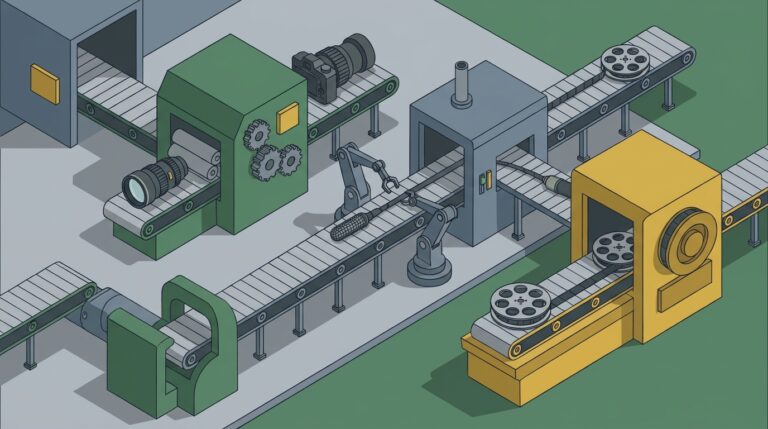
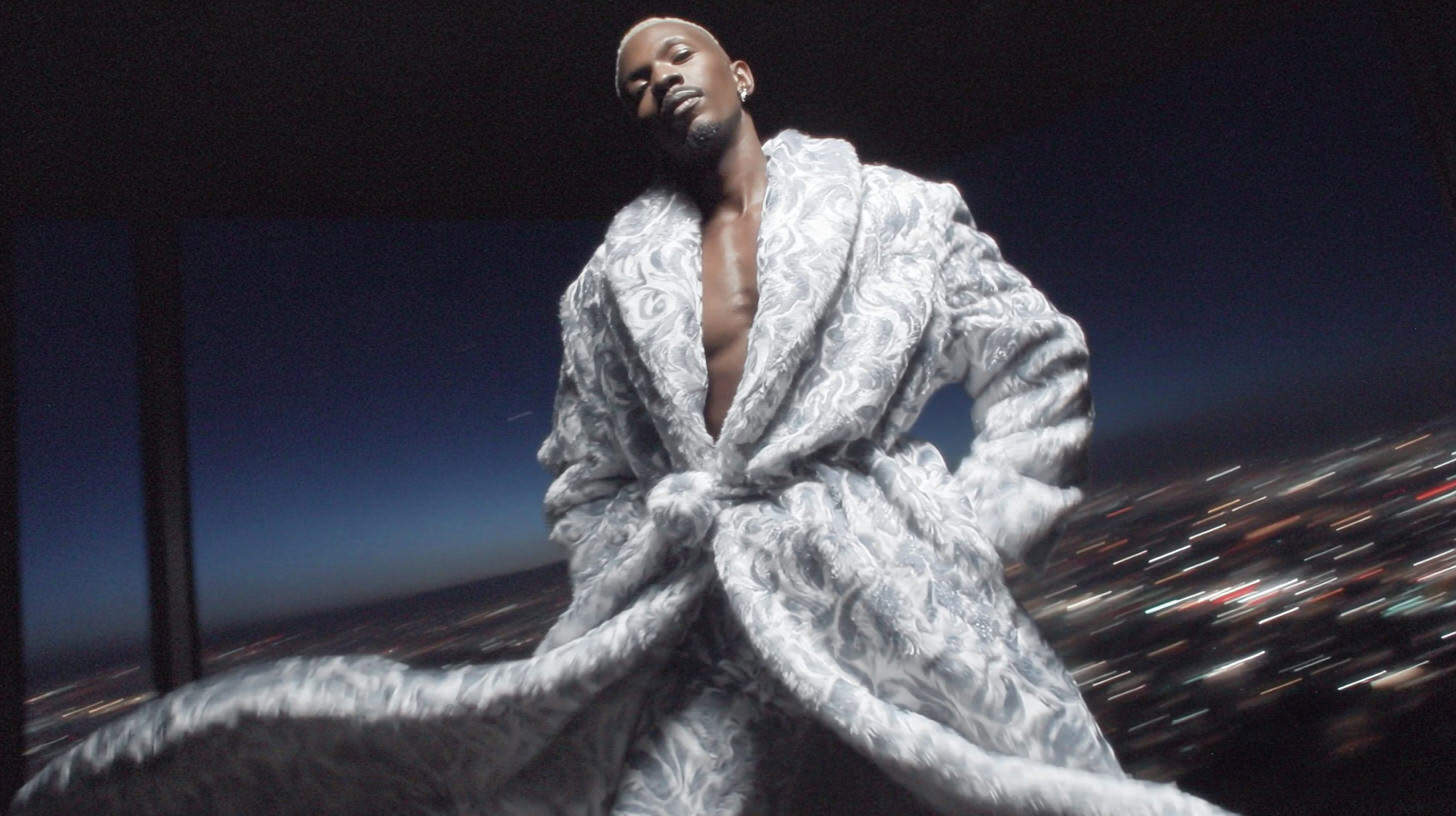

- What is Googleflow: A generative AI video platform that creates cinematic shots from text prompts, fundamentally changing the production pipeline from subtractive (editing) to additive (creating).
- The New Workflow: Use googleflow to generate core visual concepts and “impossible” shots, then use tools like AI Render Pro for upscaling and stylization before final assembly in traditional editors like Premiere Pro.
- Advanced Techniques: Master professional results by using features like Character Lock for consistency, negative prompts to eliminate artifacts, and chaining generations to create longer, more complex sequences.
If you had told me five years ago that I’d be directing a high-concept music video by writing descriptions of shots instead of filming them, I would have laughed. My world was built on cameras, lenses, and the familiar timelines of Premiere Pro and DaVinci Resolve. But the landscape of 2026 is entirely different, and the epicenter of this earthquake is a tool that has fundamentally changed my craft: googleflow. It’s not just an evolution; it’s a quiet revolution happening on our screens, shifting our roles from camera operators to world-builders. For anyone who has ever felt constrained by a budget or the laws of physics, this new creative process feels like learning to speak a language you always knew existed but could never access. It’s a dialogue directly with your imagination.
Need a Director for Your Next Project?
From commercials to branded campaigns—Olivier brings creative vision and technical expertise.
→ View ProjectsThe AI Revolution: What is Googleflow?
At its core, googleflow is a generative AI video creation platform. But that technical description doesn’t quite capture the feeling of using it. It’s less like a piece of software and more like a collaborator, an infinitely creative cinematographer that can execute the most imaginative shot you can dream up, unbound by the usual constraints. You don’t edit footage; you generate it from the ground up using text prompts, reference images, or even existing video clips. It’s a tool that collapses the entire production pipeline, shrinking the time from a wild idea to a usable shot from weeks or months down to mere hours. For independent creators and seasoned directors alike, this means greater creative freedom and the ability to produce visuals previously accessible only to massive VFX houses with sprawling render farms.
This shift toward generative video isn’t happening in a vacuum. We’ve seen what OpenAI’s Sora can conceptualize and the painterly motion that Runway ML can produce. These tools are carving out new spaces in the creative process, from pre-visualization for major studio films to final polished visuals in experimental projects showcased at festivals like Sundance. What makes googleflow particularly resonant in the filmmaking community is its focus on controllable, cinematic motion and semantic understanding. It’s being designed with the language of cinematography in mind, allowing for prompts that specify lens characteristics, camera movements, and lighting styles. This is where it starts to feel less like a novelty and more like a legitimate tool for the craft.
The real impact of this technology is the democratization of high-concept filmmaking. It matters because a director with a powerful idea but a small budget can now compete visually with a major studio. The key is to shift your mindset from “fixing it in post” to “creating it in the prompt.” My first real test with this was for a surreal, dream-like sequence for an indie artist. The budget was tight, the practical effects were impossible, and we were stuck. On a whim, I tried Flow to generate a shot of a clock melting into a river of stars. The results were staggering, and I’ve honestly never looked back. That moment taught me that the most valuable skill in this new era is the ability to articulate your vision with words.
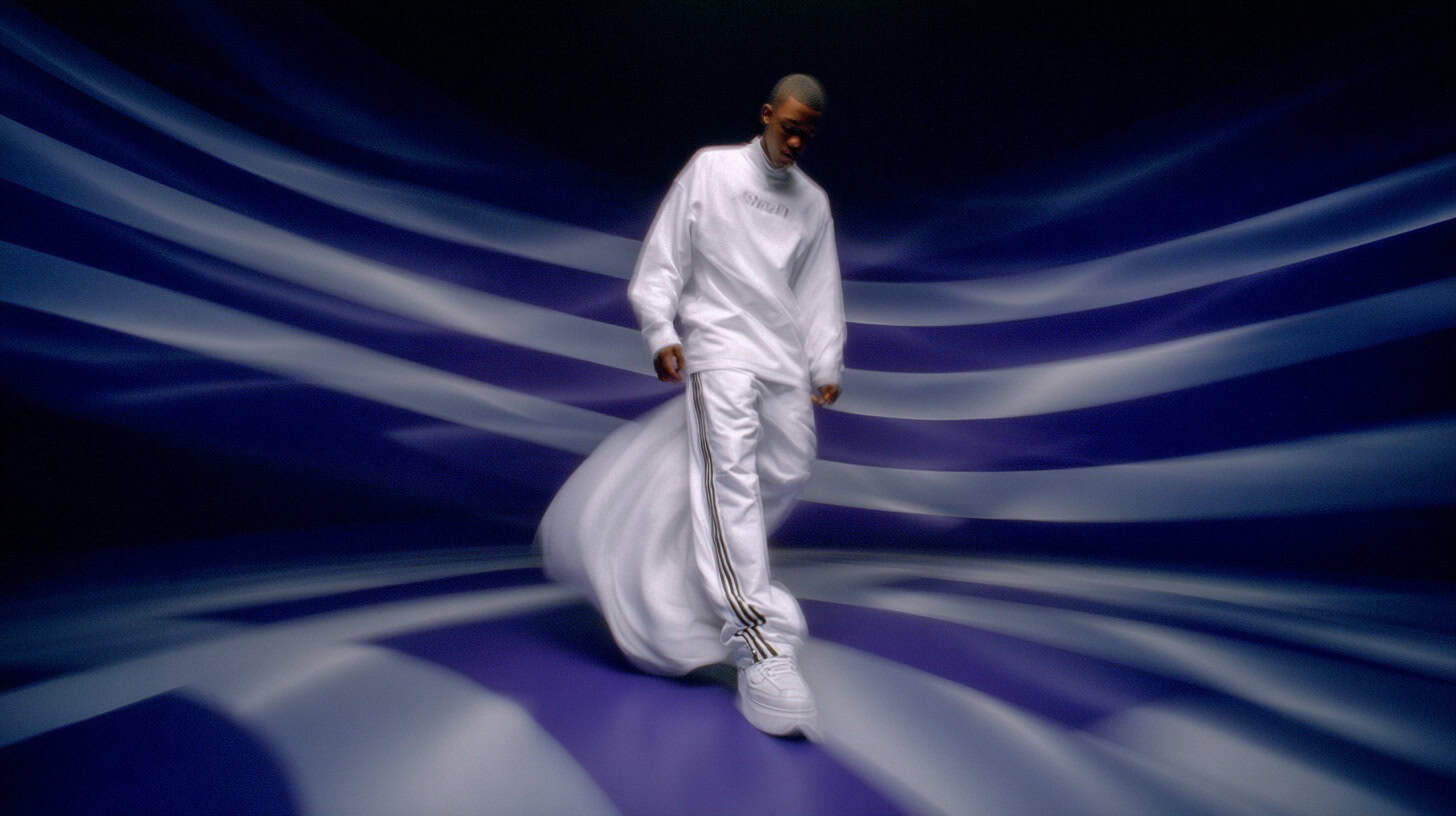
The New Workflow: Blending AI with Traditional Craft
To understand how to integrate a tool like googleflow, you have to throw out the old rulebook. Traditional filmmaking is a subtractive process, you start with hours of raw footage and painstakingly cut it down to tell your story. Generative AI is purely additive, you begin with a blank slate and create exactly what you need, shot by shot. This fundamental difference requires a new workflow. It starts with the prompt, which is your new screenplay, storyboard, and director’s brief all in one. Being descriptive is everything. Instead of “a car driving,” you write, “A vintage cherry-red convertible driving down a neon-lit Tokyo street at night, rain slicking the asphalt, cinematic 85mm lens, anamorphic lens flare, slow dolly out.” You can then seed it with a reference image, set motion parameters like crane shot ascending, and let the AI generate variations for you to refine.
Once you have your generated clips, the workflow doesn’t end there; it transitions into a hybrid model. This is where a specialized tool like AI Render Pro becomes essential. While googleflow is the generator, AI Render Pro is the finisher. I use it as a dedicated AI suite for upscaling, color grading, and applying consistent style transfers. For example, I can take my 1080p generations from Flow, upscale them to a crisp 4K, and apply a specific film grain or color profile that matches the live-action footage I shot. Think of Flow as your camera, capturing the raw image, and AI Render Pro as your color grading suite, giving it the final cinematic polish. This bridge between AI generation and professional finishing is what makes these tools viable for real-world projects.
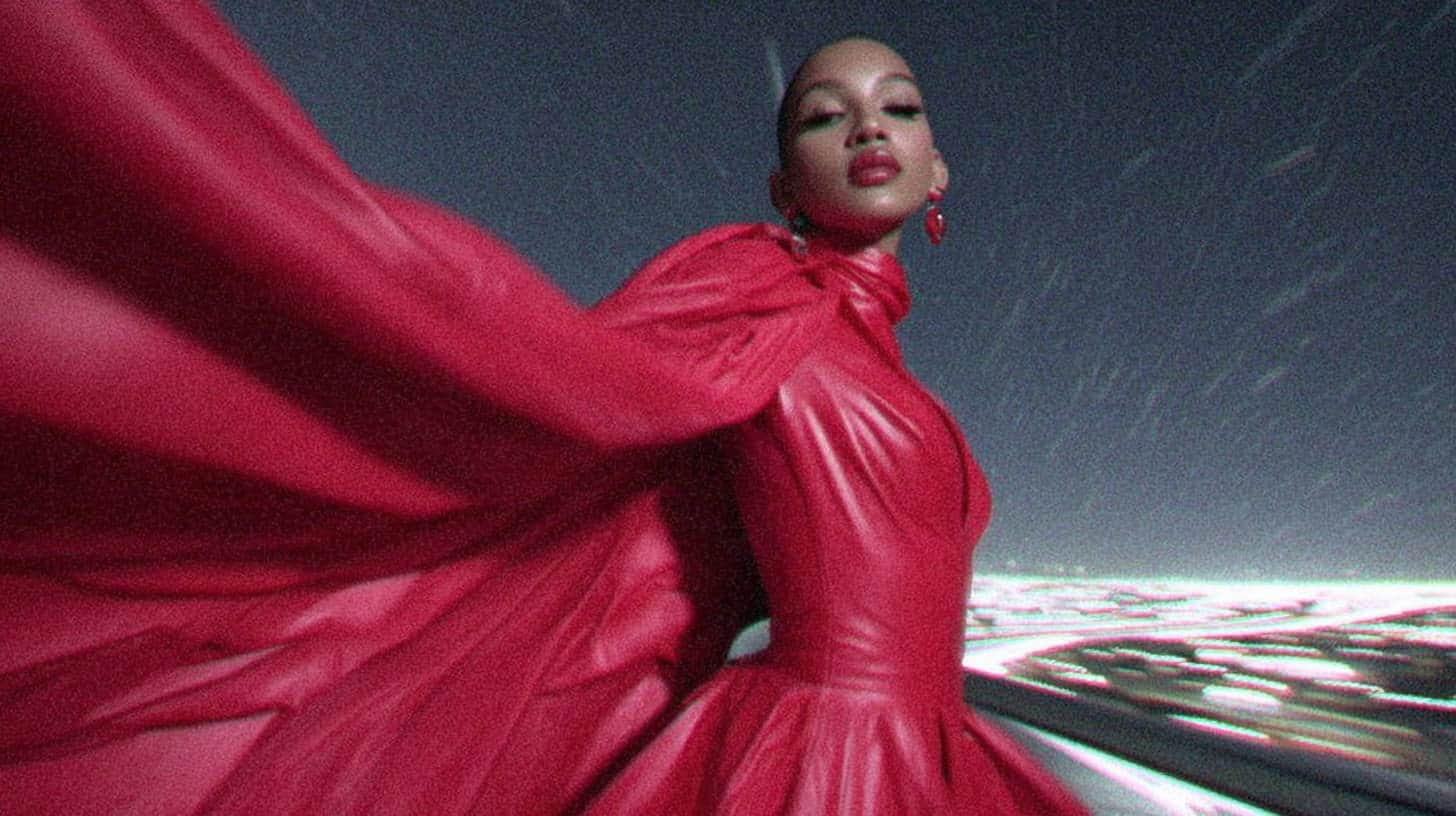
This new process matters because it allows for an unprecedented level of creative iteration without the massive costs of reshoots. My practical tip is to think in “shot blocks.” Don’t try to generate a full 30-second scene in one go. Instead, focus on creating perfect 4-6 second clips. Nail the lighting, character, and motion for that single beat. Then, export it and start the next beat, perhaps using the last frame of the previous clip as a seed for the next one. This modular approach gives you more control and makes it easier to assemble a cohesive sequence in your traditional editor. Below is a simple breakdown of how these tools stack up.
| Feature | Google Flow | AI Render Pro | Traditional (Premiere/DaVinci) |
|---|---|---|---|
| Primary Function | Generative Video Creation | AI Upscaling & Stylization | Non-Linear Editing & Color |
| Starting Point | Text Prompt / Image | Existing Video Clip | Raw Camera Footage |
| Workflow | Additive (Creating from nothing) | Transformative (Enhancing) | Subtractive (Cutting down) |
| Best For | Concepting, impossible shots, VFX | Finalizing, upscaling, consistency | Assembly, pacing, audio, final color |
| Learning Curve | Moderate (Prompt Craft) | Easy | Steep (Professional Level) |
Advanced Techniques for Professional Results
Getting a decent-looking shot from googleflow is relatively easy. But getting professional, seamless, and emotionally resonant results, the kind of shots that are indistinguishable from high-end VFX, requires a deeper understanding of its more advanced features. This is where you move from being a user to being an artist with the tool. It involves learning to guide the AI with precision, anticipating its quirks, and knowing how to correct them before they become problems. It’s about mastering the nuances of prompt structure, motion control, and maintaining consistency across a sequence of shots, which is often the biggest giveaway of AI-generated content.
Here are a few of the techniques that have become indispensable in my professional Filmmaking AI Workflows. First is “Character Lock,” a feature that addresses the critical issue of character consistency. You can feed the AI a character sheet with images of your actor from multiple angles and under different lighting conditions, and it will maintain that likeness across every generated shot. Second is the power of negative prompts. Just as vital as telling the AI what you want is telling it what you don’t want. I frequently add commands like --no blurry, deformed hands, flickering, soap opera effect, plastic skin to my prompts to clean up the output from the start. Finally, I use a technique called “Chaining Generations” for longer, evolving shots. I’ll generate a 4-second clip, use its final frame as an image seed for the next prompt with slightly altered motion, and then seamlessly stitch them together in post.
These advanced techniques are what elevate the final product from a cool experiment to a professional piece of storytelling. For the artist Nova’s “Midnight Bloom” music video, we needed a shot of a flower blooming in hyper-lapse, but with its petals made of liquid chrome. Practically, this was a multi-thousand-dollar VFX shot. In Flow, my prompt was: "Extreme close-up of a black rose, its petals made of shimmering liquid chrome, blooming over 5 seconds, dark studio background, subtle key light." The result was flawless. We then used a guide like the Google Flow for Filmmakers to refine the motion and ran the clip through AI Render Pro to upscale it and add a specific anamorphic bokeh that matched our live-action footage. The tip here is to build your own “prompt library.” Just as a cinematographer has a preferred set of lenses, you should have a collection of prompt snippets, motion settings, and negative prompts that consistently deliver your desired aesthetic.
Mastering the Craft & Future-Proofing Your Career
Working with tools like googleflow requires a fundamental mindset shift. You become less of a technician or operator and more of a creative director in the purest sense. Your job is to hold the vision, articulate it with clarity, and guide a powerful, non-human collaborator to achieve it. This means your skills in storytelling, composition, lighting, and pacing become more important than ever. The technology handles the “how,” freeing you up to focus entirely on the “what” and “why.” It’s a move away from managing technical limitations and a move toward exploring the absolute limits of your imagination.
As with any new technology, there are common pitfalls to avoid. The most frequent mistake I see is writing vague prompts; the AI can’t read your mind, so specificity is your greatest asset. Another is ignoring temporal stability, a series of amazing but visually disjointed shots will never form a cohesive scene. You must use tools like Character Lock and maintain consistent lighting and lens language in your prompts. Finally, many beginners make the mistake of thinking the AI output is the final product. Raw AI footage often needs a human touch. Bring it into your traditional editor to fine-tune the color, tweak the timing, and most importantly, layer in sound design, which remains one of the most powerful tools for selling the reality of a shot.
Ultimately, the future of our industry is a hybrid one. AI won’t replace directors, but directors who use AI will absolutely replace those who don’t. Tools like googleflow are just the beginning. We are rapidly heading toward a future of real-time generation, fully controllable 3D AI spaces, and a level of creative freedom that was once pure science fiction. The key to not just surviving but thriving in this new landscape is to embrace it, learn it, and integrate it into your craft. Don’t wait for it to become the industry standard. Start experimenting now, your next masterpiece might just be a single, well-written sentence away.
Internal Links for Further Learning
- Discover how to craft the perfect prompts for any AI with my AI Render Pro guide.
- Learn about integrating these tools into a professional pipeline with this look at Filmmaking AI Workflows.
- Get started with a foundational overview in our Google Flow for Filmmakers article.
1. Official Google Resources
Google Gemini Agent: https://gemini.google/overview/agent/
Google Flow Official Page: https://labs.google/fx/tools/flow
Google Veo Documentation: https://ai.google.dev/ or official Veo page
Conclusion
The craft of filmmaking is in a state of beautiful, chaotic evolution. Tools like googleflow aren’t just changing how we make films; they’re changing who gets to make them. The barriers of budget and technical complexity are falling, leaving only the strength of an idea as the true measure of a project. My advice is simple: stay curious, be patient with the process, and start creating. The language of cinema is expanding, and learning to speak it fluently with these new tools will define the next generation of storytellers.
If you’re looking to dive deeper into the art of AI prompt crafting, check out my AI Render Pro manual. What’s the most “impossible” shot you’ve always wanted to create?
FAQ
What is the main difference between Google Flow and a traditional video editor like Premiere Pro?
The main difference is the workflow. Premiere Pro is a non-linear editor (NLE) used for cutting, arranging, and color grading existing footage (a subtractive process). Google Flow is a generative tool that creates new video clips from text or image prompts (an additive process). You use Flow to create shots and Premiere Pro to assemble them into a final film.
Can googleflow create videos with consistent characters?
Yes. One of the major advancements in recent generative video models is character consistency. Google Flow includes a “Character Lock” feature where you can provide reference images of a person, and the AI will maintain their likeness across multiple shots, solving a key problem from earlier AI video tools.
Is googleflow a replacement for VFX artists?
Not a replacement, but a new tool for them. While it can automate the creation of complex visual effects that once took teams of artists weeks to build, it still requires a creative professional to guide it. VFX artists who learn to incorporate googleflow into their workflow will be able to produce higher quality work faster and focus more on artistry and integration rather than manual, repetitive tasks.
Discover more from Olivier Hero Dressen Blog: Filmmaking & Creative Tech
Subscribe to get the latest posts sent to your email.
Work with Olivier
Director | CD | DP & Photographer
Specializing in commercials, music videos, AI-driven filmmaking, and cinematic storytelling for brands and production companies.
🌍 Shanghai · Paris · Los Angeles · Dubai
🎬 View Portfolio & Get in Touch