
Key Takeaways
- First insight: AI filmmaking in 2026 is a repeatable pipeline, not a lottery. You can plan, budget, and execute a short film with AI tools from script to final cut, no studio required.
- Craft highlight: Character consistency across scenes remains the hardest technical problem. New tools like OpenArt’s AI Director solve it with reference images and seed locking, but you still need a director’s eye for performance.
- Industry context: The 2026 AI filmmaking landscape is crowded with tools but thin on method. Most tutorials show the shiny output, not the 40 failed generations behind each usable shot.
- Bottom line: Start with a three-minute action comedy. It forces you to solve pacing, character, and visual world-building faster than a drama, and the audience forgives rough edges if the energy is right.
AI filmmaking has moved from a party trick to a legitimate production method in 2026. If you are a filmmaker who has been watching from the sidelines, this is the year to jump in. The tools are mature enough to produce broadcast-ready visuals, and the workflow is documented well enough that you can avoid the most expensive mistakes. This guide walks through the practical steps, the real costs, and the creative decisions that separate a watchable AI film from a tech demo.
Need a Director for Your Next Project?
From commercials to branded campaigns—Olivier brings creative vision and technical expertise.
→ View Projects
Why AI Filmmaking Demands a Director, Not a Prompter
The biggest misconception in 2026 is that ai filmmaking replaces the director. It does not. It replaces the camera department, the location scout, and the VFX house. The director still makes every creative decision.
A prompt is not a shot list. It is raw material. You still need to know what a two-shot looks like, when to cut on action, and how to build tension through pacing. The AI generates the pixels. You compose the story.
I have watched dozens of AI short films this year. The ones that work share one trait: they were directed by someone who already knew how to make a film with a crew. The ones that fail look like a slideshow of pretty images with no connective tissue.
The practical takeaway is simple. If you cannot block a scene on paper, AI will not save you. Start with a script. Draw a storyboard. Then use AI to execute what you have already designed.
The 2026 AI Filmmaking Pipeline: Five Stages
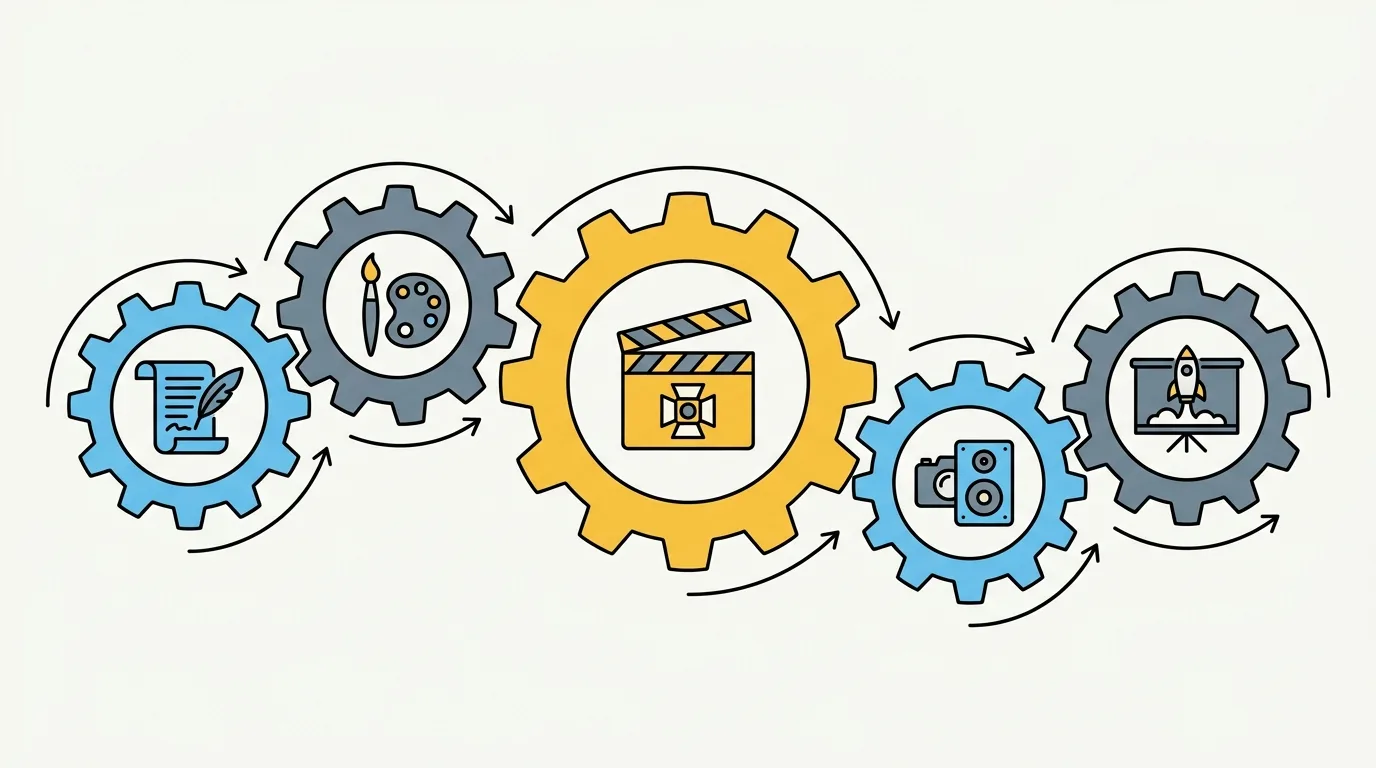
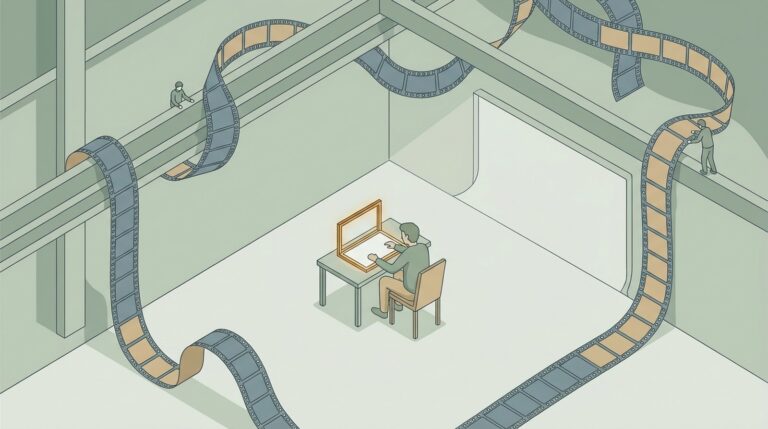
Every AI film follows the same five-stage pipeline. Understanding it before you start saves weeks of wasted generation time.
Stage one: Pre-production and script. Write your script as you would for a live-action shoot. The difference is that you can write scenes that would be impossible to shoot practically. Underwater cities, alien landscapes, period costumes on a zero budget. Keep scenes short. AI video models struggle with sequences longer than about 15 seconds without drifting in quality or consistency.
Stage two: Concept art and character design. This is where you lock in the visual identity. Use a tool like Midjourney or DALL-E 3 to generate reference images for your main character, key locations, and important props. Save every seed number. You will need them later.
Stage three: Video generation. Feed your reference images into a video model like Runway Gen-3, Pika Labs, or Kling. Write prompts that describe the action in each shot. Expect to generate 20 to 40 versions of each shot before you get one that matches your vision.
Stage four: Post-production and editing. Assemble your best clips in a traditional NLE like DaVinci Resolve or Premiere Pro. You will need to cut around artifacts, smooth out transitions, and add sound design. This stage takes longer than generation.
Stage five: Sound design and music. AI can generate music with tools like Suno or Udio, and sound effects with ElevenLabs. But you still need to sync them to picture. A silent AI film is unwatchable.
AI in film production on Wikipedia provides a broader context for how these tools fit into the industry’s history. The pipeline above is the 2026 standard, and it will evolve, but the five-stage structure is unlikely to change.
Which AI Tools Actually Deliver for Filmmakers in 2026
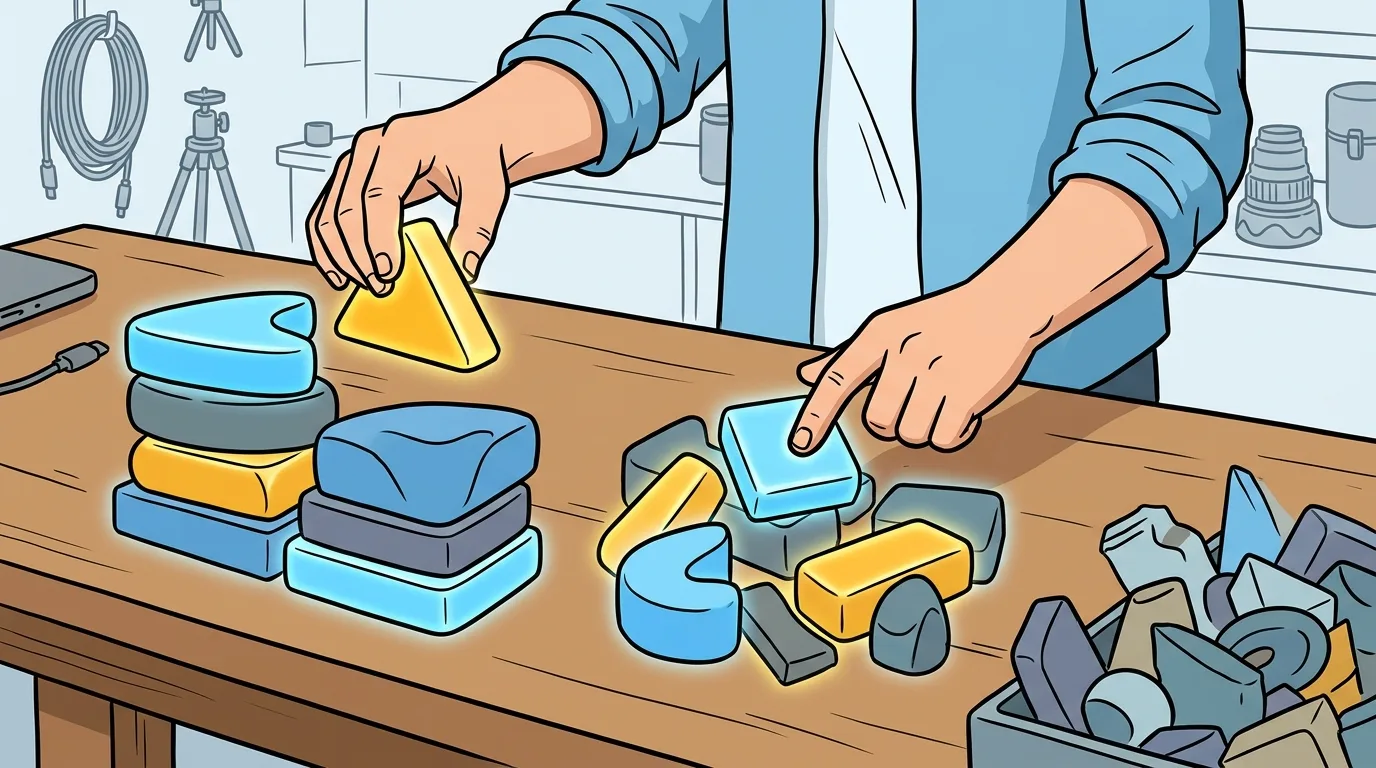
The tool landscape changes every three months. Here is what works reliably as of September 2026.
Video generation: Runway Gen-3 Alpha leads for cinematic quality and motion coherence. Pika Labs 2.0 is better for stylized, animated looks. Kling from Kuaishou handles complex camera movements better than either, but its interface is less polished. All three accept image inputs, which is critical for character consistency.
Image generation: Midjourney v7 remains the standard for concept art and character sheets. DALL-E 3 is better for photorealistic humans. OpenArt’s AI Director is a newer option that specializes in consistent character generation across multiple prompts, which solves the single biggest headache in ai filmmaking.
Audio and music: ElevenLabs for voice cloning and narration. Suno v4 for original music tracks. Udio for sound effects. None of these replace a professional composer or foley artist, but they get you to a rough cut that sounds finished.
Post-production: Topaz Video AI for upscaling and frame interpolation. DaVinci Resolve 19 for color grading and editing. The AI features in Resolve’s color page are genuinely useful for matching shots generated under different lighting conditions.
Do not buy every tool at once. Start with one video generator and one image generator. Learn them until you can predict what they will output. Then add the next tool.
Solving Character Consistency: The Single Hardest Problem in AI Filmmaking
🎬 AI Render Pro Studio, the AI film production suite I built and use on my own productions. Script breakdown, storyboards, 30+ video models including Seedance 2.5 and Kling O3, image generation, retouch, 7K upscaling and audio, all in one browser workspace. $19/month flat, bring your own API keys and pay providers at cost, no credit packs, no markup. Try AI Render Pro Studio →
Every filmmaker who tries ai filmmaking hits the same wall. The main character looks different in every shot. In one frame she has blue eyes. In the next, brown. Her jacket changes from red to black between cuts.
This is the consistency problem, and it is the reason most AI short films look like a fever dream rather than a narrative.
The solution in 2026 has three parts.
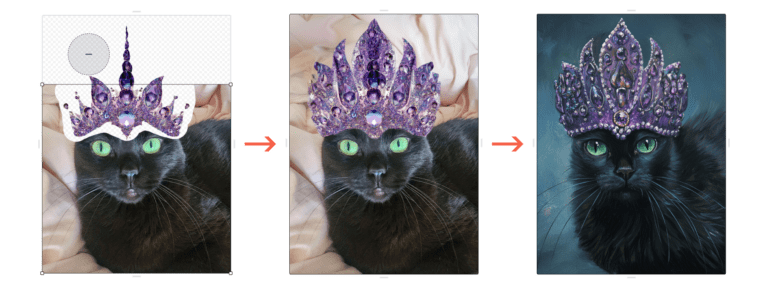
Part one: Build a character reference sheet. Generate at least 10 images of your character from different angles, wearing the same clothes, in the same lighting. Use these as input images for every video generation. Most video models now accept multiple reference images and will blend them into a consistent visual identity.
Part two: Lock your seed values. Every generation tool has a seed parameter. Record it for every successful shot. If you need to regenerate a shot, use the same seed with the same prompt. This dramatically reduces visual drift.
Part three: Use a dedicated consistency tool. OpenArt’s AI Director was built specifically for this problem. It maintains character appearance across scenes by storing a character profile that you can reference in any prompt. It is not perfect, but it reduces the number of failed generations by roughly 60 percent.
Even with all three parts, expect to reject 80 percent of your generated footage. That is normal. The director’s job is to select the 20 percent that works and cut around the rest.
The Real Budget for an AI Film: What You Will Spend
AI filmmaking is not free. The tools charge per generation, and the costs add up fast.
A three-minute short film with one character and three locations will require roughly 300 to 500 video generations. At current pricing, that is between 150 and 300 dollars in generation credits alone. Image generation adds another 50 to 100 dollars. Audio generation is cheap, maybe 20 dollars.
The hidden cost is compute time. If you are upscaling to 4K with Topaz, expect 10 to 20 hours of render time on a mid-range GPU. Cloud rendering services add another 50 to 100 dollars.
Then there is your time. A three-minute AI film takes between 40 and 80 hours of hands-on work, spread across two to four weeks. That is the same as a live-action short of similar length, but the work is different. You spend more time in post-production and less time on set.
For a 10-minute film with multiple characters, budget 1,500 to 3,000 dollars and two months of production time. That is still cheap compared to a live-action indie short, but it is not free.
If you want to see how a working director manages these numbers, the guide Your First AI Film: Budget Guide breaks down the exact cost structure for a short film shot earlier this year.
A Complete Workflow for a Three-Minute AI Action Comedy
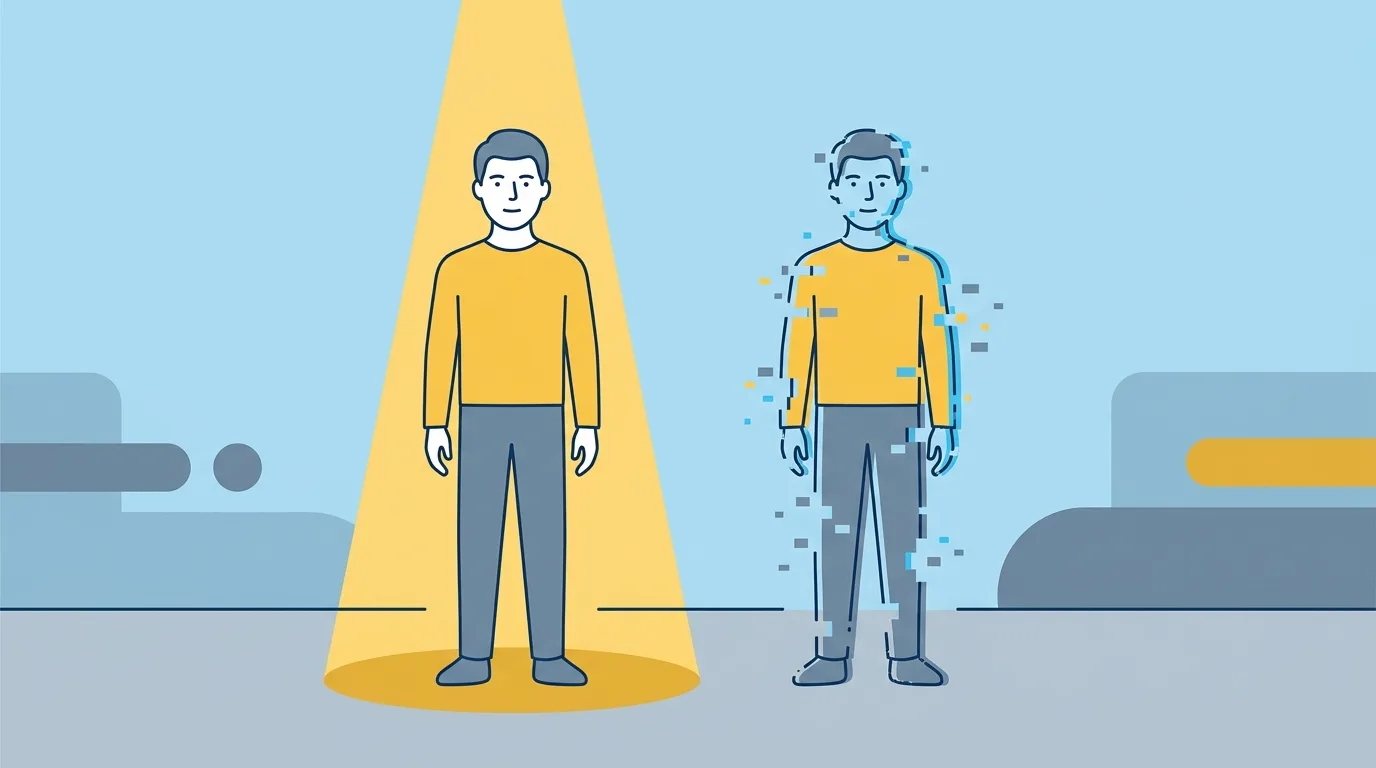
Let us walk through a real example. You want to make a three-minute action comedy. One hero, multiple wild worlds, no camera or crew. This is the exact scenario covered in the tutorial I Made a Viral AI Short Film From Scratch.
Week one: Script and storyboard. Write a three-page script. Keep the action simple. Your hero walks through a portal into three different worlds: a neon city, a jungle, and a zero-gravity space station. Each world gets one minute of screen time. Storyboard 10 to 12 shots per world. Total: about 35 shots.
Week two: Character design and concept art. Generate your hero’s reference sheet. Make sure he wears the same outfit in every image. Generate three environment reference images, one per world. Lock the lighting style for each world. Neon city gets high contrast and blue tones. Jungle gets warm and saturated. Space station gets cold and clinical.
Week three: Video generation. Start with the jungle world. It is the simplest environment and the best place to test your character consistency. Generate each shot three times. Pick the best version. Move to the neon city, then the space station. By the end of the week, you should have about 30 usable clips.
Week four: Editing and sound. Assemble the clips in DaVinci Resolve. You will need to add transition shots between worlds. Generate those last. Add a music track from Suno. Layer sound effects from ElevenLabs. Color grade each world to match your reference images. Export at 1080p. Upscale to 4K if you have the render time.
The result will not look like a Marvel movie. It will look like a proof of concept that proves you can direct. That is enough to get your next project funded.
Sound Design and Music for AI Films: The Overlooked Half
Most AI filmmakers spend 90 percent of their budget on visuals and 10 percent on sound. That is backwards.
A silent AI film is unwatchable. The uncanny valley in AI video is real, and sound is the bridge that pulls the audience across it. Good sound design masks the visual artifacts. A well-placed whoosh or a subtle ambient drone makes a jittery character movement feel intentional.
For music, use Suno or Udio to generate a custom track. Prompt them with tempo, genre, and mood. Do not use generic royalty-free music. It will make your film feel like a YouTube ad.
For dialogue, use ElevenLabs voice cloning. Record a voice actor reading your lines, then clone that voice for consistency. Do not use the default ElevenLabs voices. They sound synthetic.
For sound effects, layer three elements per action. A punch gets a thud, a crack, and a whoosh. A door opening gets a creak, a click, and an air pressure change. This layering is standard foley practice. AI tools make it faster, but the principle is the same.
The complete guide at Cinemagiq’s AI Filmmaking Guide includes a section on audio that covers this in more detail. Read it before you start your sound edit.
Copyright and Legal Risks in AI Filmmaking: What You Need to Know
The legal landscape for ai filmmaking in 2026 is unsettled. Here is what we know for certain.
Training data lawsuits are ongoing. Multiple class-action suits against Stability AI, Midjourney, and OpenAI are working through the courts. The outcome will determine whether using these tools commercially carries retroactive liability. As of September 2026, no final ruling has been issued in the major US cases.
Output copyright is unclear. The US Copyright Office has stated that AI-generated works are not copyrightable if the human contribution is minimal. However, if you make significant creative decisions, including editing, sequencing, and sound design, your film may qualify for copyright. The threshold is not well defined.
You cannot copyright an AI-generated image alone. You can copyright the film as a whole, because the editing and assembly are human creative acts. This is the current guidance from the Copyright Office.
Use your own training data when possible. If you generate images from your own photographs or from images you have licensed, you reduce legal risk. Some filmmakers are training custom models on their own footage. This is expensive but legally safer.
Do not use celebrity likenesses. Generating a character that looks like a famous actor without their permission is a clear legal violation. Several lawsuits have been filed in 2026 over this exact issue.
The book AI Tools for Film Making by Dr. R. Pugalendhi includes a chapter on legal considerations that is worth reading. The law is not settled, but you can protect yourself by documenting every human creative decision you make.
Where ai filmmaking Is Headed Next
The pace of change in ai filmmaking is brutal. What works today will be obsolete in six months. But some trends are clear.
Real-time generation is coming. By early 2027, expect consumer-grade tools that generate video in real time, allowing you to direct an AI camera on the fly. This will feel more like a video game than a film production.
Multi-character consistency will improve. The current workarounds are clunky. Within a year, AI models will track multiple characters across scenes automatically. This will unlock ensemble pieces and dialogue-driven scenes.
AI will handle more of post-production. Automatic color matching across shots, automatic artifact removal, and automatic lip-sync for dialogue are already in beta. By 2027, the post-production pipeline for an AI film will be half as long as it is today.
The festival circuit is opening up. Several major film festivals now accept AI-generated works in dedicated categories. Sundance and Tribeca have both hosted AI film showcases. This is a signal that the industry is taking the medium seriously.
If you want to understand how a working director approaches these changes, Olivier’s directorial work at herodirector.tv shows how a professional studio integrates AI tools alongside traditional production. The future is hybrid, not all-AI.
Every AI image in this article was generated with AI Render Pro, the prompting engine I built for filmmakers and creatives. Read the full breakdown here.
Frequently Asked Questions
Do I need to know how to code to start ai filmmaking?
No. The current generation of tools uses natural language prompts and visual interfaces. You do not need to write a single line of code. You do need to understand film grammar, pacing, and storytelling.
Can I make a feature-length film with AI in 2026?
Technically yes, but practically no. The consistency problem gets exponentially harder across a 90-minute runtime. Most filmmakers are producing shorts of three to ten minutes. A feature-length AI film would require hundreds of thousands of generations and a post-production budget that rivals a low-budget indie film.
What is the cheapest way to start ai filmmaking?
Use a free tier of Runway Gen-3 to generate your first 10 shots. Use Midjourney’s free trial for concept art. Use DaVinci Resolve’s free version for editing. Your first short film will cost you only time, about 40 hours of learning and generating.
Will AI filmmaking replace traditional filmmaking?
No. AI filmmaking is a new tool in the toolbox, not a replacement. It excels at visual effects, concept visualization, and low-budget world-building. It struggles with human performance, subtle emotion, and spontaneous creativity. Traditional filmmaking is not going anywhere.
How do I distribute an AI-generated film?
Same as any short film. Submit to festivals that accept AI works. Upload to YouTube and Vimeo. Build a portfolio on your website. The distribution channels are the same. The only difference is that you should clearly label your film as AI-generated to avoid accusations of deception.
Discover more from Olivier Hero Dressen Blog: Filmmaking & Creative Tech
Subscribe to get the latest posts sent to your email.
Work with Olivier
Director | CD | DP & Photographer
Specializing in commercials, music videos, AI-driven filmmaking, and cinematic storytelling for brands and production companies.
🌍 Shanghai · Paris · Los Angeles · Dubai
🎬 View Portfolio & Get in Touch