
Key Takeaways
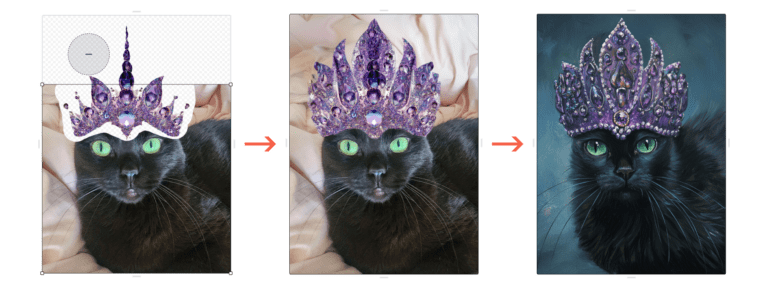
- First insight: The most common mistake in ai movies is generating video straight from text. The golden workflow is image-to-video, which gives you control over composition, lighting, and character consistency before any motion is created.
- Craft highlight: A realistic budget for a short AI film (2-5 minutes) starts at $500-$2,000 for tools, compute, and sound design, not counting your time. Free tiers exist but break consistency quickly.
- Industry context: As of 2026, major studios are using AI for pre-vis and VFX pre-production, but independent filmmakers are the ones pushing narrative boundaries with these tools.
- Bottom line: AI filmmaking is not a shortcut to quality. It is a new craft with its own skills, pipelines, and hidden costs. Treat it like any other filmmaking discipline, and you will get results worth showing.
The rise of ai movies has been the most disruptive and misunderstood shift in independent filmmaking since the arrival of affordable digital cameras. In 2026, the barrier to entry for creating a short film with generative tools is lower than ever, but the gap between a watchable result and a compelling one remains wide.
Need a Director for Your Next Project?
From commercials to branded campaigns—Olivier brings creative vision and technical expertise.
→ View ProjectsI have spent the past year inside a working director’s studio, watching projects move from concept to screen using these tools, and I can tell you the real story is not about what the technology can do. It is about what it costs the filmmaker who does not plan for it.
The Golden Workflow: Why Image-to-Video Beats Text-to-Video Every Time
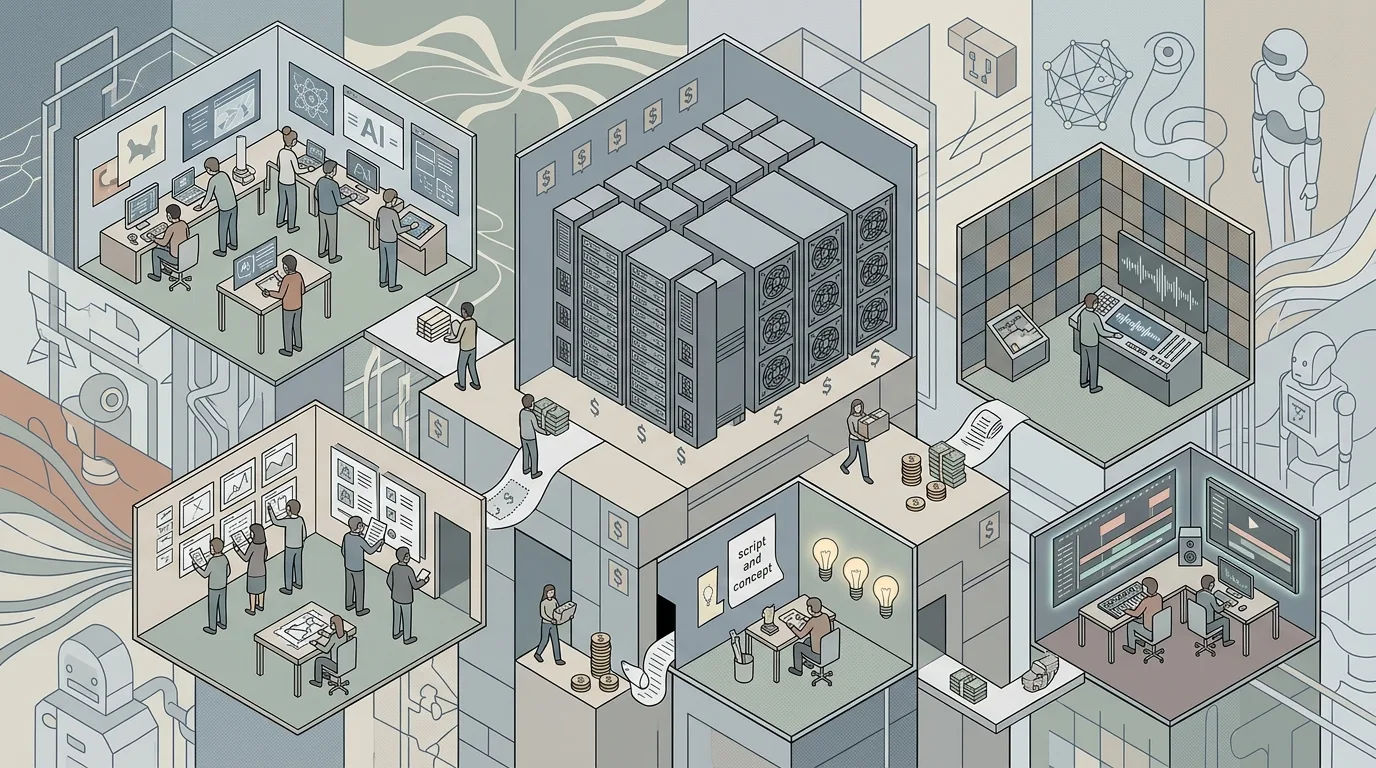
The biggest beginner mistake in ai movies is trying to generate video straight from a text prompt. This is the most common piece of advice you will find on forums like Reddit, and it is the one thing that separates a frustrating first attempt from a productive one. The golden workflow is image-to-video.
Start with a still image. Generate it using a tool like Midjourney, DALL-E, or Stable Diffusion. Control the composition, the lighting, the character’s face, the color palette, and the camera angle. Get that image exactly right. Then feed that image into a video generation tool like Runway Gen-3, Pika, or Kling to animate it.
Why does this matter? Text-to-video generation is still unpredictable. You might get a beautiful shot of a character walking through a forest, but the character’s face will change every few frames, and the forest will morph into a different biome by the end of the clip. Image-to-video locks in the visual identity before any motion is added. You trade a few minutes of extra work for ten times the consistency.
The second part of this workflow is layering. You do not generate a whole scene in one pass. You generate a shot, then another shot, then another. You treat each clip like a piece of footage you shot on a set. You edit them together. You add sound. You grade the color. The process is exactly the same as traditional filmmaking, except the camera is a prompt.
The community at r/generativeAI has been sharing this advice for months, and it is the single most upvoted tip in any thread about getting started. Trust it. It works.
The Realistic Budget for Your First AI Film
Every week, someone posts a question on Facebook or Reddit asking how to make an AI movie for free. The answer is simple: you can make something, but it will not look like a movie. Free tiers of tools like Runway or Pika give you a few seconds of video per day, with watermarks, low resolution, and no control over the output. If you want to make something you can show people without apologizing, you need to spend money.
A realistic budget for a 2-5 minute short film using ai movies in 2026 starts at $500 and goes up to $2,000. Here is a breakdown of where that money goes.
Tool subscriptions. You need at least two tools: one for image generation (Midjourney at $30/month or Stable Diffusion via a service like Leonardo at $20/month) and one for video generation (Runway at $30/month or Pika at $20/month). You will also need a video editor like DaVinci Resolve (free) or Adobe Premiere ($25/month). That is roughly $100/month for tools, and you will need at least three months to finish a short film.
Compute costs. If you run Stable Diffusion locally, you need a GPU with at least 12GB of VRAM. A used RTX 3080 costs around $500. If you use cloud services, you pay per generation. A single 10-second clip can cost $0.50 to $2.00 in compute credits. A 5-minute film with 60 shots will cost $30 to $120 in compute alone.
Sound design. AI-generated sound is getting better, but it still sounds thin. You will want to license sound effects or use a service like Artlist ($200/year) or Epidemic Sound ($150/year). You can also hire a sound designer on Fiverr for $100-$300 for a short film.
Music. AI music tools like Suno or Udio can generate a score for free, but the quality is inconsistent. Licensing a track from a library costs $50-$200. Commissioning an original score from a composer on a platform like SoundBetter starts at $300.
The bottom line: do not start a project without a budget. You will run out of free credits halfway through, and your film will have a visible quality drop between the first scene and the last. Plan your money before you plan your shots.
Your 2026 AI Filmmaking Tool Stack
The landscape of AI tools for filmmakers changes every month, but a few tools have proven their staying power through 2026. The guide from FilmCrux and the comprehensive list from CinemaGIQ both agree on the core stack.
For image generation, Midjourney remains the gold standard for cinematic quality. Its ability to understand camera terminology like “anamorphic lens,” “35mm,” “low-key lighting,” and “shallow depth of field” makes it indispensable for filmmakers who want to maintain a visual language. Stable Diffusion, especially with custom models like Realistic Vision or DreamShaper, gives you more control over the output if you are willing to learn the technical side.
For video generation, Runway Gen-3 leads the pack for motion quality and consistency. Pika is a close second, especially for stylized or animated looks. Kling, a newer entrant, excels at realistic human motion and has become the go-to for filmmakers who need characters to walk, run, or gesture naturally.
For upscaling and enhancement, Topaz Video AI is the industry standard for increasing resolution and smoothing out artifacts. A single 10-second clip can take 10 minutes to upscale on a high-end GPU, but the results are worth it.
For editing, DaVinci Resolve is the obvious choice. Its color grading tools are essential for unifying the look of AI-generated clips, which often have slight color shifts between generations. The Fusion tab lets you do compositing and VFX work without leaving the application.
For sound, Eleven Labs is the best text-to-speech tool for character voices. It can clone a voice from a short sample, allowing you to keep a consistent voice across all your character’s dialogue. Adobe’s Podcast AI tool is excellent for cleaning up audio recorded in less-than-ideal conditions.
The key takeaway: do not try to use one tool for everything. The best AI movies are made by combining specialized tools, each doing one thing well. This is the same principle that drives professional filmmaking. You do not shoot, edit, and color grade on the same camera. You use the right tool for each job.
Pre-Production: Scripting, Storyboarding, and the AI Advantage
🎬 AI Render Pro Studio, the AI film production suite I built and use on my own productions. Script breakdown, storyboards, 30+ video models including Seedance 2.5 and Kling O3, image generation, retouch, 7K upscaling and audio, all in one browser workspace. $19/month flat, bring your own API keys and pay providers at cost, no credit packs, no markup. Try AI Render Pro Studio →
Pre-production for ai movies is not optional. It is more important than ever, because the cost of generating a bad shot is not just time. It is compute credits, patience, and creative momentum. The more you plan before you generate, the fewer iterations you will need.
Start with a script. The same rules apply as any film. Structure, character arcs, dialogue, pacing. AI can help here. Tools like ChatGPT or Claude can generate story ideas, suggest plot twists, or help you break through writer’s block. But the final script must be yours. AI-generated scripts without human editing are flat, repetitive, and lack emotional depth.
Storyboarding is where AI truly shines. You can generate a storyboard in minutes using Midjourney or DALL-E. Describe each shot in cinematic terms. “Low angle of a man standing in a doorway, backlit, rain visible through the window, film noir style.” Generate it. Adjust the prompt. Generate again. In an hour, you have a visual plan for your entire film.
This is a massive advantage over traditional filmmaking, where storyboarding requires an artist or a significant time investment. For independent filmmakers, this alone can save weeks of pre-production.
Character sheets are another critical step. Generate multiple images of your main character in different poses, lighting conditions, and emotional states. This gives you a reference library to draw from when you generate the actual shots. If your character’s face changes between shots, your audience will notice.
The Practical Guide to AI Filmmaking from CinemaGIQ emphasizes that the most successful AI filmmakers spend 40% of their total project time in pre-production. That is a higher ratio than traditional filmmaking, where pre-production typically takes 20-30% of the time. The reason is simple: AI is terrible at fixing mistakes. If you generate a shot and realize the character is in the wrong location, you cannot reshoot. You have to regenerate, and that costs time and money.
Production: Generating Consistent Characters and Shots
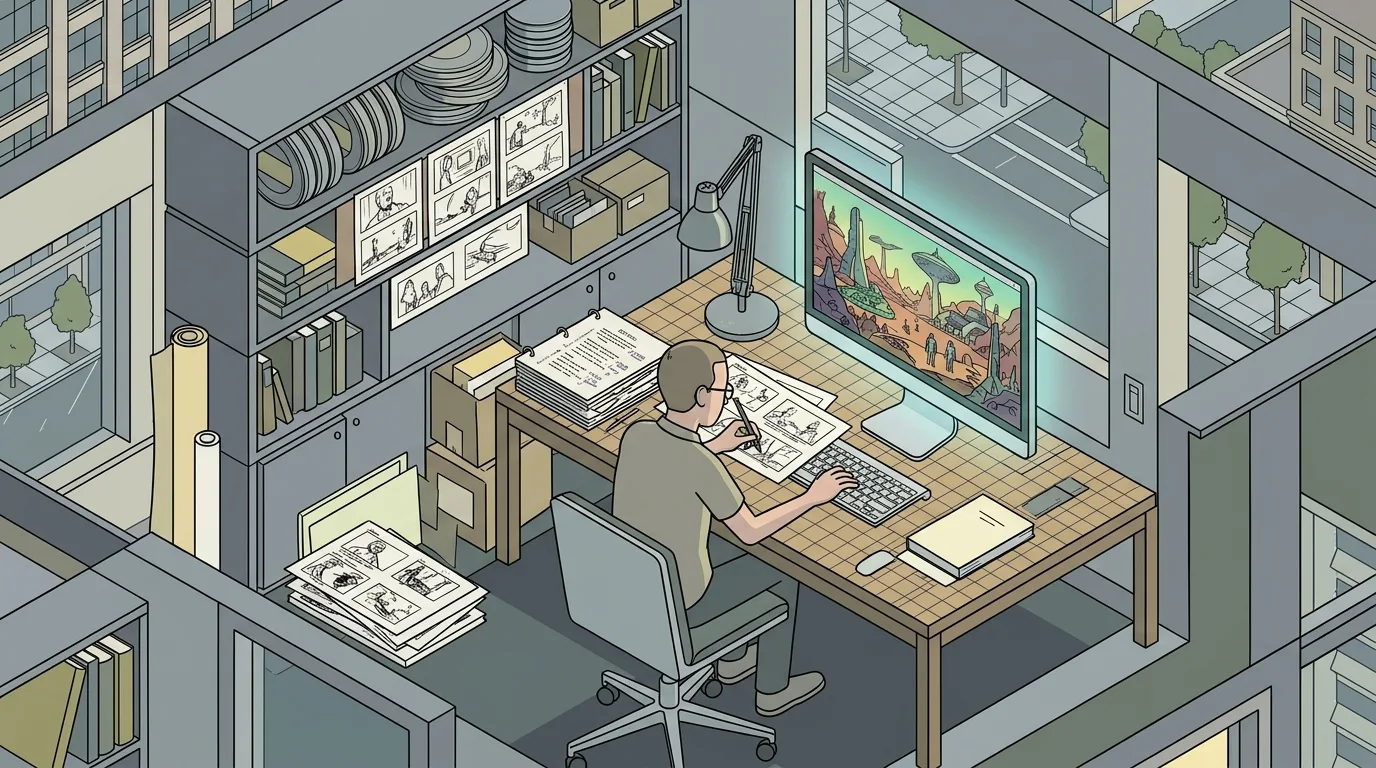
Production is where the hidden costs of ai movies become visible. Generating a single 10-second clip that matches your storyboard, your character sheet, and your lighting plan can take 10 to 30 attempts. Each attempt costs compute time and, if you are using a paid service, money.
The first challenge is character consistency. AI video generators are not good at remembering what a character looked like in the previous shot. You need to use a reference image every time. Feed the same character image into the video generator as a starting point. Use the same seed number if the tool supports it. Write down the exact prompt you used for the first shot and reuse it, only changing the action description.
The second challenge is motion consistency. AI often generates motion that is physically impossible or visually jarring. A character’s arm might bend the wrong way. A door might open inward when it should open outward. A glass of water might float off the table. You need to review every clip frame by frame and reject anything that breaks the laws of physics. Your audience will not forgive a floating glass.
The third challenge is shot-to-shot continuity. If your first shot is a wide establishing shot of a room with warm tungsten lighting, and your second shot is a close-up of the same character in the same room with cool fluorescent lighting, the audience will notice. You need to maintain the same color temperature, the same lens characteristics, and the same atmosphere across every shot in a scene.
This is where the director’s eye becomes essential. The tools do not have taste. They do not understand visual language. They do not know that a character’s emotional state should be reflected in the lighting. That is your job. If you do not have a background in cinematography or visual storytelling, now is the time to learn. Watch films with the sound off and study the lighting. Read about color theory. Look at the work of directors like Roger Deakins or Hoyte van Hoytema. The same principles apply to AI-generated images.
Post-Production: Editing, Sound, and the Human Touch
Post-production is where ai movies either become films or remain collections of clips. The editing process is identical to traditional filmmaking. You cut, you trim, you rearrange, you add transitions. The difference is that you have to work harder to hide the imperfections.
AI-generated video has a tell. It is too smooth. It lacks the micro-movements of real life. The subtle twitch of an eye, the slight sway of a person standing still, the way light shifts across a face as the sun moves behind a cloud. These are things that AI does not generate well. You need to add them in post.
Grain is your friend. Add a subtle film grain overlay to every clip. It masks the plastic smoothness of AI video and gives it a more organic feel. You can find free grain overlays online or generate them in DaVinci Resolve.
Sound design is critical. AI video without sound is uncanny. It feels dead. Add ambient sound for every location. A room has a hum. A forest has birds and wind. A city has traffic and distant voices. These sounds trick the brain into accepting the visual imperfections. The Complete Guide to Making Movies with AI from CinemaGIQ calls sound design “the cheapest way to improve your AI film by 50 percent.”
Music is the emotional backbone. AI-generated music can work, but it often lacks the dynamic range of a human-composed score. If you can afford a composer, hire one. If you cannot, spend time curating a library track that fits the emotional arc of your film. Do not just pick the first track that sounds good. Listen to it with your film. Does it support the emotion of the scene? Does it change when the scene changes? Does it build to the climax?
Color grading is the final polish. AI-generated clips from different tools have different color profiles. A clip from Runway might be slightly magenta. A clip from Pika might be slightly green. You need to correct these differences and create a unified look. Use DaVinci Resolve’s color wheels and LUTs to match every clip in a scene. This is not optional. It is the difference between a film that looks professional and one that looks like a demo reel.
The Hidden Costs Nobody Talks About
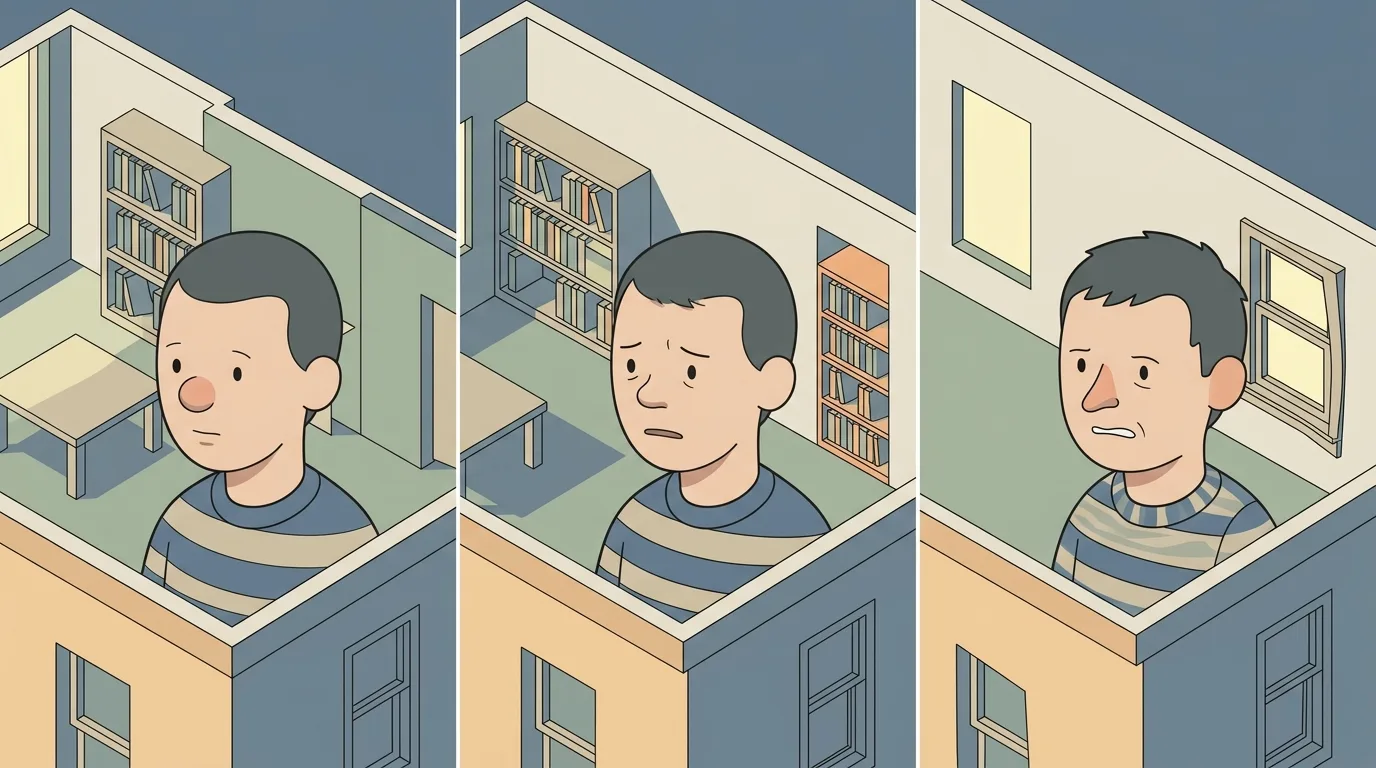
The visible costs of ai movies are the tool subscriptions and the compute credits. The hidden costs are time, iteration, and emotional labor.
Time is the biggest hidden cost. A 5-minute AI film can take 200 to 500 hours to complete. That is the equivalent of a full-time job for three months. Most of that time is spent generating, rejecting, and regenerating clips. You will generate 10 times more footage than you use. You will spend hours tweaking prompts to get the exact shot you need. You will watch the same clip 50 times to check for continuity errors.
Iteration is the second hidden cost. AI tools are not deterministic. The same prompt with the same seed can produce different results on different days. You will find yourself chasing a result you got once and cannot replicate. This is frustrating. It is also normal. The solution is to save every generation, label it clearly, and keep a log of what worked and what did not.
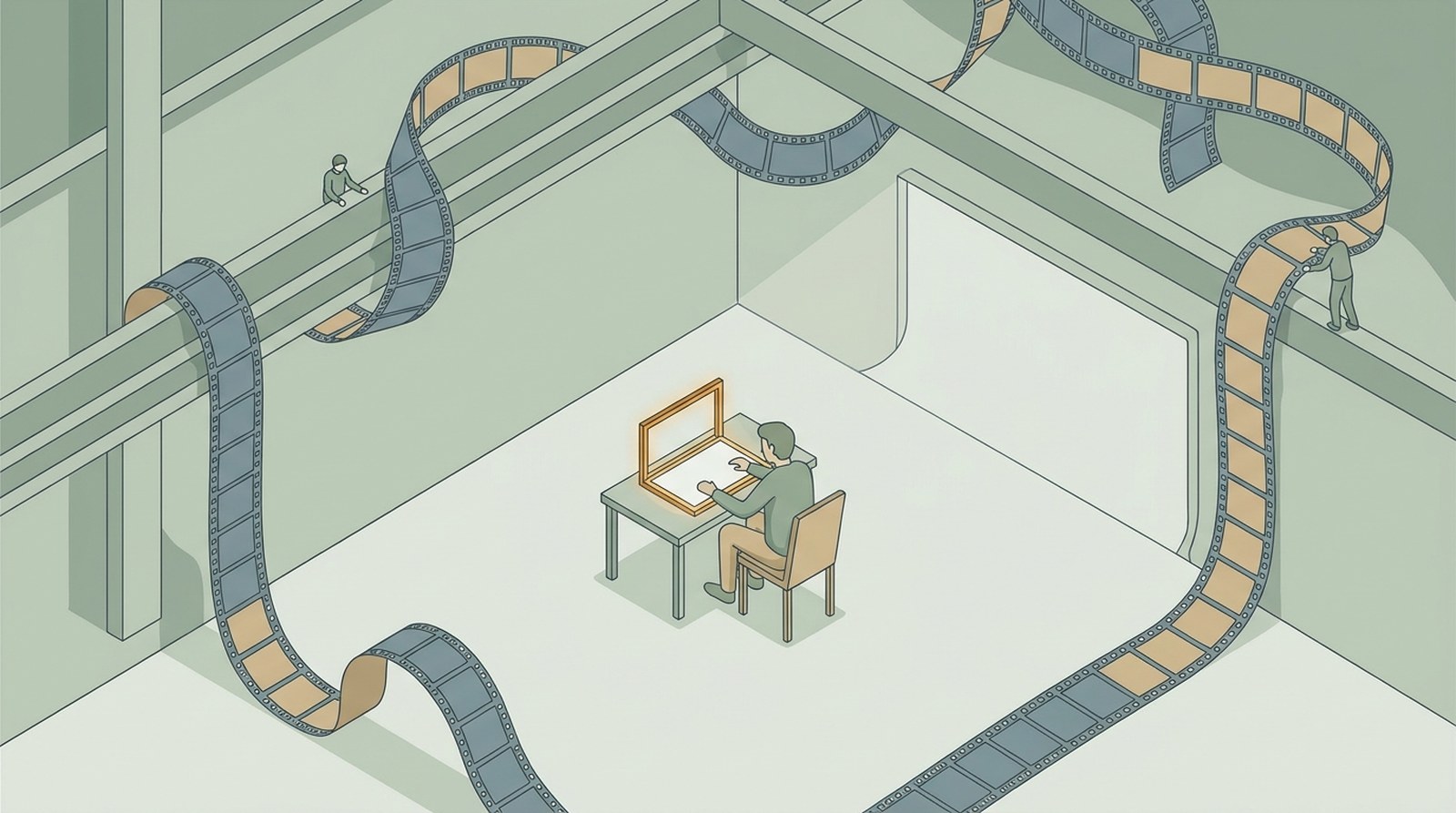
Emotional labor is the third hidden cost. Making ai movies is lonely. You are not on a set with a crew. You are alone in a room, staring at a screen, generating clip after clip. There is no one to tell you when a shot is good. There is no one to suggest a different angle. You have to be your own director, cinematographer, editor, and critic. This takes a toll.
The best advice I have seen comes from the Curious Refuge AI Filmmaking Course, which emphasizes building a community. Find other AI filmmakers online. Share your work in progress. Ask for feedback. Critique their work. This turns a solitary process into a collaborative one and helps you see your own blind spots.
Distribution: Where to Show Your AI Movie
You have finished your AI movie. Now what? Distribution for ai movies is still evolving, but there are clear paths that work in 2026.
YouTube is the default platform. It has the largest audience and the best searchability. But the algorithm does not favor AI content. You need to optimize your title, description, and tags. Use keywords like “AI film,” “AI short film,” and “generative filmmaking.” Include a detailed description of your workflow. This helps other filmmakers find your work and learn from it.
Vimeo is better for quality. It has a higher compression rate, so your film will look better. It also has a more film-literate audience. The downside is that Vimeo’s free tier limits you to 500MB per week, which is not enough for a 5-minute 4K film. You will need a paid account ($20/month).
Film festivals are starting to accept AI films. The Fantaspoa Film Festival in Latin America, one of the largest genre festivals, has screened AI films in recent years. The key is to be transparent. Do not pretend your film was made with traditional methods. Submit it to festivals that have an AI category or are open to experimental work. Check the submission guidelines carefully. Some festivals explicitly ban AI content.
Social media is for marketing, not for the film itself. Post clips, behind-the-scenes content, and workflow breakdowns on TikTok, Instagram, and Twitter. The audience for AI filmmaking is growing rapidly, and these platforms are where the community lives. Use hashtags like #AIFilm, #AIFilmmaking, and #GenerativeFilm.
The DesignHero blog has covered the rise of AI in filmmaking extensively, including the ethical questions and the craft challenges. If you are looking for a deeper dive into the practical side of AI filmmaking, the DesignHero TV Podcast episode on why an AI is hosting the show is a good starting point. It explores the intersection of human creativity and machine assistance.
Common Beginner Mistakes That Break AI Movies
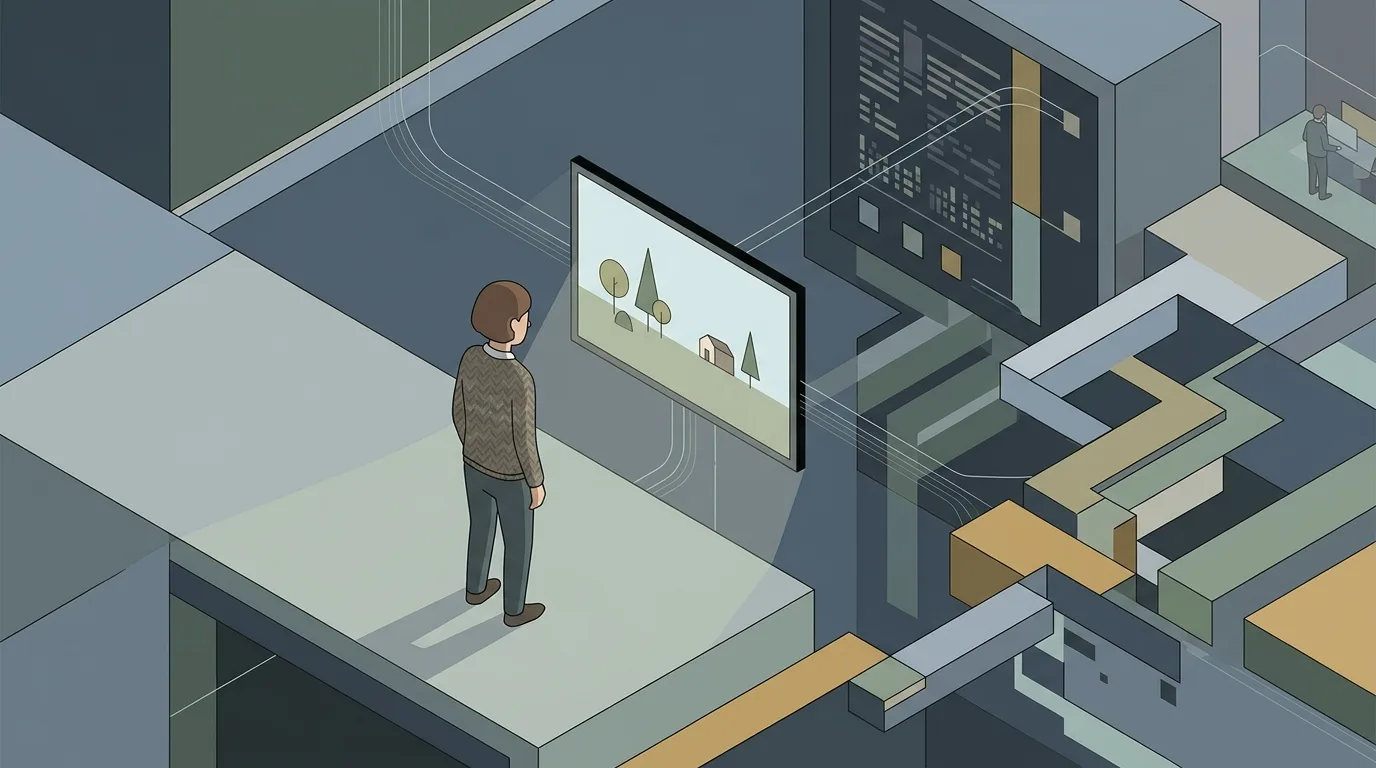
Every week, I see new AI filmmakers make the same mistakes. Here are the ones that break a film before it has a chance to work.
Generating video from text first. This is the number one mistake. It leads to inconsistent characters, unpredictable motion, and hours of wasted compute. Start with an image. Lock in your visual identity. Then animate.
Skipping pre-production. You cannot fix a bad story with good visuals. You cannot fix a bad character design with good animation. Spend time on the script, the storyboard, and the character sheet. Your film will be better for it.
Using too many tools. Every tool has a different visual signature. If you use three different video generators in the same film, the audience will notice the shift. Stick to one tool for the main body of your work. Use others only for specific effects.
Ignoring sound. Silent AI video is unwatchable. Add ambient sound, sound effects, and music. This is the cheapest and fastest way to improve your film.
Not color grading. AI clips from different generations have different color profiles. If you do not correct them, your film will look like a patchwork. Grade every clip to match the scene’s established look.
Giving up after the first bad generation. The first generation is almost never the best one. You will need to generate 10, 20, or 30 versions of the same shot to get one that works. This is normal. Do not let frustration stop you.
The 4 Common Mistakes That Break Short Films article on this blog covers additional pitfalls that apply to AI filmmaking as well. The fundamentals of storytelling and visual craft do not change just because the tools do.
Every AI image in this article was generated with AI Render Pro, the prompting engine I built for filmmakers and creatives. Read the full breakdown here.
Frequently Asked Questions
What is the best way to get started with ai movies?
Start with an image. Use Midjourney or Stable Diffusion to generate a single frame that looks exactly like the shot you want. Then use a video generator like Runway or Pika to animate that image. Do not try to generate video from text first. That is the most common beginner mistake and the fastest way to get frustrated.
How much does it cost to make an AI short film?
A realistic budget for a 2-5 minute short film is $500 to $2,000. This covers tool subscriptions, compute credits, sound design, and music. Free tiers exist but will not give you the consistency or quality needed for a film you can show publicly.
Can I use AI to generate the entire film, including the script?
You can, but the results will be flat. AI-generated scripts lack emotional depth, character consistency, and narrative structure. Use AI to generate ideas and break through writer’s block, but write the final script yourself. The same applies to visuals. AI can generate shots, but you need to direct them.
Will AI replace human filmmakers?
No. AI is a tool, not a replacement. It can generate images and video, but it cannot make creative decisions. It cannot understand story structure, character motivation, or emotional pacing. The best AI films are made by filmmakers who use AI as a collaborator, not a substitute.
Where can I learn more about AI filmmaking?
Start with the Complete Guide to Making Movies with AI from CinemaGIQ and the Best AI Tools for Filmmakers from FilmCrux. The Curious Refuge AI Filmmaking Course is also a good resource for structured learning. Join communities on Reddit at r/generativeAI and r/AI_Filmmaking to share your work and get feedback.
Most of the hidden costs above come from redoing work. AI Render Pro lets you compare the same shot across 33 video models before committing render budget, which is where the money usually leaks.
Discover more from Olivier Hero Dressen Blog: Filmmaking & Creative Tech
Subscribe to get the latest posts sent to your email.
Work with Olivier
Director | CD | DP & Photographer
Specializing in commercials, music videos, AI-driven filmmaking, and cinematic storytelling for brands and production companies.
🌍 Shanghai · Paris · Los Angeles · Dubai
🎬 View Portfolio & Get in Touch