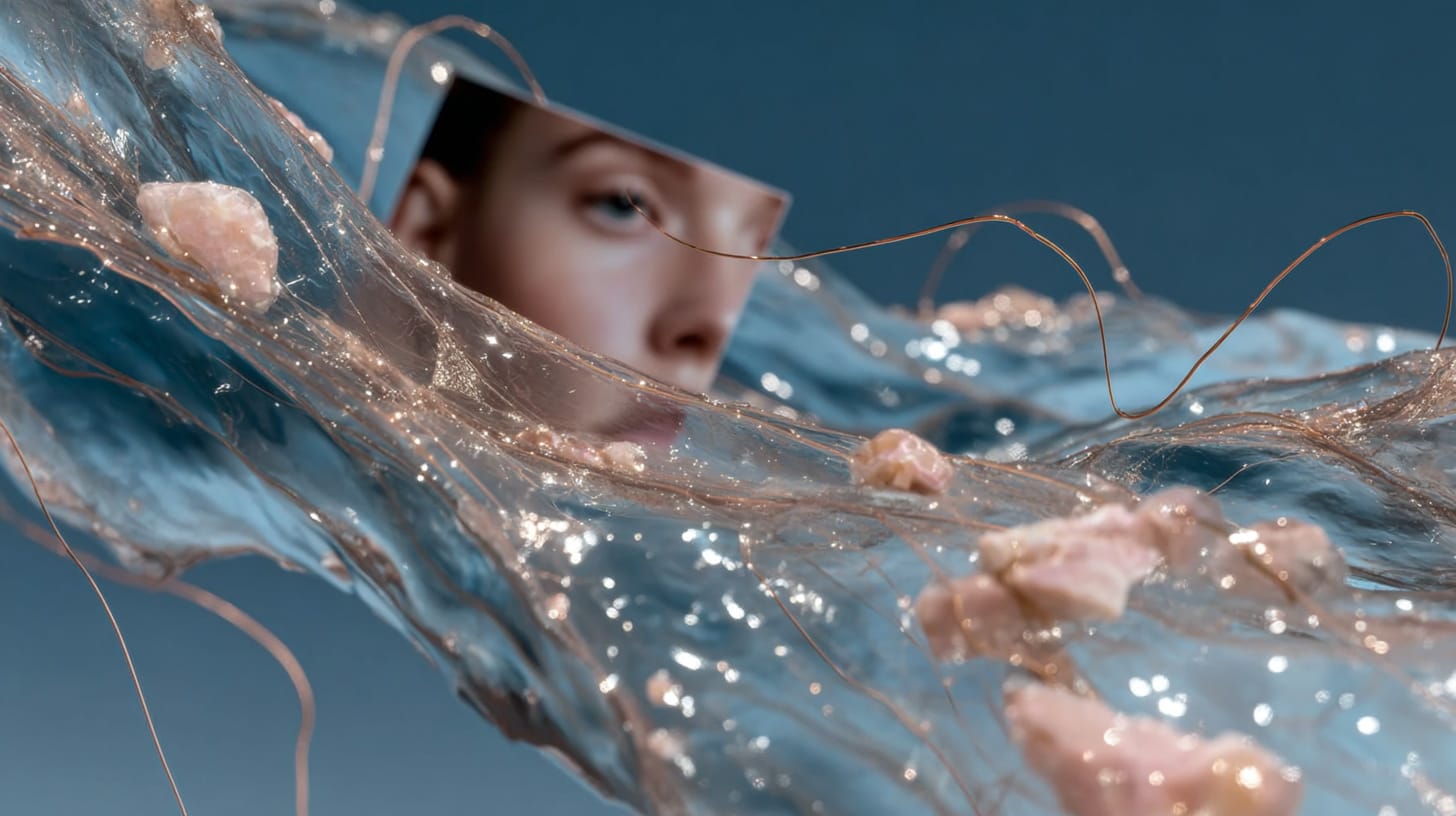

- Speed: AI Render Pro rendering offers near-instant concept generation, while traditional rendering is a marathon of modeling, texturing, and hours-long renders.
- Quality & Control: Traditional CGI provides pixel-perfect control, essential for final VFX and brand consistency. AI offers creative serendipity, excelling at mood and novel ideas but with less precision.
- Cost & Use Case: AI lowers the barrier to entry with subscription models, saving immense costs in hardware and human hours. It’s ideal for pre-production, while traditional methods remain king for high-control final shots.
Need a Director for Your Next Project?
From commercials to branded campaigns—Olivier brings creative vision and technical expertise.
→ View ProjectsThe familiar hum of a render farm, once the soundtrack of late-night creativity, symbolizes the slow process of transforming digital concepts into final images through modeling, texturing, and lighting, often resulting in long wait times. However, the emergence of rapid keyboard prompts signifies a shift in the creative process, sparking a debate between AI Render Pro and traditional rendering methods, highlighting a fundamental change in how ideas are realized.
For anyone working in film, design, or visual arts, understanding this shift is no longer optional. It’s about knowing which tool to pull out of the bag and when. Are you building a world from scratch with surgical precision, or are you trying to capture a fleeting feeling, a dreamlike atmosphere, in a matter of moments? This isn’t about one workflow replacing the other. It’s about understanding the strengths of each so you can build a more powerful, flexible, and efficient creative process for yourself. Let’s break down the real-world differences I’ve found in speed, quality, cost, and application to help you navigate this new territory.
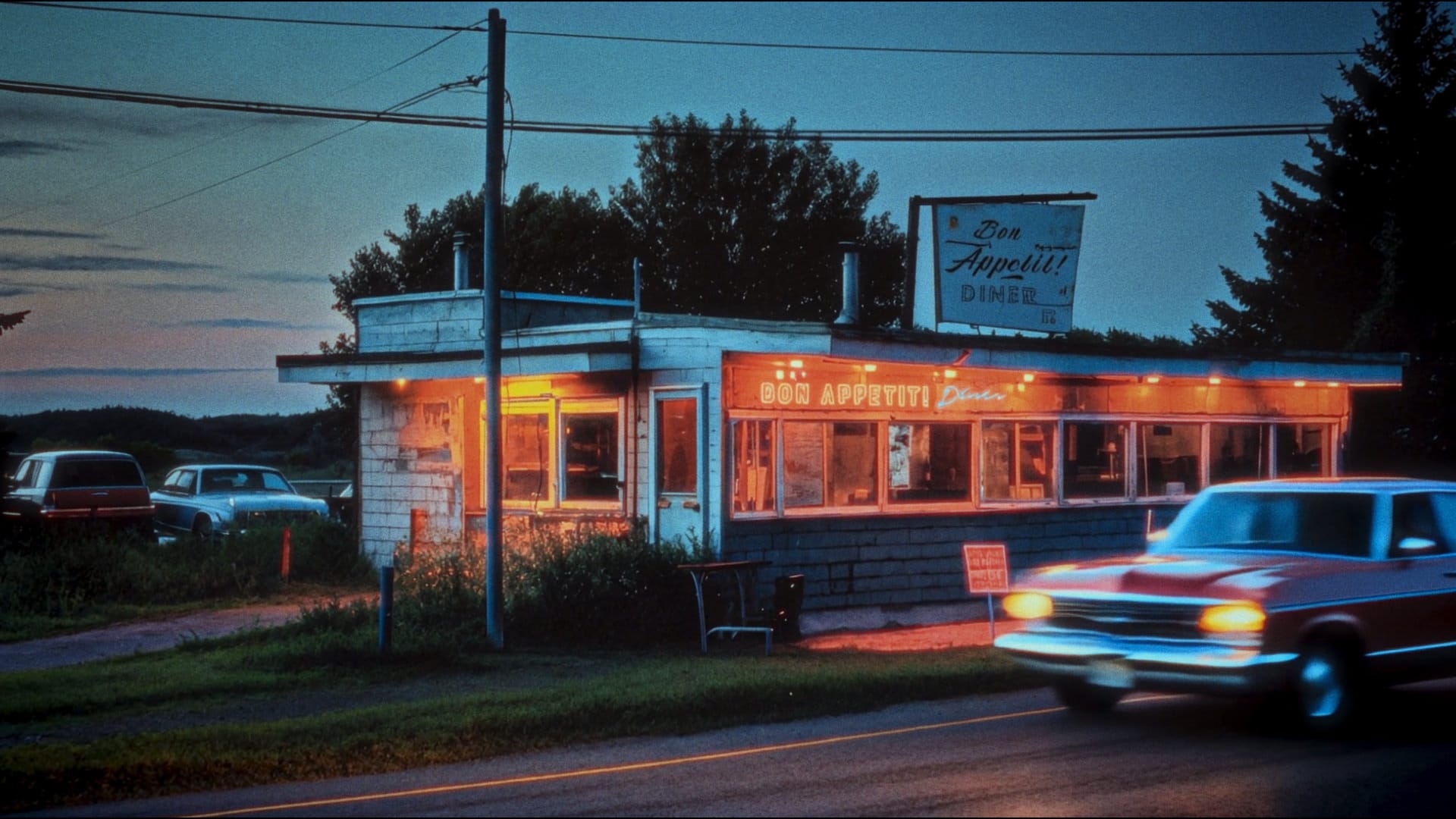
The Race for the Final Image: Speed and Iteration
The most profound and immediate difference between these two worlds is speed. Think of it as creative velocity, the time it takes for an idea in your mind to become a tangible image you can react to. Traditional 3D workflows are deliberate and methodical, a marathon that demands patience. Each stage, modeling a character, UV unwrapping textures, setting up complex lighting rigs, and finally, the render itself, is a significant time investment. A single, high-fidelity frame can easily take a full day’s work before you even press the render button, which might tie up a machine for another twelve hours. This friction means that experimentation is costly, and big creative changes late in the game can be budget-breaking.
An AI-powered workflow transforms creative processes into rapid sprints, making the comparison between AI Render Pro and traditional rendering crucial. Platforms like Midjourney and DALL-E enable users to quickly convert ideas into visual concepts, generating high-quality images from prompts in under a minute. AI Render Pro enhances this efficiency by transforming client briefs into precise production-ready prompts, fundamentally altering the economics of creativity.
The real power of this velocity isn’t just getting the first image faster; it’s the ability to iterate without penalty. If a director wants to see that same astronaut shot at sunset instead of midday, that’s not a day of re-lighting, it’s a ten-second prompt adjustment. This allows for an incredible amount of visual exploration in the early stages of a project. My practical tip: For your next project’s look development phase, time-box one hour for AI exploration. Try to generate 30 different lighting, color, and composition ideas for a key scene. You’ll likely discover visual paths you would have never had the time or budget to explore using traditional methods alone.
The Quality Equation: Pixel-Perfect Control vs. Creative Serendipity
When we discuss quality, the conversation shifts from speed to intent. Traditional rendering offers something AI, in its current form, cannot: near-absolute control. Every vertex, every shadow, every reflection is a choice made by the artist. This meticulous control is non-negotiable for certain tasks. Think about the final VFX shots in a blockbuster film, where a CGI character must interact perfectly with a live-action plate, matching the lighting and lens distortion down to the pixel. Or consider character animation from a studio like Pixar, where the consistency of a character’s model and expressions across thousands of frames is paramount to emotional storytelling. This is where software like Blender, Maya, and Cinema 4D shine, they are instruments of precision.
AI rendering introduces a beautifully chaotic variable: serendipity. It’s less like sculpting with a chisel and more like collaborating with a dream. You guide the AI with your words, but its interpretation can lead to unexpected and often breathtaking results. This can be a massive creative boon, pushing you outside your usual habits and styles. However, this also presents challenges, particularly with consistency. Getting the same character to appear with the exact same features across multiple shots can be difficult, though techniques are improving. This is a key focus of advanced prompting, which you can explore in our Midjourney Mastery Guide. The “quality” of AI art is often in its atmospheric, textural, and conceptual power, not its replicable precision.
Ultimately, this difference in quality and control dictates where each tool fits in the pipeline. The debate of AI Render Pro vs traditional rendering is resolved by understanding the project’s needs at each stage. My practical tip: Embrace this distinction as a strength. Use AI as your creative partner during pre-production to generate a rich visual bible for your project. Let it surprise you. Then, once the vision is locked, use traditional 3D tools as your precision instruments to execute the final, controlled shots for production, ensuring every detail aligns with the established look.
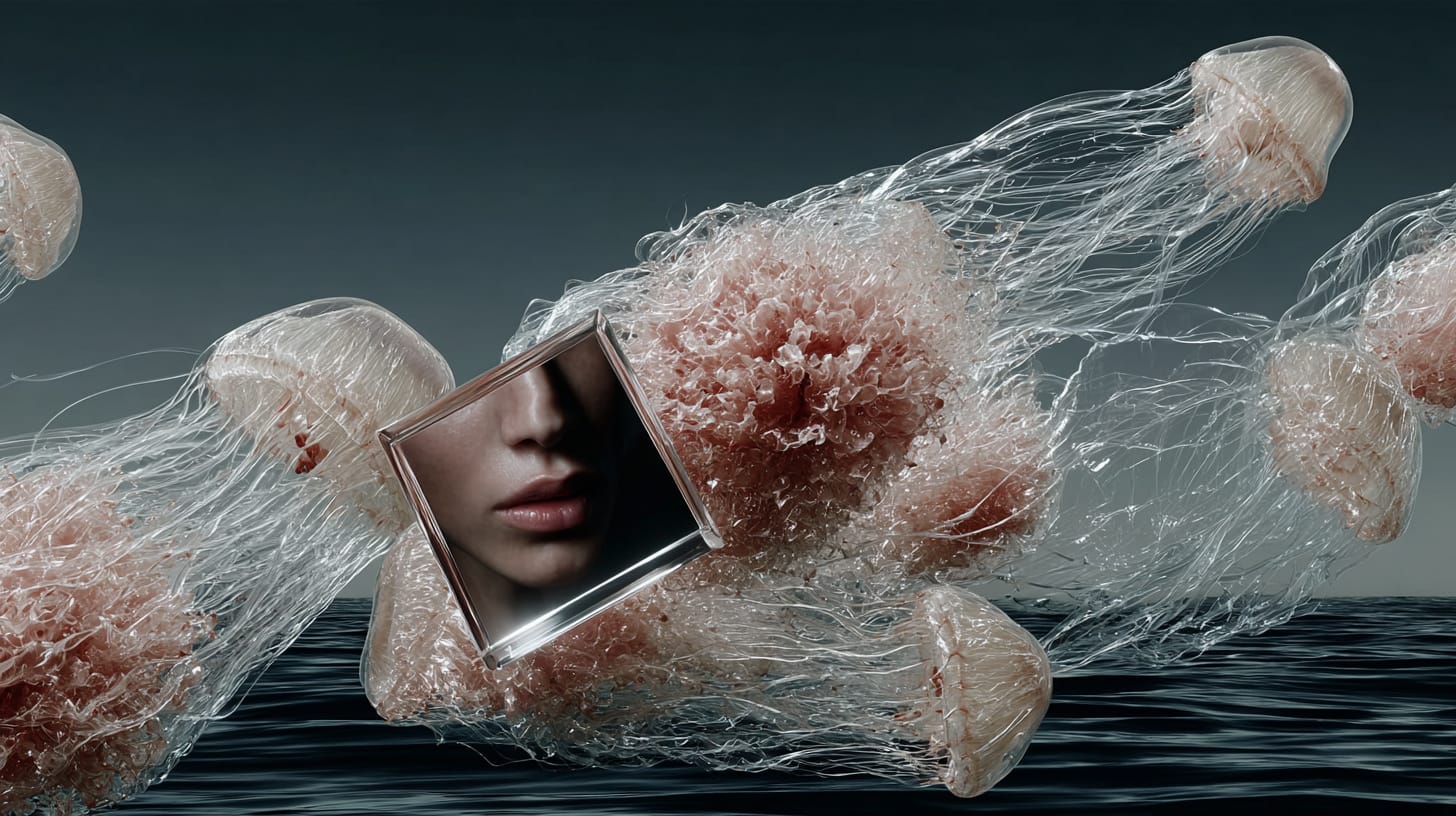
The Cost Breakdown: Hardware, Software, and Human Hours
For decades, creating high-end CGI was an expensive game. The barrier to entry was a wall built of costly software licenses, powerful hardware, and the immense labor costs associated with the time-intensive process. A professional license for Autodesk Maya or 3ds Max can run close to $2,000 per year, per artist. Add to that the rendering plugins like Redshift or V-Ray, and the cost continues to climb. But the real expense is often the hardware. A single high-end GPU like an NVIDIA RTX 4090 costs a small fortune, and professional studios chain dozens of them together into render farms, which consume massive amounts of power and require dedicated space and cooling.
The AI workflow completely inverts this cost structure. Instead of a massive capital investment in local hardware, the processing is done in the cloud. The primary costs are manageable monthly subscriptions to services like Midjourney or pay-as-you-go credits for other platforms. This model democratizes access to world-class image generation. An independent filmmaker in Bangkok can now create concept art with the same level of fidelity as a major Hollywood studio, using nothing more than a standard laptop and an internet connection. The most significant saving, however, is in human hours. By collapsing the time from concept to image from days to minutes, you are drastically reducing the single most expensive component of any creative budget: the artist’s time.
The economic shift in AI rendering compared to traditional rendering significantly lowers the cost of visual ideation, transforming it from dollars per render to dollars per idea, where AI vastly outperforms traditional methods. This reduction in cost encourages more creative risk-taking since failed ideas incur minimal expense. To understand this value, project the budget for a 3D artist to create five visual concepts and compare it to the cost of a one-month Midjourney subscription and a few hours of your time, highlighting the clear advantages of AI rendering.
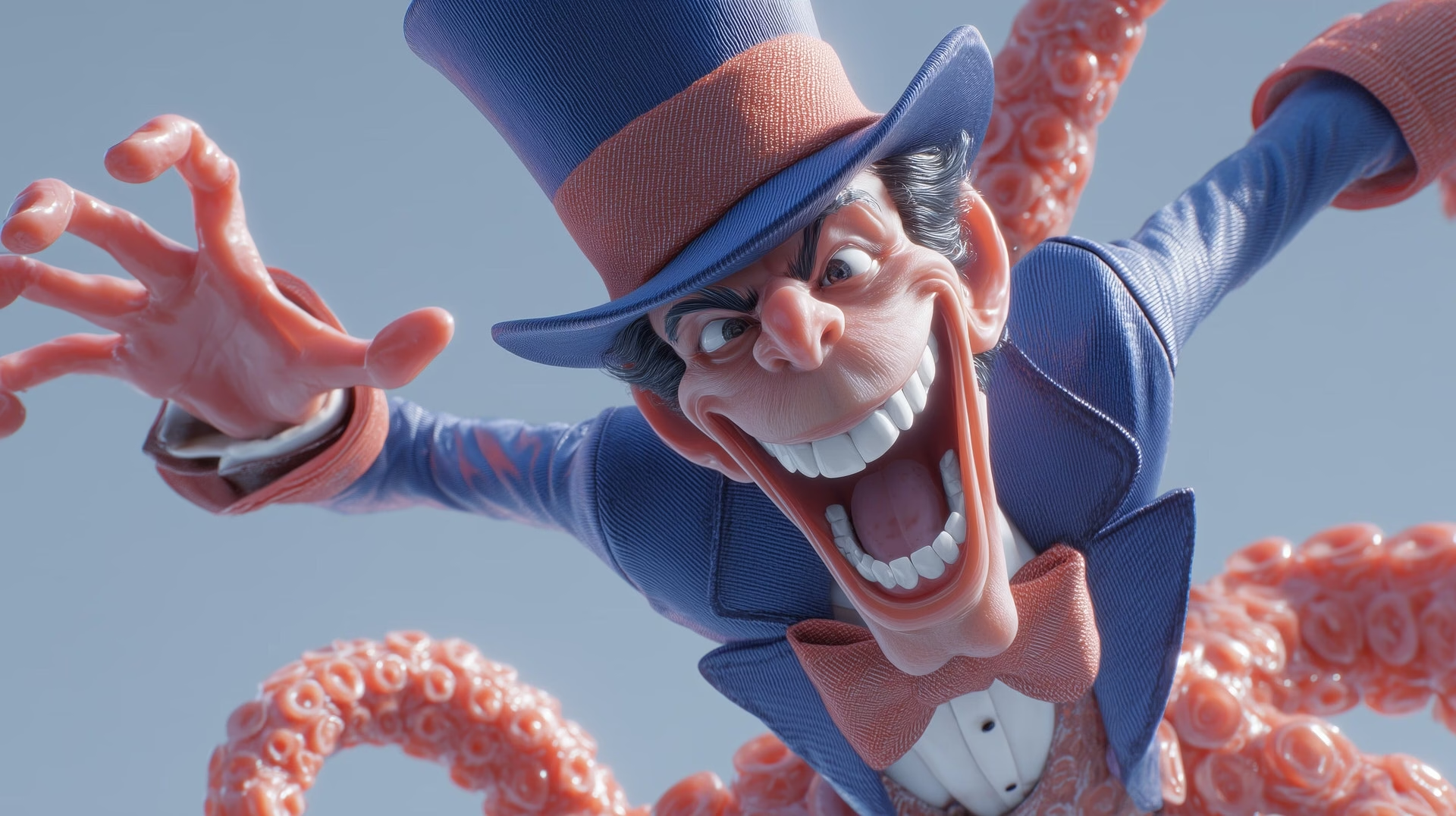
The Modern Toolkit: Choosing the Right Tool for the Job
This brings us to the most practical part of the discussion: when should you use which workflow? It’s not an “either/or” choice; it’s about building a hybrid pipeline where each tool is used for what it does best. Thinking in these terms moves you beyond the simplistic “AI vs. Human” narrative and into the mindset of a modern, efficient creative strategist. The key is to map the tool to the task’s requirements for speed, control, and creative intent. This strategic approach is at the heart of effective Filmmaking AI Workflows.
Generative AI, especially when guided by a structured tool, is unbeatable for the entire pre-production and ideation phase. Use it for: rapid concept art, generating dozens of keyframes to establish a film’s visual language; storyboarding, quickly creating panels to test cinematic sequences; look development, exploring countless color palettes, lighting styles, and moods; and creating rich matte paintings or backgrounds that would take weeks to build traditionally. It’s a tool for exploration, for asking “what if?” at a pace that was previously impossible.
Traditional rendering, however, remains the undisputed champion for final production tasks that demand absolute precision and consistency. Use it for: final VFX shots, where CGI elements must be seamlessly integrated with live-action footage; character animation, where a character’s performance must be consistent and emotionally specific across a film; and product visualization, where every curve and material of a commercial product must be 100% accurate. These are tasks where there is no room for the “happy accidents” of AI; the output must be exactly what was intended.
The most powerful workflow I’ve found is a hybrid one. My practical tip: Start your next set design by using AI. Use prompts to generate concepts for a location until you land on a direction you love. Then, hand that AI image over to a 3D artist as a detailed reference plate. They can then use traditional software like Blender to model the set with the necessary precision for the final shots, using the AI art as their blueprint. This combines the best of both worlds: the boundless, rapid creativity of AI with the controlled, reliable execution of traditional CGI.
Internal Links for Further Learning
- Discover how to turn complex briefs into stunning visuals with AI Render Pro.
- Dive deeper into crafting cinematic images with our Midjourney Mastery Guide.
- Explore advanced techniques with these 10 Powerful Midjourney Prompts for Character Design.
Conclusion
The debate between AI-generated renderers and traditional rendering highlights the evolution of creative tools rather than a competition. AI serves as a powerful lens that enhances rather than replaces artistic vision and storytelling craft by eliminating technical and financial barriers. By leveraging AI’s strengths in speed, iteration, and creative exploration, we can focus our efforts on the detailed work where traditional rendering excels, suggesting a future where both methods coexist harmoniously.
What are your thoughts on this new hybrid workflow? Have you found a balance that works for you? Drop a comment below; I’d love to hear about your own experiments.
FAQ
Can AI completely replace traditional 3D artists?
No. This is a common fear, but I see AI as a co-pilot, not a replacement. AI is a tool for executing a vision, but the vision, the taste, the storytelling instincts, and the critical eye to refine the output still come from the human artist. The skills are shifting from pure technical execution to creative direction and strategic thinking.
How does a tool like AI Render Pro handle complex client briefs?
It’s designed specifically for that challenge. Instead of just guessing at prompts, you can input a client brief, a script segment, or a descriptive paragraph. The custom-trained model analyzes the text to identify core themes, subjects, styles, and moods, then structures that information into a detailed, production-ready prompt that gives you a much higher chance of getting the intended result on the first try.
What is the learning curve for AI vs. traditional rendering software?
The difference is massive. Mastering traditional 3D software like Blender or Cinema 4D is a multi-year journey filled with technical hurdles. You can learn the fundamentals of generating images with an AI platform like Midjourney in an afternoon. The skill ceiling is high, mastering promptcraft is an art, but the barrier to entry is incredibly low.
Is AI-generated content suitable for commercial projects?
Yes, increasingly so, but with important caveats. The legal and ethical landscape around copyright and AI-generated content is still evolving. It is absolutely crucial to read and understand the terms of service for any AI platform you use for commercial work to ensure you have the appropriate rights to the images you create.
Discover more from Olivier Hero Dressen Blog: Filmmaking & Creative Tech
Subscribe to get the latest posts sent to your email.
Work with Olivier
Director | CD | DP & Photographer
Specializing in commercials, music videos, AI-driven filmmaking, and cinematic storytelling for brands and production companies.
🌍 Shanghai · Paris · Los Angeles · Dubai
🎬 View Portfolio & Get in Touch


[…] in the same way as the practical light interacts with the physical lens. It’s a leap forward in AI rendering vs traditional, offering a computational approach that mirrors […]
[…] resolutions. AI-driven rotoscoping and masking can reduce hours of tedious work to minutes. AI rendering vs traditional methods are becoming a significant point of comparison for studios. These advancements mean that […]
[…] and engagement. This blend of traditional and modern approaches resonates with discussions around AI rendering vs traditional techniques in post-production, where the optimal outcome often involves a smart integration of […]
[…] enhance the narrative. The precision required for such designs highlights the benefits of AI over AI rendering vs traditional methods. Platforms like Meta Quest continue to push the boundaries of VR, making such character […]
[…] outcome. This meticulous approach to prompt construction is increasingly relevant as tools like AI rendering vs traditional methods become more sophisticated, demanding greater precision from the user. Capturing the subtle […]
[…] outcome. This meticulous approach to prompt construction is increasingly relevant as tools like AI rendering vs traditional methods become more sophisticated, demanding greater precision from the user. Capturing the subtle […]
[…] differentiate this from modern editorials. This detailed approach is a testament to the power of AI rendering vs traditional methods in replicating specific historical aesthetics. For more on the fashion trends of the era, you can […]
[…] of nuanced understanding of user needs is what drives innovation, similar to the discussions around AI rendering vs traditional […]
[…] seamlessly with other AI capabilities. It can suggest relevant visual elements by connecting to AI rendering vs traditional tools, propose optimal posting times based on audience activity patterns, and even draft […]
[…] lesson that reverberates across the industry, especially when considering the rapid advancements in AI rendering vs traditional methods and their data […]
[…] Furthermore, AI Render Pro’s advanced controls extend to camera settings. You can dictate the lens type, which directly impacts distortion and depth of field, crucial for achieving that authentic early 2000s photography look. Coupled with specific film stock emulations, the rendering engine can mimic the color shifts, saturation, and grain patterns of the era’s popular film types. This level of control ensures that the generated image isn’t just a generic retro picture, but a faithful recreation of Y2K fashion photography. The platform’s commitment to expanding its features, including detailed control over character expressions and environmental props, means that the glamour and specific stylistic choices of the Y2K era can be meticulously recreated. This is particularly useful for projects requiring historical accuracy or a strong nostalgic appeal, offering a powerful alternative to traditional rendering methods. […]
[…] careful attention to detail, from storyboarding to post-production, possibly even utilizing AI rendering vs traditional for […]
[…] acquiring licenses for cutting-edge software, and recruiting specialists in emerging fields like AI rendering vs traditional is staggering. If the return on investment from these innovations—in terms of enhanced film […]
[…] notes, and revisions with clients and remote team members, eliminating the delays associated with traditional file transfers and email chains. Frame.io’s integration with NLEs like Adobe Premiere Pro means editors can […]
[…] in pre-visualization, the synergy between pilot and camera operator, and the integration of drone movement into traditional […]
[…] line — Mastery of LED lighting requires technical literacy beyond traditional gaffing, focusing on color fidelity, power management, and integrated digital […]
[…] of the evolving cinema experience is paramount. We’re hurtling towards a future where the traditional multi-hour movie theaters might see their dominance challenged by a new paradigm: the “hour movie […]
[…] Kling, Seedance, Higgsfield, Runway, and Veo are pushing boundaries. Each offers distinct features, rendering capabilities, and workflow integrations. OpenAI may have assessed the market and concluded that the […]
[…] only AI Render Pro had existed at the time, a huge part of the heavy lifting could have been accelerated or completely […]